Could you tell us more about “calendar invites”? Are you referring to tickets from EventON – Event Tickets or RSVP add-on?
Please also make sure to update all add-ons. To update eventon addons: You can download latest eventon addons from myeventon > my account. Then you can go to your website, deactivate old addon and install new one and activate then delete the old addon. This link will further explain the process. Also you can follow us on twitter to get real-time announcements on updates!
Hello,
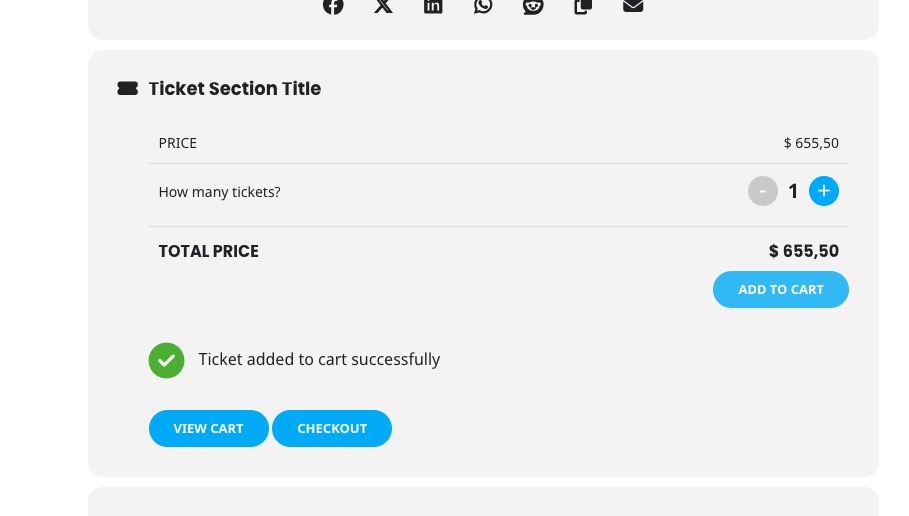
I don’t believe that EventON has such functionality. It should show “View Cart/Checkout” inside of Tickets’ section:
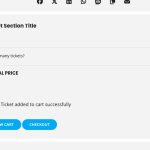
However, I think we should be able to fix this if you can send us a link to your website.
Is the same thing happening if you use the default theme without your custom version of Tickets section?
…some tickets are automatically deleted…
Tickets from wp-admin > Events > All Event Tickets or WooCommerce > Order?
Ashan,
Their other ticket:
https://helpdesk.ashanjay.com/ticket/single-event-pages-2/
Hello,
Thank you for your messages, I am going to assign this ticket to Ashan and he will be able to take it from here and find you a solution. Please allow some time for him to get back to you, we greatly appreciate your patience and thank you for being a eventon customer!
PS I assumed as this is private that I could send the login details. However if not secure please delete the reply and advise how I can send to you.
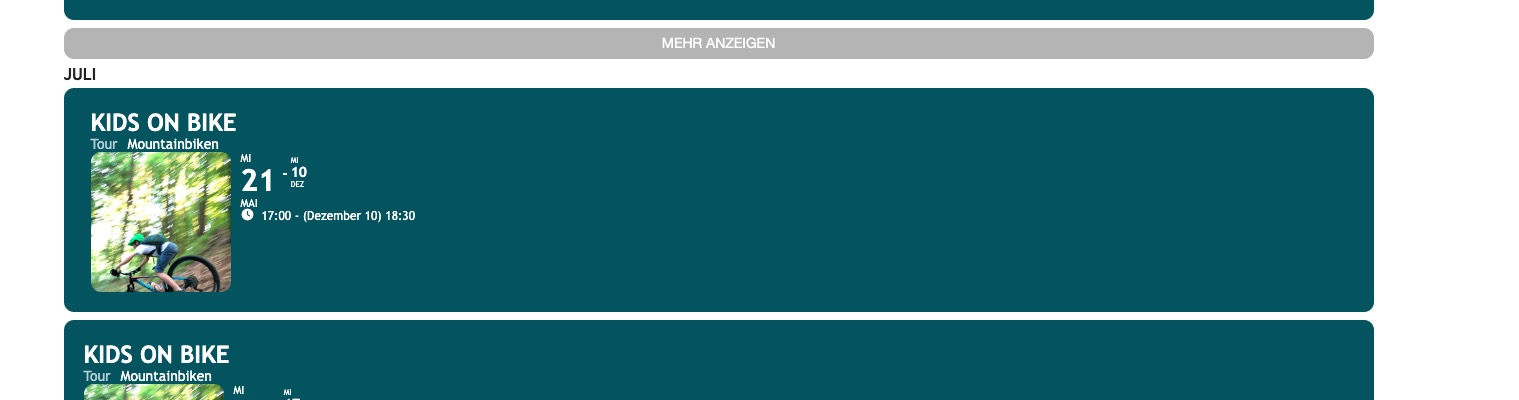
Lets take this event as an example:

It goes from 21st May to Dec and so since it’s May 21st at the moment it cannot be hidden since it’s still in the future.
Please try removing event_past_future=”future” from the shortcode to see past events appear.
Could you tell me the exact Start and End date of the event on the screenshot? Is it correct that it lasts from May to Dec? Shouldn’t it be May 21st to May 28, so the following event can go from May 28 to Jun 4?