Hello,
Thanks for you reply.
OK done !
Best
Alain
Replies for tickets on suppota
Hello,
Thanks for you reply.
OK done !
Best
Alain
I have tried everything, simply doesn’t work
I just placed the code in again about 30 minutes ago. Without touching anything on the site it will be gone tomorrow. I’ve placed the calendar shortcode on the page three times. At first I thought it was something I did but it keeps happening randomly.
Please send us wp-admin access to your site as a private message for us to further assist your situation.
sometimes happens with certain themes If we can get in there we can add some mobile specific CSS to make it look better on mobile
Thank you for your great suggestion, at the moment it is not supported. However please create a new ticket and select Feature Request as category so others can vote on your idea and get it moved into development faster.
or
You can send us a customization job request by creating a new ticket in here and selecting Customization Request as the category.
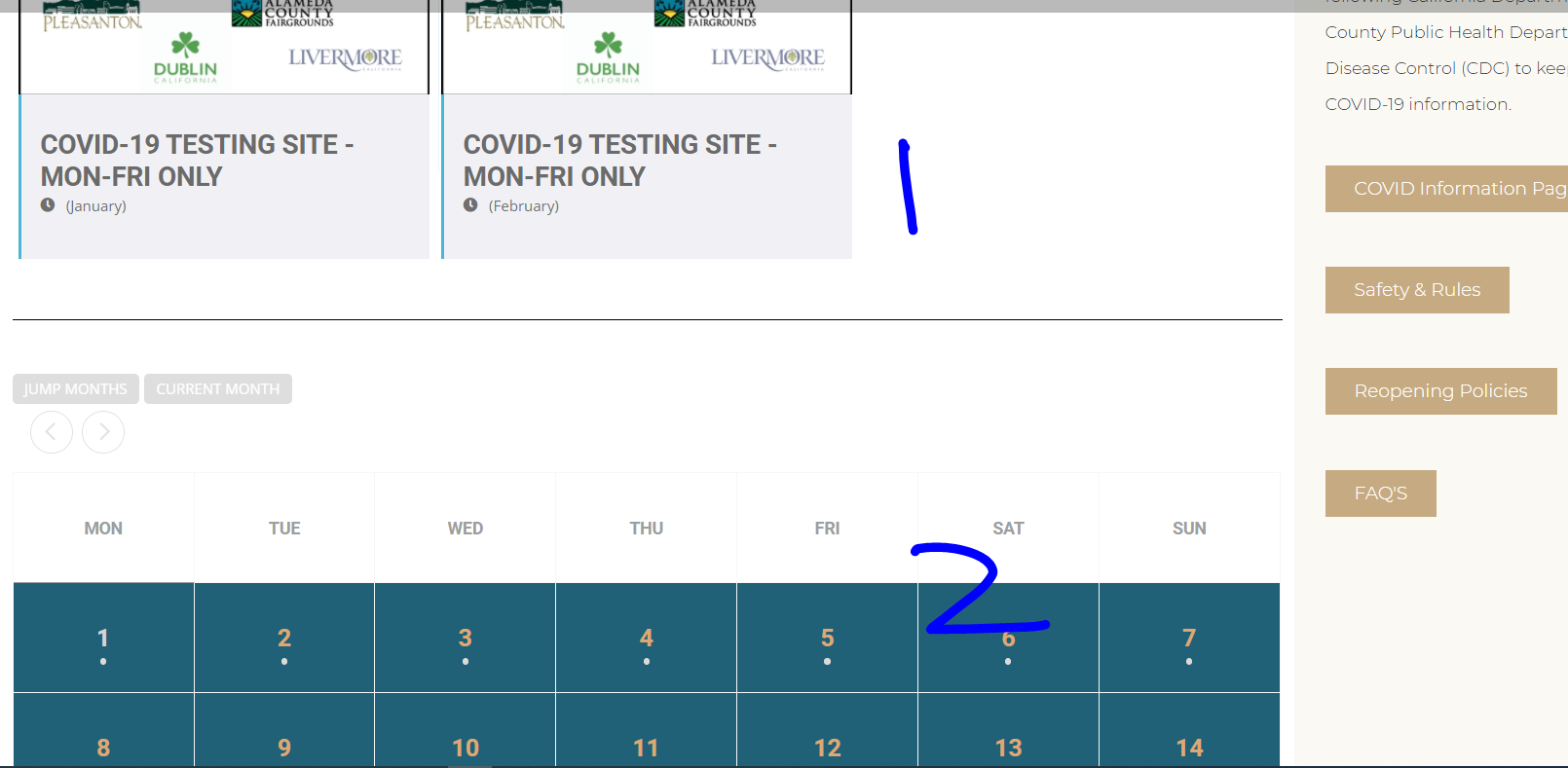
works fine on my site I am developing: https://ezystreamlive.com/main-event/
and from what I see on your site it works as normal- nothing vanishes
perhaps clear your browser cache
OK see this video on adding your speakers and time table
and this is a small clip on arranging the speakers and schedule
To update eventon to latest version: If you are unable to do autoupdate, you can go to codecanyon your account > download and get the latest eventon version as zip file. Then you can go to your website, deactivate old eventon, activate (Do not delete eventon settings & data when EventON is uninstalled) from eventon settings, delete old eventon, install new one and activate. This link will further explain the process it. Also you can follow us on twitter to get real-time announcements on updates!
When you can do let me know an approximate time frame. Right now my team is taking our repeat events and re-entering them as single-day events because we just need to get the reminder emails and attendance to be accurate. They seem a bit cranky about the idea or entering 150 single events. 🙂
Customer completed payment of 800 for the job.