I just tested this on our test site and it seems to be working correctly: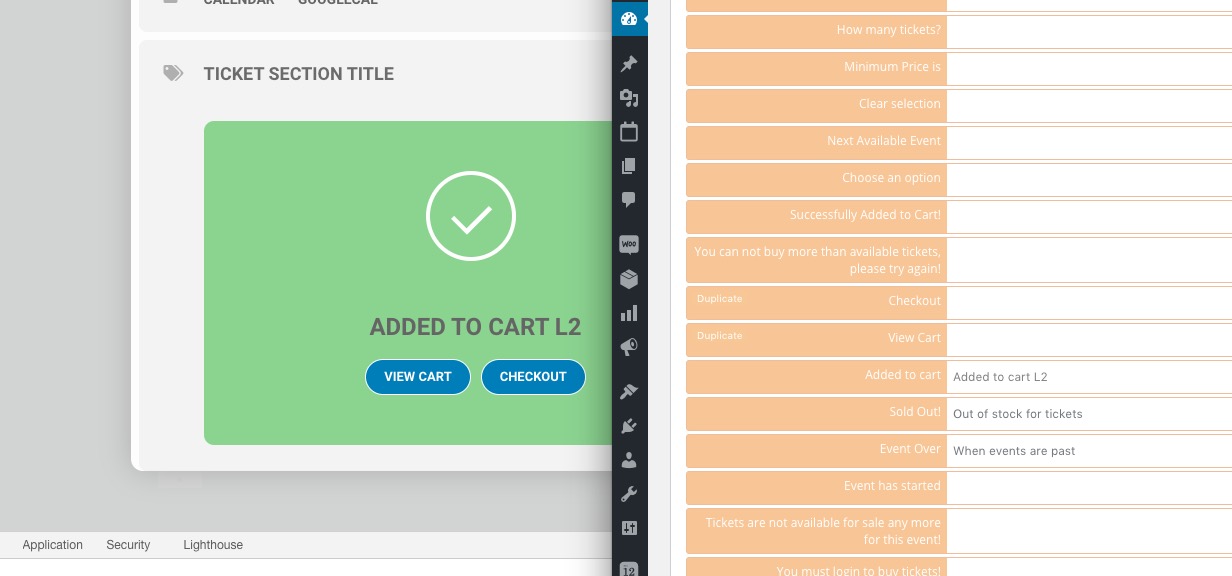
https://dev2.myeventon.com/24964-2/
Could you or may I please try the instructions mentioned in this documentation?
Replies for tickets on suppota
I just tested this on our test site and it seems to be working correctly:
https://dev2.myeventon.com/24964-2/
Could you or may I please try the instructions mentioned in this documentation?
For free events you probably want the RSVP addon instead of tickets
https://www.myeventon.com/addons/rsvp-events/
this makes them register to attend the event after they fill out a form with additional questions set by you in the form- they get access to the link
see video below
Action user works with:
things like reminders, invites, countdowns have to be done by the admin at this point in time, however we are building additional functionality to allow these to be controled by the action user
and I shouldn’t say this but its a secret (I am excited about) but we are building an embeded streaming video on the event itself, that doesn’t need you to have a 3rd party streaming platform (no need for zoom for example) but thats being developed
I have discovered that Dokan which is a vendor plugin allows you to make a cut off ticket prices
so your user would create an account on your site (using Dokan and they become a vendor)
They then add an event with tickets activated. set what ever price they want
and you can iether make a percentage or a flat fee of the ticket price- the Dokan has free version which does work but is limited- their proversions have better commision types and more payment gateways
Dave
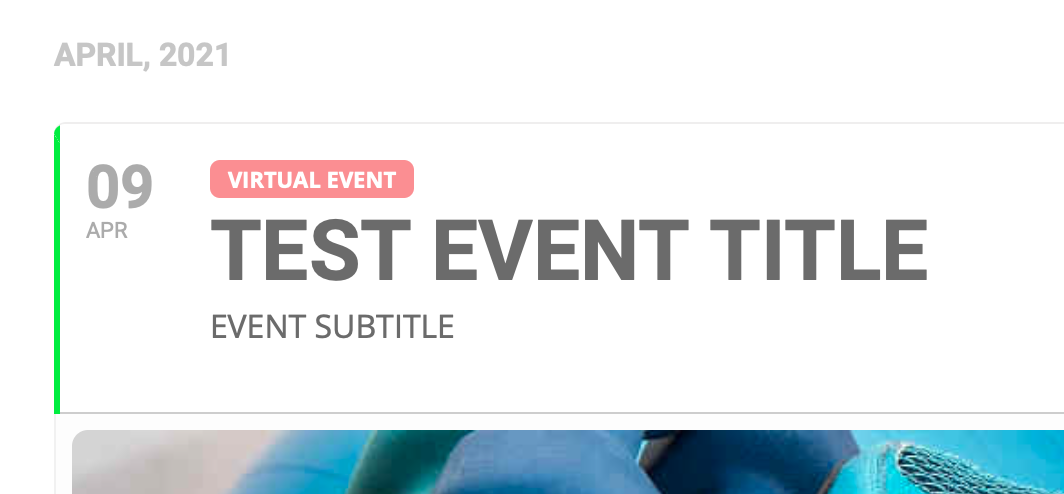
Hi there, thanks for your response – does the booking add-on work when the event is a fixed date and time? I don’t want to offer time slots or anything like that, just a simple function where a user sees an event for a fixed day and time and decided that they would like to book that event, and they subsequently receive the Zoom link. I also don’t want to charge for any events, they’re all free, they just need to be booked. It sounds like it would do the job, if you could just confirm that for me I’d be grateful.
While I’ve got you, I can’t find anywhere to change the left hand green line on the screenshot attached. Could you advise where I change this?
Normally in the welcome email when you first connect your domain name to the server you get a welcome email with ftp in there
or you can og into your godaddy account
see: https://au.godaddy.com/help/find-your-ftp-login-or-username-for-plesk-hosting-16101
Site appears to be down- we cannot see it
We are glad your issue is resolved, if you have any further questions or concerns please create a new ticket.
If you have a moment, we would greatly appreciate if you could kindly leave us a review at codecanyon! from your account > downloads. Cheers!
Hey Kimberly,
Thank you for sharing those. We have asked Ashan to review the ticket as soon as possible.
Hey Nitzan,
Thank you for the clarification.
I have escalated the ticket now, so we can be able to review it quicker.
Another bug is I disabled Hide blinking “Live Now” icon from event top for current events in Settings
However that still shows so this is another bug