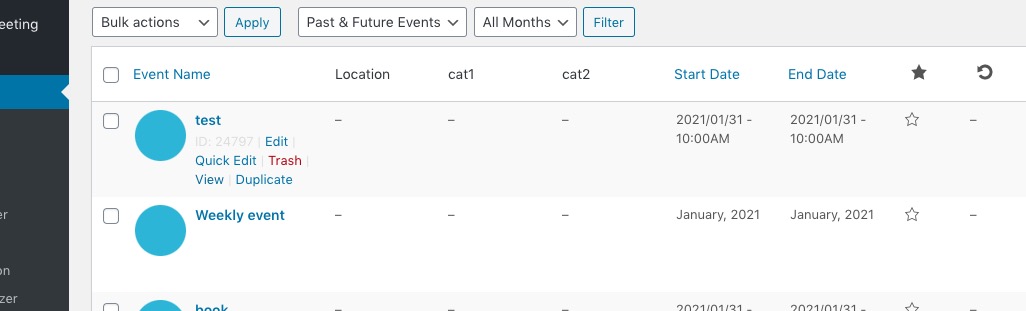
How do I access the single event pages?
Please go to wp-admin > Events > click View:
Also, I was hoping this shortcode could be applied to the main calendar page. I want to see all of the months listed on one page. Is that possible? Is there somewhere else where I can put the code?
Please check this video guide: https://www.youtube.com/watch?v=Jg2Xr7t89RE&list=PLj0uAR9EylGrROSEOpT6WuL_ZkRgEIhLq&index=8. You need to create a new Page and put a shortcode there.
(I think you meant ‘turn On’ that settings. It was turned-off by default.0
A lot of customers already have this option enabled, so had to write it this way.
Any idea why?
Unfortunately, we need to check this ourselves. Could you please try the instructions mentioned in this documentation?
Reply to: 216336
Ashan,
Could you check this one? Not sure if this is our problem.
Thank you for your messages, I am going to assign this ticket to Ashan and he will be able to take it from here and find you a solution. Please allow some time for him to get back to you, we greatly appreciate your patience and thank you for being a eventon customer! Also please disable any IP blocking on your site if there are any.
I am sorry for the wrong screenshot. Please check this one: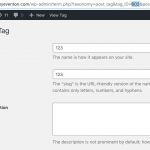
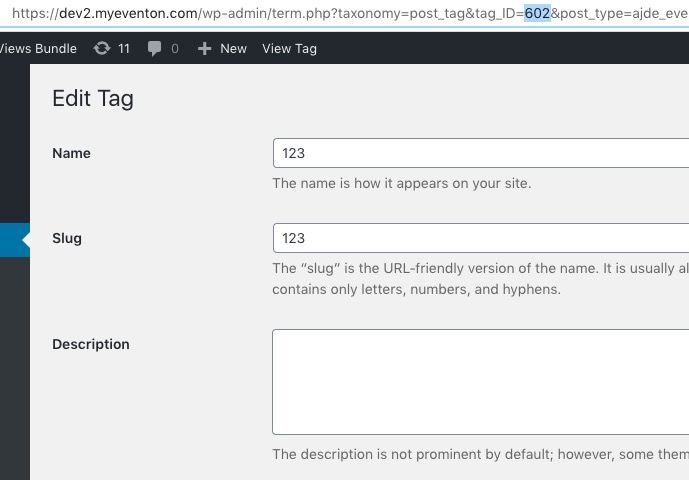
About your tags issue. Please use Tag ID and not it’s name. You can find their ids by going to wp-admin > Evens > Tags > Edit: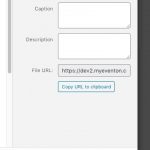
Please check and let me know.
I do experience a weird issue saving events. I can create new events, however when I open an already created event, do some modification and try to save it (click Update), it seems like doing something but closes the Events and opens the Posts. The modifications never saved. I cleared the cache, restarted the computer not luck. Any idea why?
Hi, Since the newest update some of styles are not showing up anymore… See video.
https://www.loom.com/share/bf115025161a4e4294e051c8d547f3d5
Hey Carol,
Sure we can, but the payment still needs to pass.
Hi,
I sent it just now. You should receive it soon.
-Ashish