I have replied to your mail. I am messaging the same thing here.
So, the work was already completed with just one question we had for you.
Since RSVP is registered to each single event ( All Event RSVPs ).
- If Event have three repeat X,Y and Z and if a user RSVP for repeat X, then single RSVP will registered to backend ( All Event RSVPs ) for that X repeat.
- So while preparing sms reminder cron, do you want plugin to look up all other repeating events and prepare cron job ( sms reminder ) for all other repeating events ?
here is a link: https://codecanyon.net/page/customer_refund_policy
the way code canyon works is that we withdraw money once a month from the sales- so codecanyon still have your money
I am unable to find their contact button but you could contact them via facebook: https://www.facebook.com/envato/
for rsvp there is {event-name} {event-link}{rsvp-yes-count}{rsvp-no-count}
for Tickets there is {event-name} {event-link}
generally the reminder is sent 60 minutes before the event for example or 24 hours- so your first reminder would say
1 day to go
and then the next would be – We are starting in one hour, so the date isn’t as relevant
I am trying to get ashan to create more reminders so you can activate even more
I like to have 1 week before, 1 day before, 1 hour before and one that says we are staring the event right now- so we will see if we can get that working as well
-The event/class is not from 10am August 6th to 11am Sept 1oth so thats displaying incorrectly
-the event showing on the wrong calendar is an issue because the plugin as stated can have separate calendars with separate events on them.
It’s almost everything, just one more thing that I realized right now
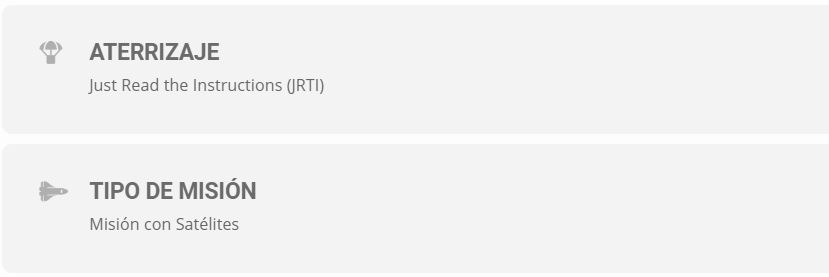
How can I make two or three eventcards appear on the same line, as the time and location option came by default, both boxes appear on the same line, I send two captures:
1. how do I have it
Everything works. Many thanks. I don’t see a Dynamic tag for event date or event time? Any thoughts on how I can add this? I tried {event date} but that was a no go.
So has everything been solved or do you still have issues?
Africa, USA, Nepal and USA