Hello,
This seems to be working correctly on our test server:
https://dev2.myeventon.com/events/solidworks-simulation-course/
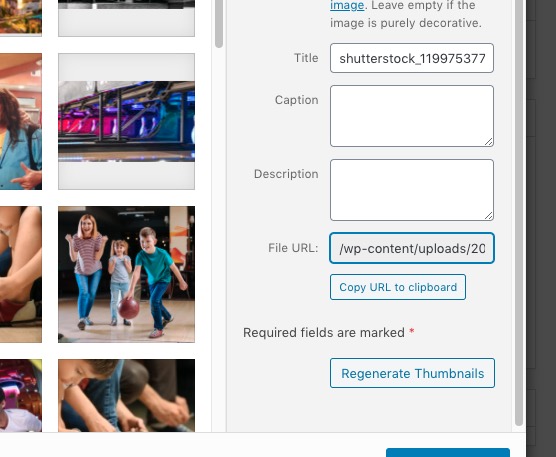
I noticed that your images URLs aren’t full:
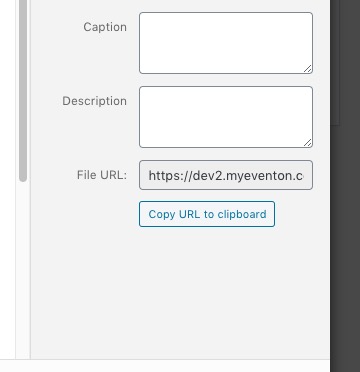
This is not correct as by default they should look like this:
Could you try checking if one of your plugins can do this?
Hey Ashan,
I applied the update to : event on + slider + ??can,t remember… rsvp point I think, about 2 days ago, I think.
If my memory is good, I did not update Elementor in between
I have full confidence in you, you can go in there whenever you want.
The credential is always the same :
host : mieux-etre.tv
user : simplelogin
pass : simplelogin***
Test page is here : https://mieux-etre.tv/test-2/
There is the RSVP unsubscribe [evo_RSVP_Manager] under the “désabonner” tab
it is also under the tabs area
Marc.
Hello,
Please add this CSS code to EventON > Styles (If you don’t see any change, EventON > Scripts & Styling > turn off Write styles to header > save settings > turn on Write styles to header):
.ajde_evcal_calendar.boxy.boxstyle1 #evcal_list .eventon_list_event .evcal_desc span.evcal_event_title { white-space: normal !important; }
You can also add this code to wp-admin > Appearance > Customize > Additional CSS.
Please make sure that your shortcode is add_eventon_list and not add_eventon.
Also note that login info is not correct.
We are glad your issue is resolved, if you have any further questions or concerns please create a new ticket.
We are glad your issue is resolved, if you have any further questions or concerns please create a new ticket.
If you have a moment, we would greatly appreciate if you could kindly leave us a review at codecanyon! from your account > downloads. Cheers!
Hello,
It seems that “EventON Settings > Set all past events as completed” was activated, correct? Have you already found a solution?
Hello
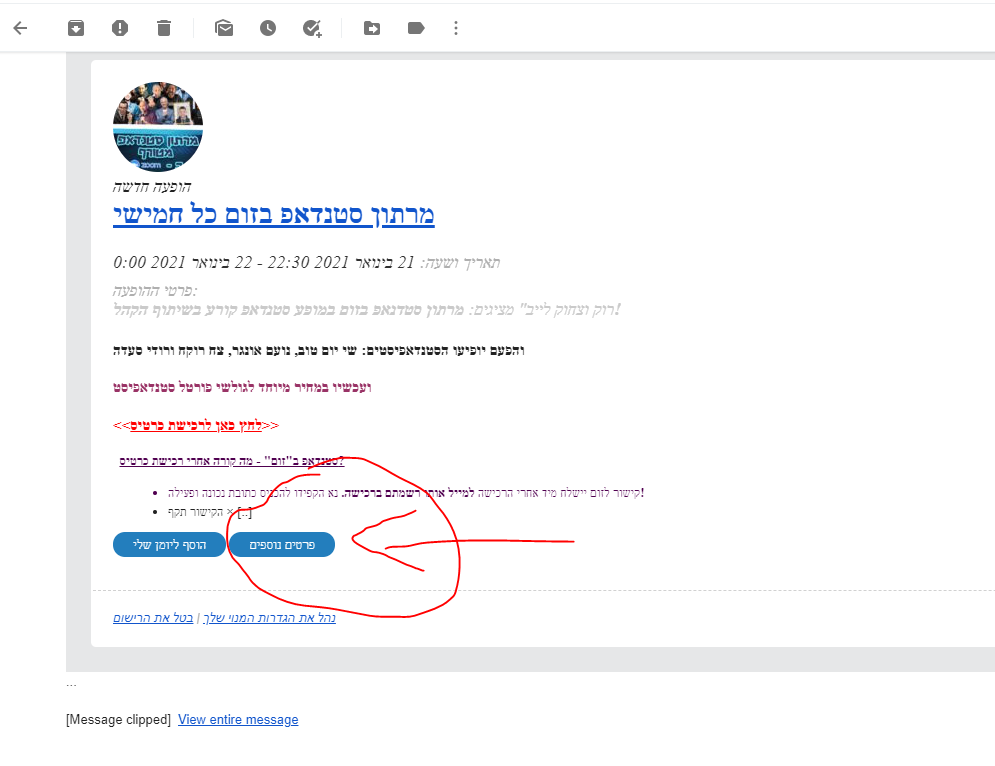
Attached the screenshot for my issue
Please your advice
Thank you
disregard – i figured it out 🙂 thank you!
that worked, thank you! One last question, how do I make the Live event name smaller?