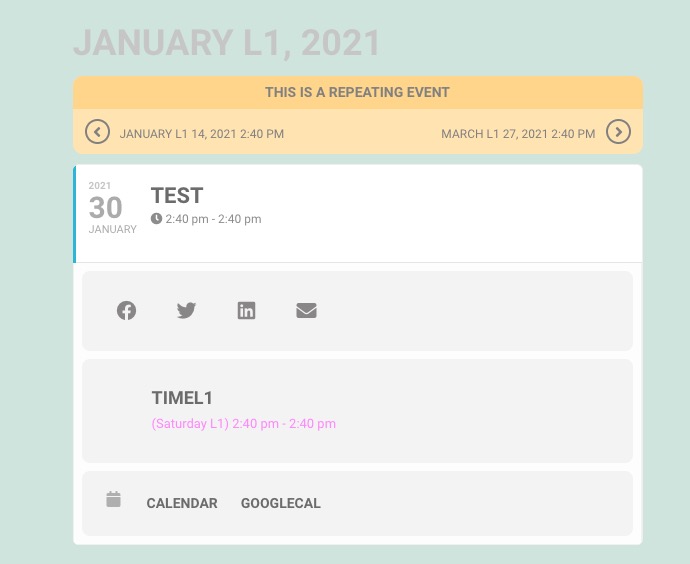
Hello,
Please check now:
https://the-grow.de/?page_id=1213
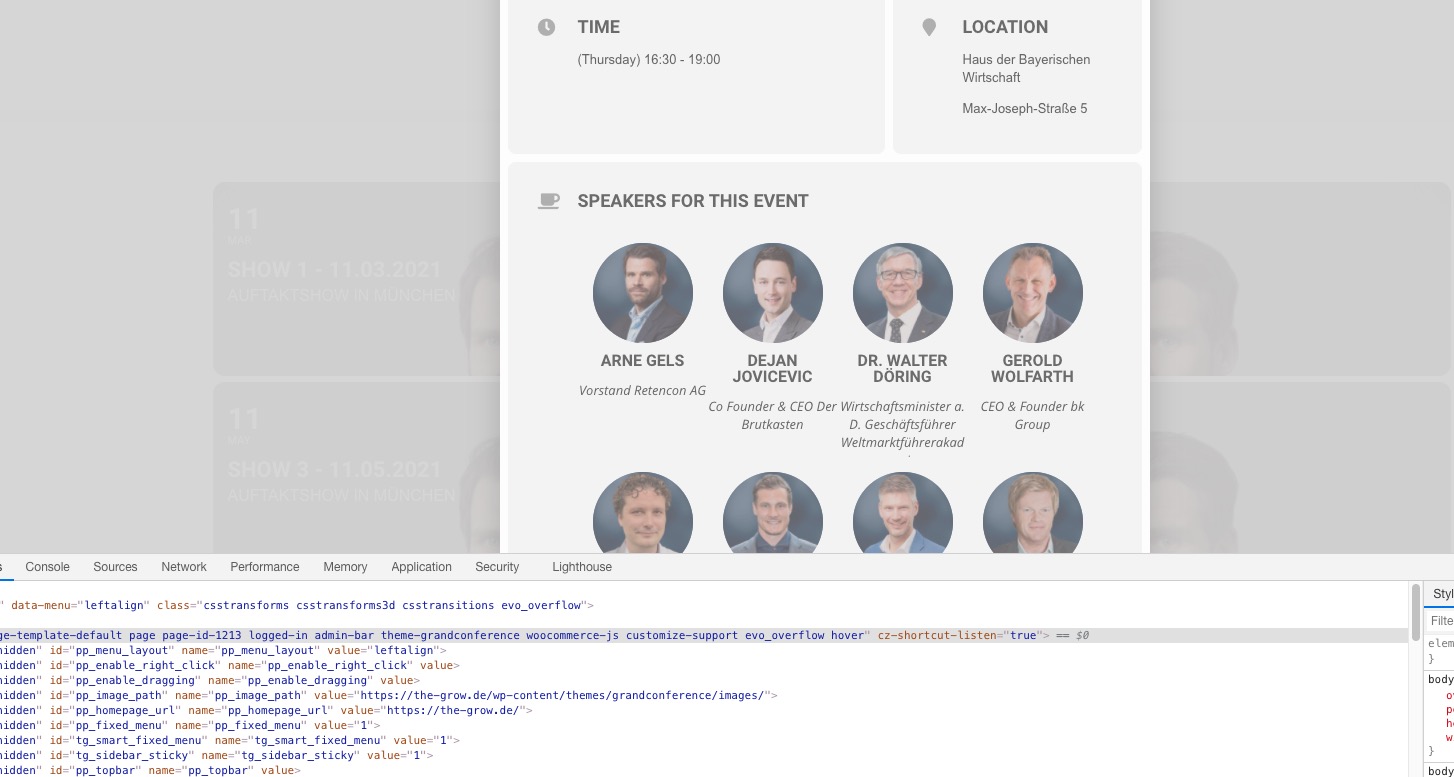
This page https://the-grow.de/?page_id=621 is protected with password.
Replies for tickets on suppota
Hello,
Please check now:
https://the-grow.de/?page_id=1213
This page https://the-grow.de/?page_id=621 is protected with password.
Hello,
Thank you for your messages, I am going to assign this ticket to Ashan and he will be able to take it from here and find you a solution. Please allow some time for him to get back to you, we greatly appreciate your patience and thank you for being a eventon customer! Also please disable any IP blocking on your site if there are any.
100 budget
Please go to EventON Settings > Time Settings > select Default Event Timezone > enable Apply default timezone to all events. Now when you create a new event they should have this timezone in Event Timezone.
Please go to EventON Settings > Language > GENERAL CALENDAR > View in my time.
Envato Market plugin also not working for updating EventON.
Unfortunately, we unable to help with this since Envato handles this.
Other plugins can be updated without an error.
Could you tell us which ones? With links, possible.
Ashan,
It seems that js from Gravity Forms breaks event schema:
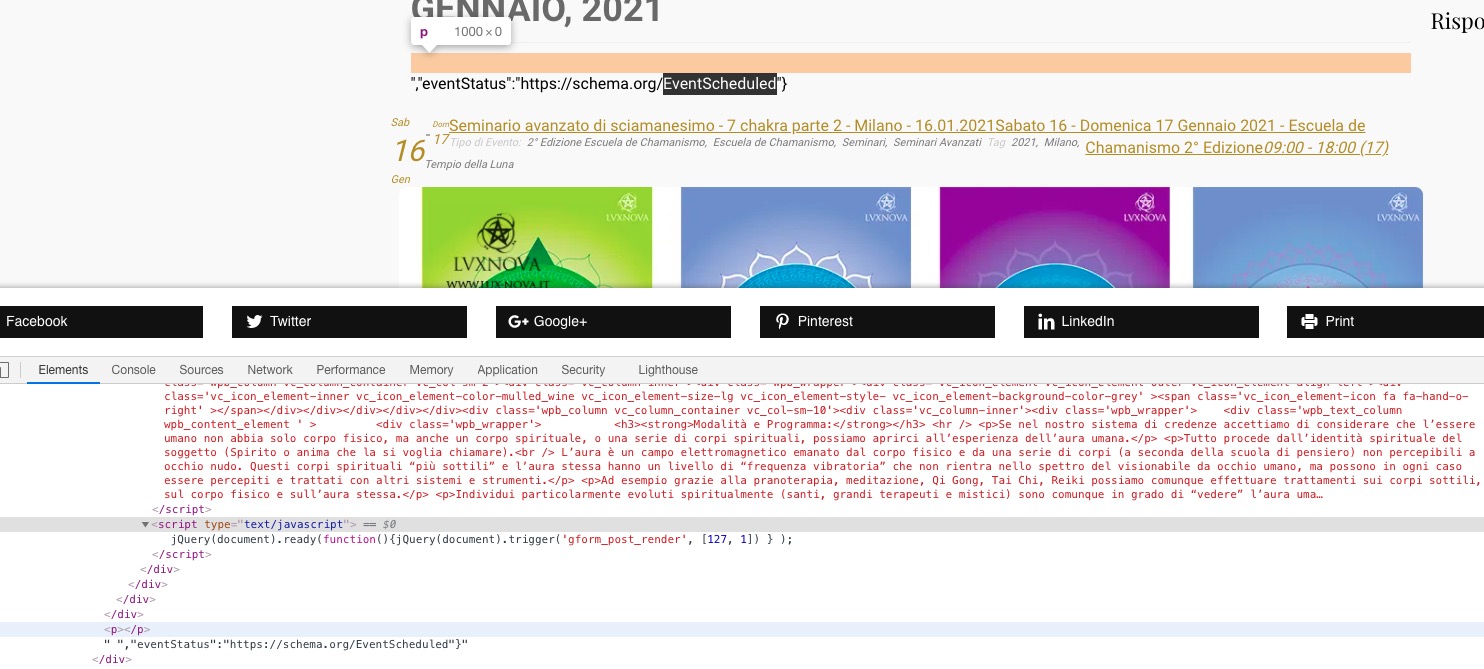
Can we do anything from our side or should they just disable it?
Hello,
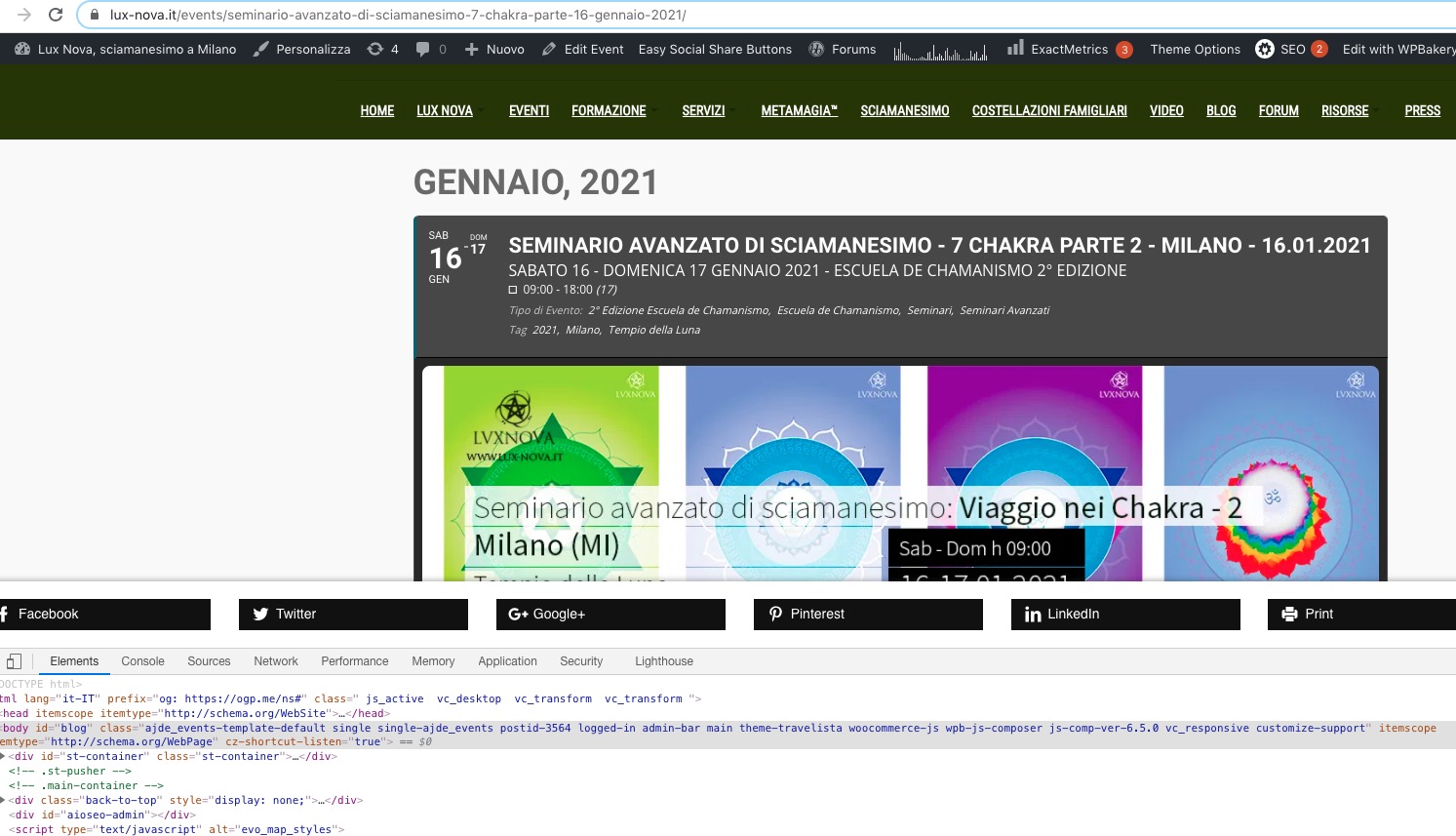
The problem is in Gravity Forms form. When the row is disabled:
Thank you for your messages, I am going to assign this ticket to Ashan and he will be able to take it from here and find you a solution. Please allow some time for him to get back to you, we greatly appreciate your patience and thank you for being a eventon customer! Also please disable any IP blocking on your site if there are any.
Hello,
There were issues with 3.0 but we’ve fixed all of them, so everything should be fine.
Just make sure to enable EventON Settings > Do not delete eventon settings & data when EventON is uninstalled before the update.
To update eventon to latest version: If you are unable to do autoupdate, you can go to codecanyon your account > download and get the latest eventon version as zip file. Then you can go to your website, deactivate old eventon, activate (Do not delete eventon settings & data when EventON is uninstalled) from eventon settings, delete old eventon, install new one and activate. This link will further explain the process it. Also you can follow us on twitter to get real-time announcements on updates!
Please also make sure that you must update FullCal otherwise it won’t work with the newest version.
To update eventon addons: You can download latest eventon addons from myeventon > my account. Then you can go to your website, deactivate old addon and install new one and activate then delete the old addon. This link will further explain the process. Also you can follow us on twitter to get real-time announcements on updates!