It must operate like the event calendar filter bar. Check all functions of that. Eg the way it collapses. The way it is in mobile view etc.
thanks
Replies for tickets on suppota
It must operate like the event calendar filter bar. Check all functions of that. Eg the way it collapses. The way it is in mobile view etc.
thanks
Hello,
Unfortunately, only the user who submitted the event can edit it. However please create a new ticket and select Feature Request as category so others can vote on your idea and get it moved into development faster. OR You can send us a customization job request by creating a new ticket in here and selecting Customization Request as the category.
You can also manually assign users from Edit Event by following https://docs.myeventon.com/documentations/assign-users-events/.
For example we have organiser x. Only the author of organiser x can edit that page description. And admin
I am not concerned either way but it has to able to support the core plugin upgrades
Ok I see what you mean. Let me make those possible in the next version update. But here is the patch fix to do so in current version.
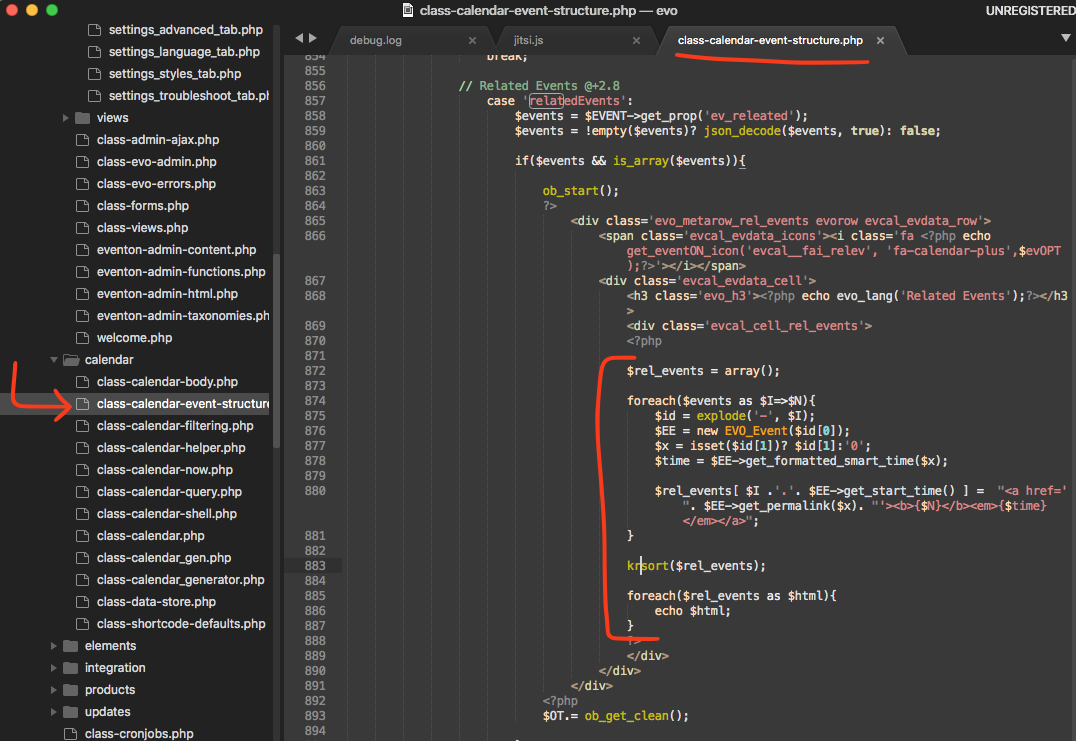
https://codeshare.io/GkQZrA
Hello,
Please make sure that you are using the latest version of Event Lists: Ext add-on.
To update eventon addons: You can download latest eventon addons from myeventon > my account. Then you can go to your website, deactivate old addon and install new one and activate then delete the old addon. This link will further explain the process. Also you can follow us on twitter to get real-time announcements on updates!
Would you also mind sending us the order ID for this addon purchase from myeventon.com, because we do not see this addon as purchased using your email address in our system. Thank you!
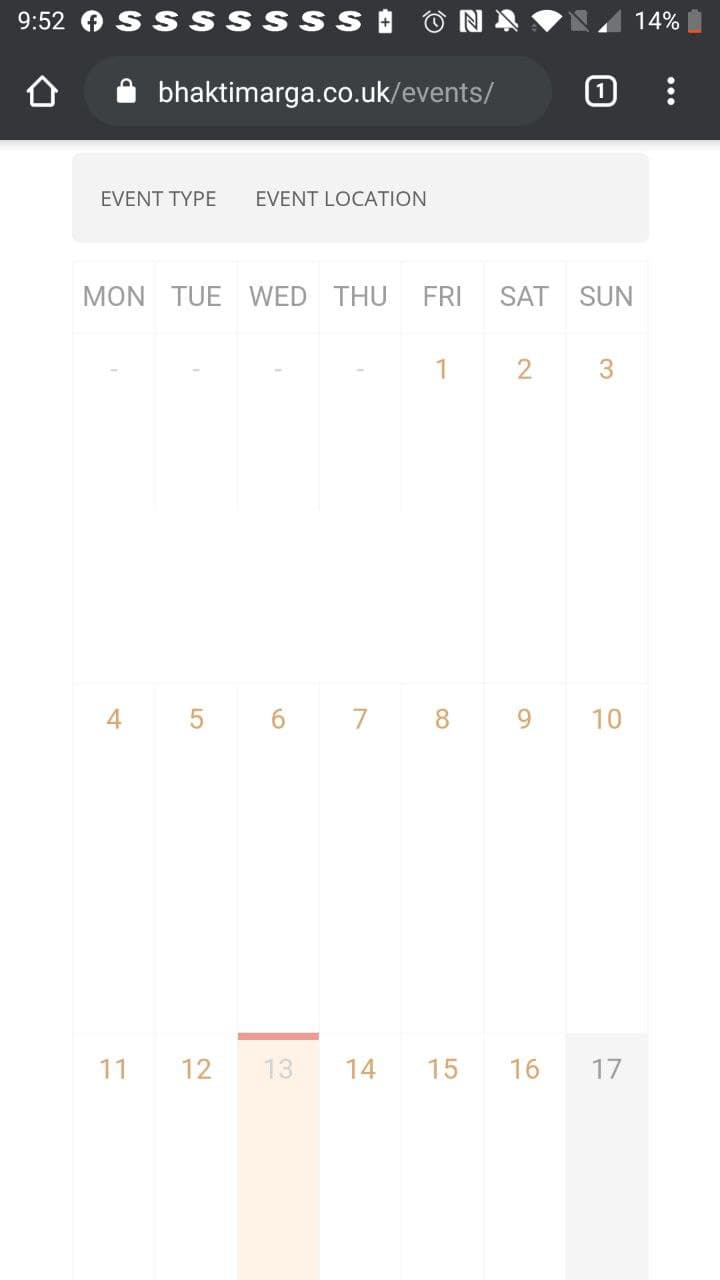
Apologies – Needed to clear my cache. Looks great on the desktop however the mobile version looks quite expanded. See image below.
Could we make the mobile view the standard view?
Additionally, is there anywhere within the settings I can amend the maximum number of events showing?
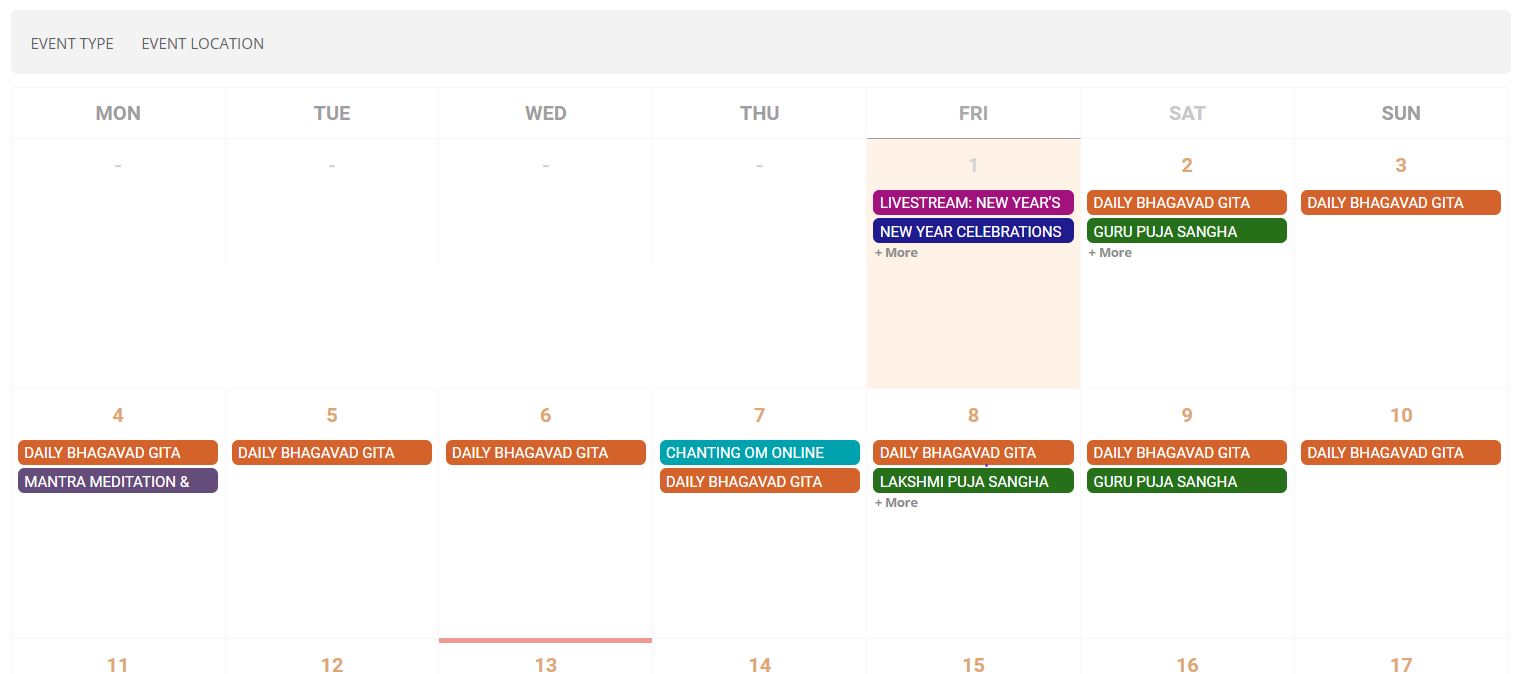
Hey,
It still shows the same as before except there is extra spacing in the box. “+More” is still on there rather than showing the event title.
Also mobile view looks really expanded.
Thanks
Here you go… https://www.dropbox.com/s/fj41r55tw7bpg8q/debug.log?dl=0
I am not familiar with the process of manually importing events. Is there any support documentation you can point me to?