https://mflworld.com/wp-admin/
eventon
A2Ezjh177eZg5c)Eh!)RDfwU
Replies for tickets on suppota
https://mflworld.com/wp-admin/
eventon
A2Ezjh177eZg5c)Eh!)RDfwU
After reading your question again, here is more answer
Questions from Ashish
hum. I believe this shows up when the client has already RSVP to event :
https://privatebin.support-tools.com/?4032c836d76ad0b2#sWNS1HnEws29s3ZQX8MfRR4/HZEb2WL6HCxHLmyhwyQ=
So when clicking on CHANGE RSVP button, the client should be able to TURN OFF the whole series of recurring event, just like a regular one-time event.
And we feel It should apply for the hole series of recurring event => when one click on CHANGE RSVP => OFF => submit => then the hole recurring event assigning gets discarded from the client ID
I guest there should be in the title, something that refers to the fact that they turn off the RSVP for a RECURRING EVENT
Since your website uses SSL certificate, please use https:
https://irvingtonhs.wpengine.com/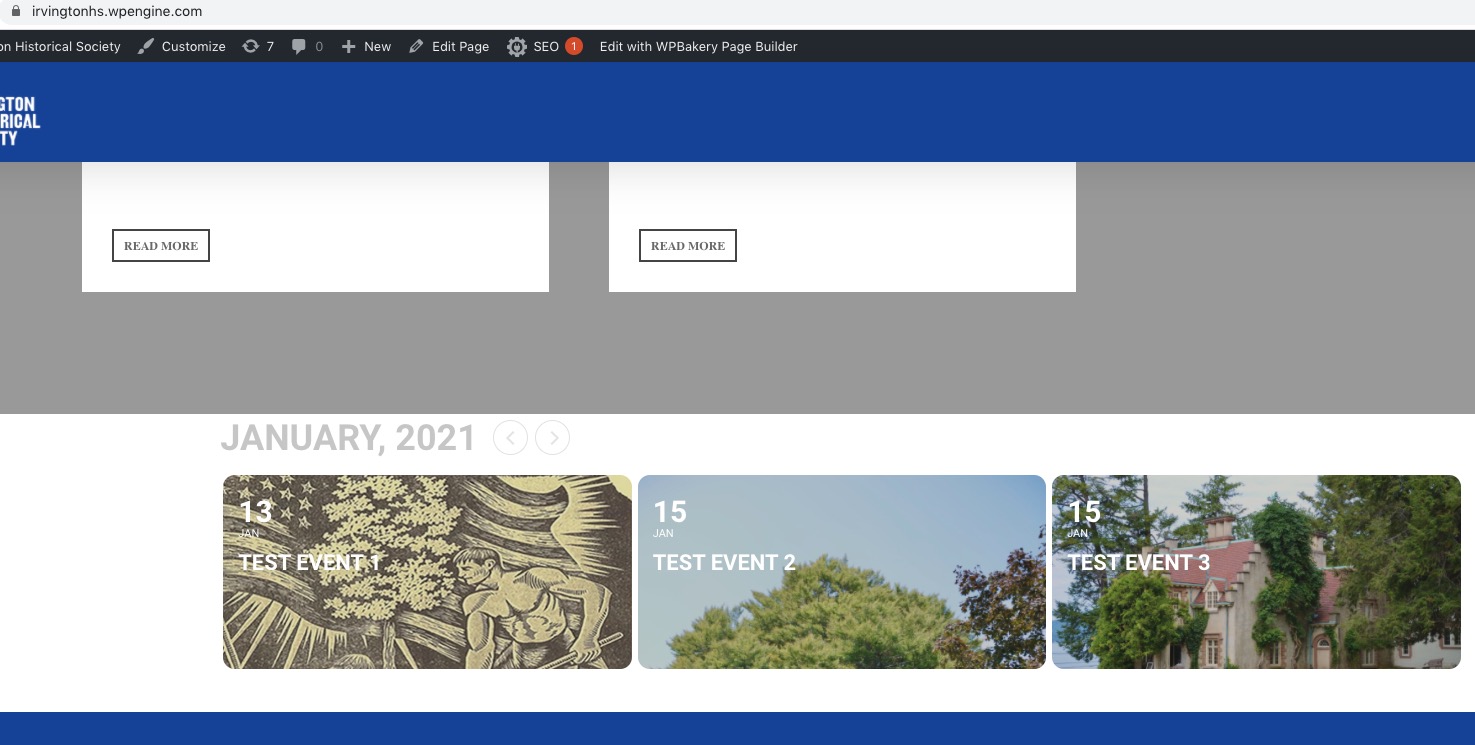
https://irvingtonhs.wpengine.com/event-directory/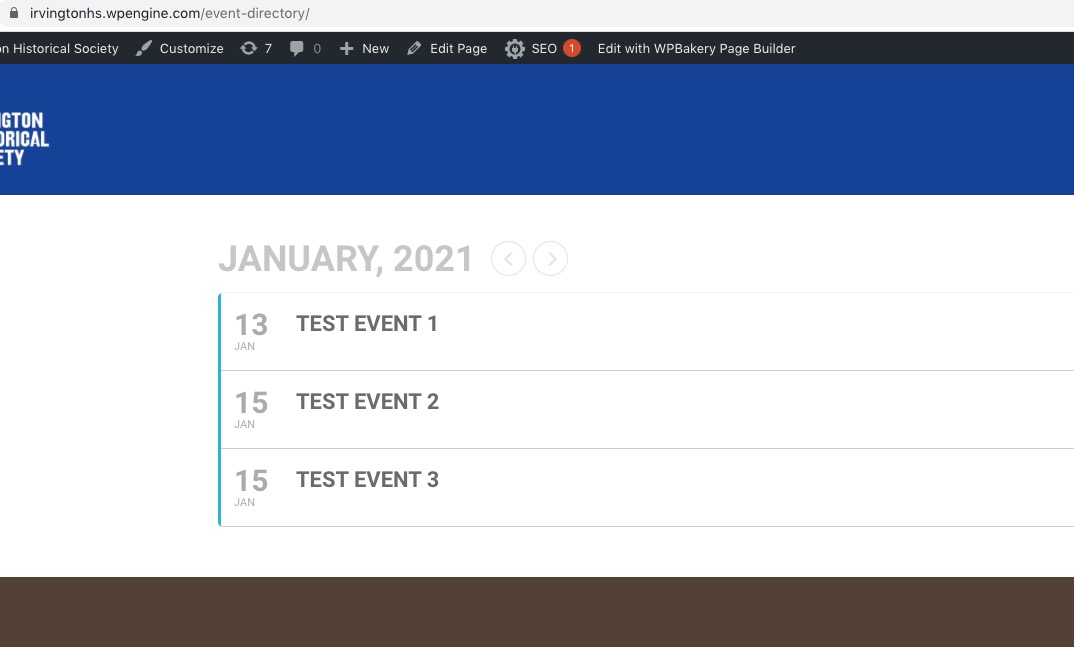
Everything seems to be working now. Could you check and let us know?
om Hy Ashish
Thank you for you message
I feel grateful about your work
Thank you very much
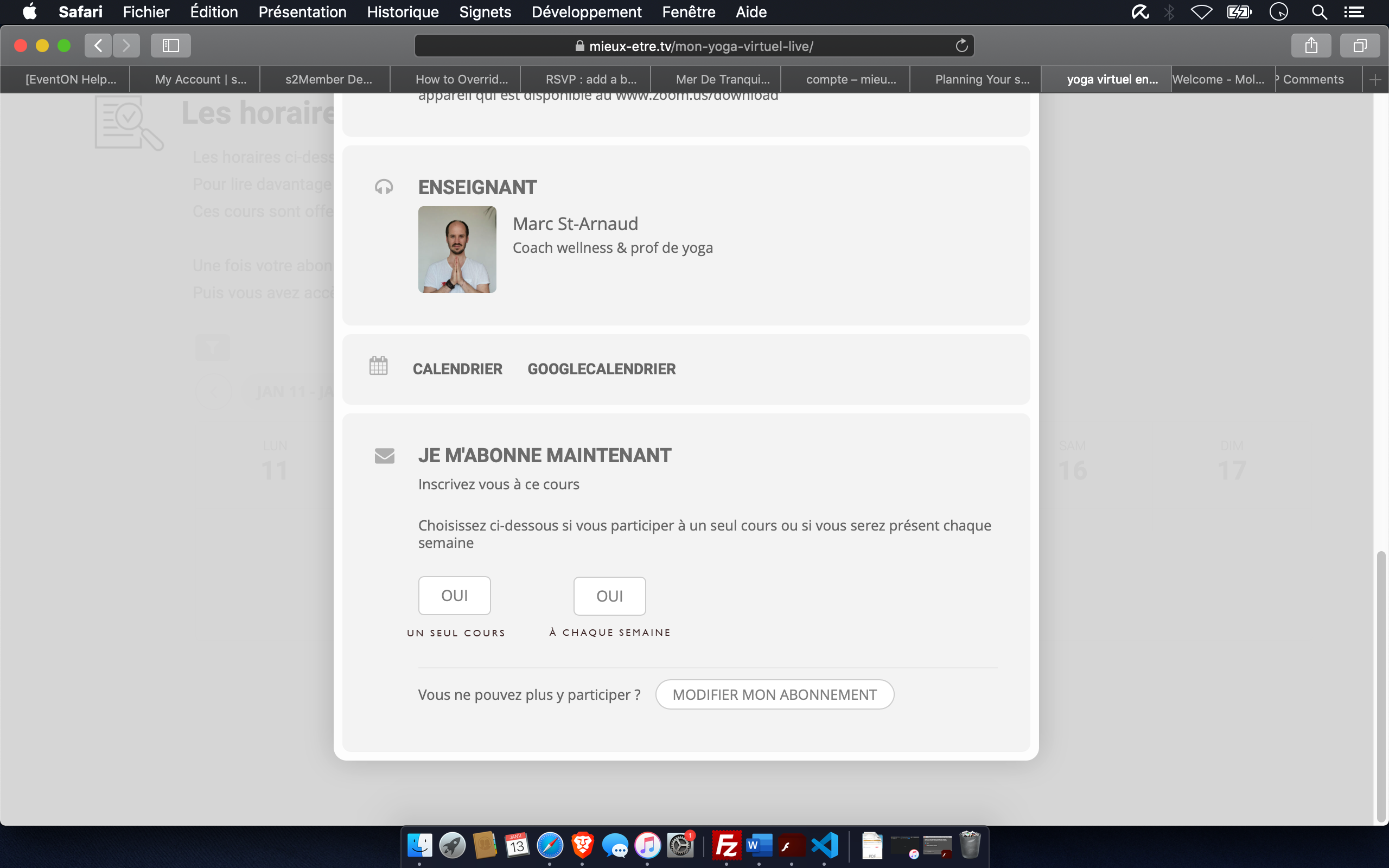
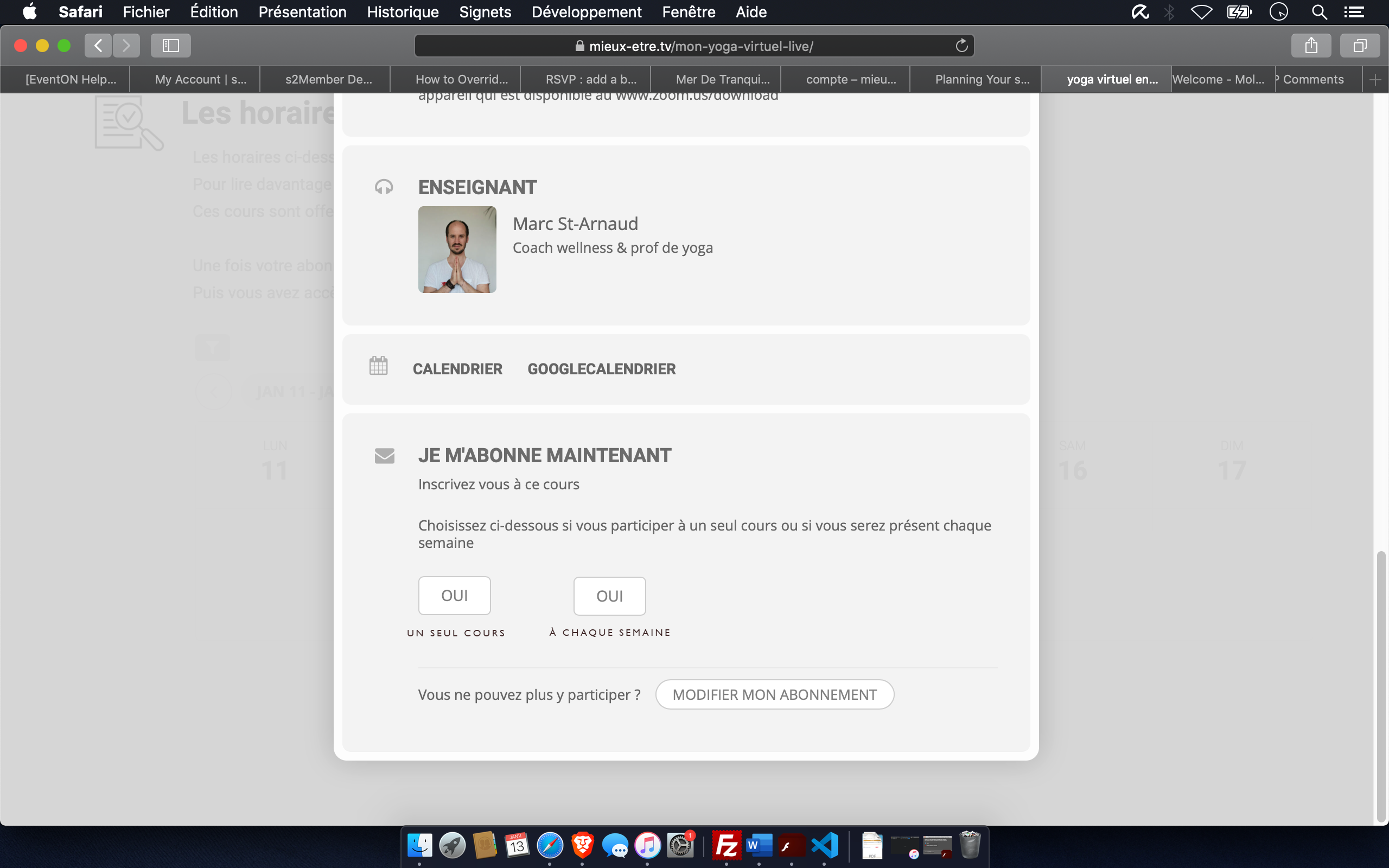
We talked together with the teachers, we believe that it is important to have both button on the eventCard :
YES YES
commit to one class commit every week to this class
The website is in french. So, in french language it would look like :
OUI OUI
pour une classe à chaque semaine
I have included photoshopped image of french translation
It is available here : https://privatebin.support-tools.com/?f8edee82784d71d4#oxNbMBLViQRurhXFtrVaWyEjFG+WnpASxUqTcZSn4dg=
Here is answer to your questions
Ashish wrote :
Some Questions:
1) If this is alright, How you want to achieve edit option ( Change my RSVP ).
We believe that one client should be able to switch to off/on the : RSVP – for all event.
2) How to handle capacity messages of each repeating events ( if event capacity is set ) while enabling ‘Commit to all Repeating Events’
We believe sending email is in fact important when user RSVP to recurring event. The email is the same but with this added title : WEEKLY ACTIVITY ( IN FRENCH : ABONNEMENT HEBDOMADAIRE), located just bellow the title of event
I have included an photoshopped image here : https://privatebin.support-tools.com/?d2c582966d6d0bb7#UWO2GYWLxEZp5tbzaF8R3ldDC56RGvTc4obS4ts866s=
Since your button is Custom Meta Data you cannot add anything dynamically. You need to add it manually.
In order to add the same button but through the code (with dynamic event details and title) please follow this guide:
https://docs.myeventon.com/documentations/show-additional-custom-data-eventcard/
Here’s how you can get event content: https://wordpress.stackexchange.com/questions/9667/get-wordpress-post-content-by-post-id, title: https://developer.wordpress.org/reference/functions/get_the_title/
You can also send us a customization job request by creating a new ticket in here and selecting Customization Request as the category.
Please note that “Leave a Reply” should be visible after the event and not inside of Event Card: Please send us wp-admin access to your site as a private message for us to further assist your situation.
Ashan:
Thank you for being so responsive and engaged with your product. We used another “Event Calendar” before moving to eventON. The difference in the professionalism of both the produce and the support is like night and day. I will add my voice to others who have given you and eventON a positive review. You rock!
Bill
Can you change connection to FTP to be from Passive to Active, so we can connect please? – I don’t know how to do this. I have don’t have access to the server if that is what is required.
I will see if it will allow me to change the memory limit to 512. These are shared hosting servers with GoDaddy so not sure if that will be allowed.
Hello Artem!
I updated to EventON 3.0.7 via autoupdate. I emptied the browser cache and retried. But the issue persists. I even tried it in a private window to make sure that no deprecated scripts are interfering. The button “Use Lat/Lng for get directions location” works fine.
Ok added the plugin again and individual event pages work but can’t get events to load on events page or via shortcode. User: demo, pass: demo2020 to see site.
http://irvingtonhs.wpengine.com/event-directory/
http://irvingtonhs.wpengine.com/ (shortcode)
Temp admin login here:
https://irvingtonhs.wpengine.com/wp-admin/?wtlwp_token=8211d9c73b0418d9c5866eac1a218172