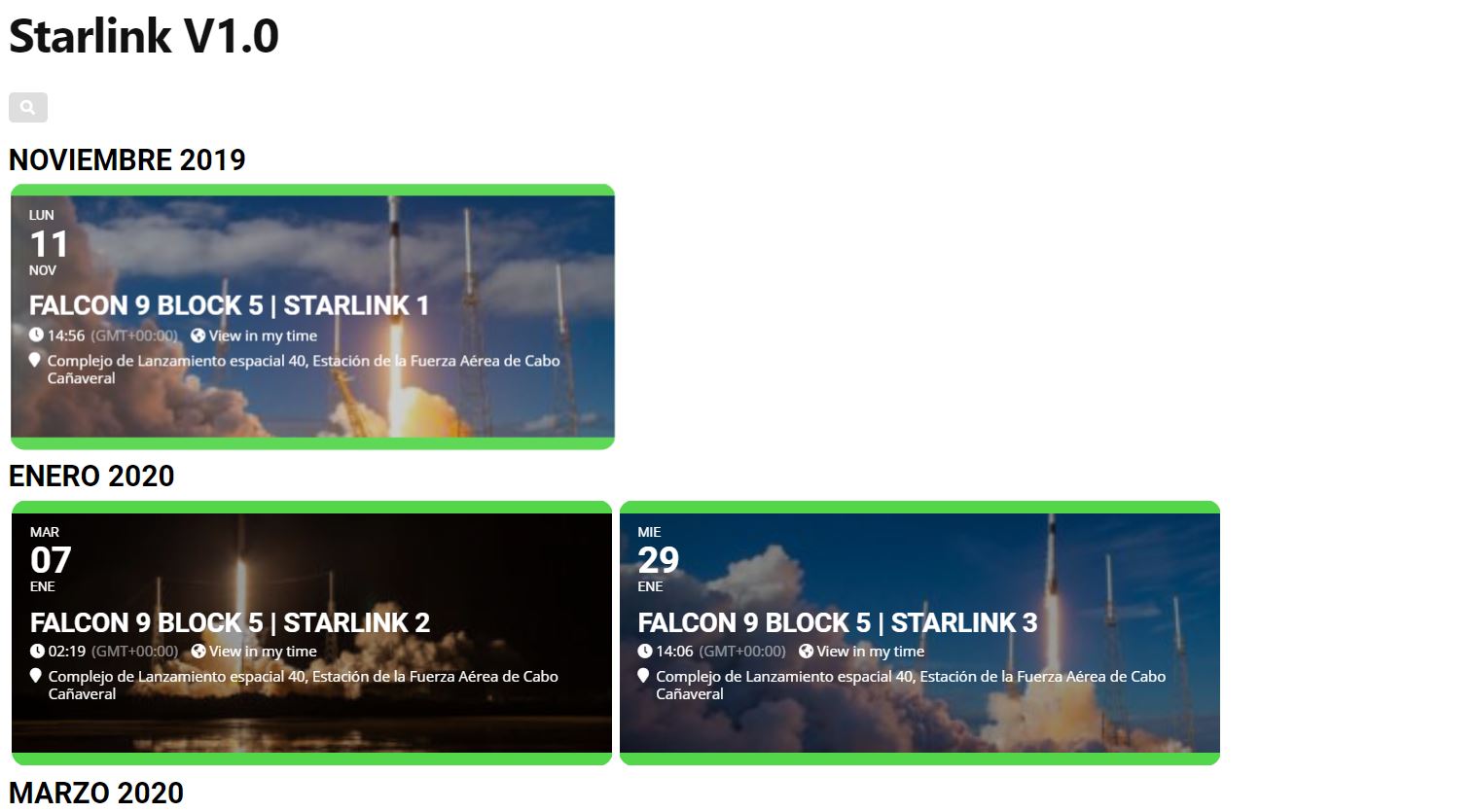
Ok, I understand, what I want to do is the same list that I have on this site http://betaconecionespacial.com/starlink but not to use the tag “starlink” to get those events but to use “FH” or “09” so that leave the events with these tags.
(the only solution I found, is to add each independent event, but it looks different and the month or the year or the search bar does not appear)
Please check https://docs.myeventon.com/documentations/update-eventon/ > 1.0 Method #1: Via autoupdate.
As you can see from the note Eventon Auto update might not be available for some of you as we have reduced our update checking period on your installation to cut down on our server usage and to avoid server crashes.
However, please also check this plugin from Envato https://envato.com/market-plugin/. This allows you to update EventON automatically from CodeCanyon but through Envato.
Is there a way to delete the events I imported as I know they have incorrect dates.
Any idea why the manually entered event is not showing?
In the Event Card Details is there a way to put two or three columns in one row?
Thank you for your great suggestion, at the moment it is not supported. However please create a new ticket and select Feature Request as category so others can vote on your idea and get it moved into development faster. OR You can send us a customization job request by creating a new ticket in here and selecting Customization Request as the category.
…the issue is solved. It was a hidden Polylang setting.
We are glad your issue is resolved, if you have any further questions or concerns please create a new ticket. If you have a moment, we would greatly appreciate if you could kindly leave us a review at codecanyon! from your account > downloads. Cheers!
Hello Ian,
Once payment is made, we will start work and I will keep you updated during development.
I can either send you the completed work and you can test it and let me know what part is not working or I can create a test site and give you access so that you do not have to risk downtime on your site.
As for revisions, I can do it till reasonable time.
Thanks,
Ashish
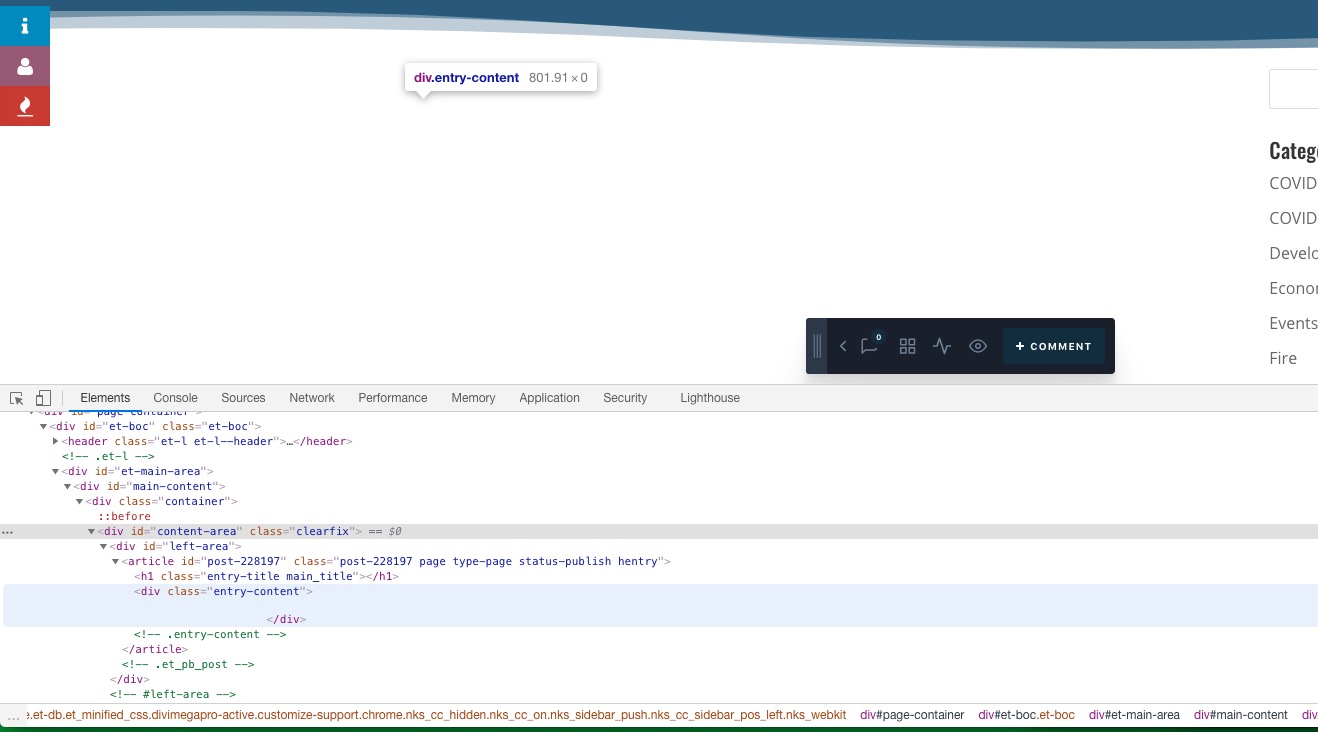
Please let them know that when Divi Mega Pro is enabled, entry-content is completely empty:
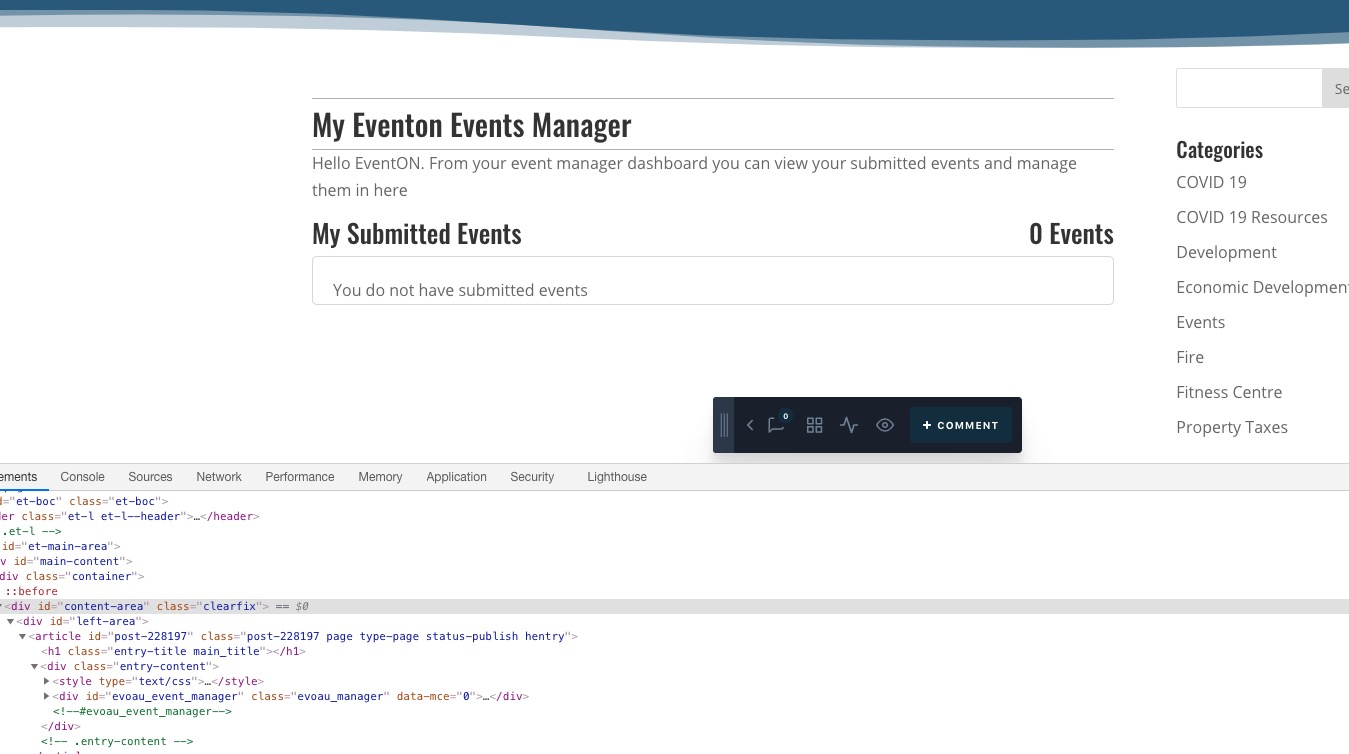
When Divi Mega is disabled:
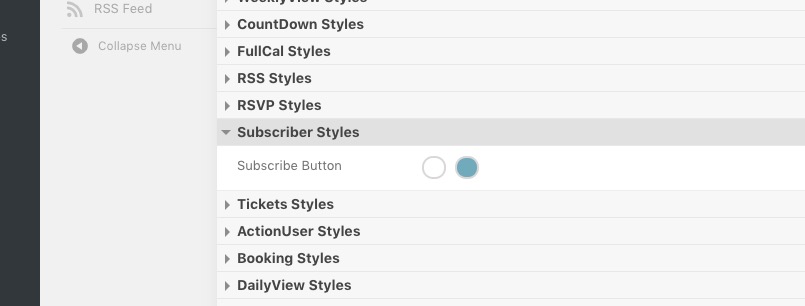
Please go to EventON Settings > Appearance:
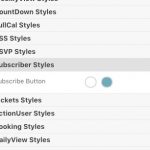
I’m really trying to understand how your system works for the CSS changes and fails all the time 
If you don’t see any change, EventON > Scripts & Styling > turn off Write styles to header > save settings > turn on Write styles to header.
Hi,
1. The custom work will be a new plugin.
2. We can do that.
3. We will see if we can separate the count by repeating instance.
4. This is one-time customization work. I cannot provide you ongoing support as I am not selling you a commercial plugin. However, this custom plugin will work like a child-theme and it will not be affected by regular updates of eventon or rsvp. Our custom plugin is being used by clients since 3-4 years without needing any update. On rare occasion, eventon or rsvp may alter their code unexpectedly which may cause the custom plugin to not work. But you can contact me and I can get it fixed for small amount.