
Version 2.0.1, I am going to update now to 2.0.2
Replies for tickets on suppota
Version 2.0.1, I am going to update now to 2.0.2
Hello,
Sure
https://standupist.co.il/welcome
user: EventON2
Pass: 3UW!O4u*fOlVzLtTtNeC6KGS
Hi Nitzan,
Would you mind sharing some new access using a private response so that we can check this further?
Thanks!
Thank you for your great suggestion, at the moment it is not supported. However please create a new ticket and select Feature Request as category so others can vote on your idea and get it moved into development faster.
In order to request a refund, please create a new ticket under Billing & Accounts and be sure to include the order ID for which you need a refund for and the reason for requesting a refund.
that gets sent to the right person to refund
Hello Kenneth,
Still not working for me as you can see
https://standupist.co.il/stand-up-show-tickets/
Your colors plugin clash with the color theme 🙁
NItzan
Hi Karen,
Thanks for getting back to us.
Since we don’t have access to your WP directory, would you mind sharing the debug log in your next response so that we can check the errors that are reported?
You can find this file on this path: /wp-content/debug.log
I’ve tried to install the File Manager plugin to check this myself but for a strange reason it doesn’t work on your site.
I’m looking forward to your response.
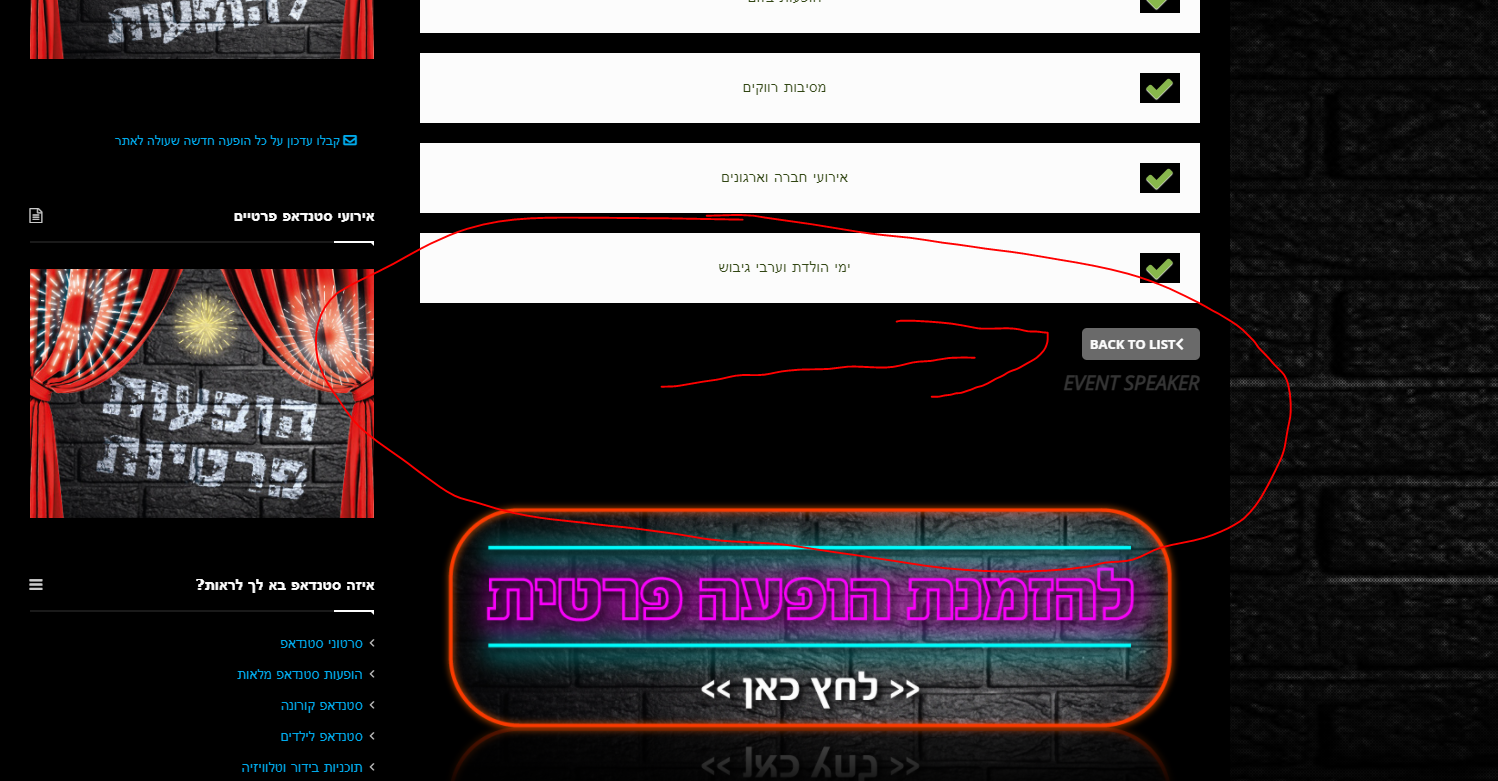
Hello Ashan,
1.Attached screenshot with the place i added the code in the orignal page
[add_eventon_li cat_type=”event_speaker” it_id=”221″]
https://standupist.co.il/tag/sagiv-friedman/
2. Here is the URL for test in clear page and as you can see smae case as not working well
https://standupist.co.il/wp-admin/post.php?post=12878&action=edit
https://standupist.co.il/standup-for-events/custom-standup/
Nitzan
Hi Darren,
Thanks for getting in touch!
You can view a report of how tickets sales are going by heading over to WP Dashboard > myEventON > Settings > Tickets tab > Ticket sales report as shown below:
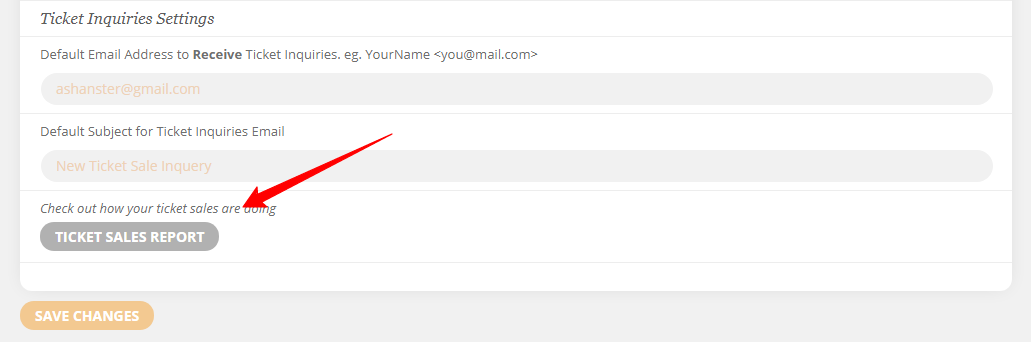
I hope this helps!
Hi Juan,
Thanks for getting back to us.
The shortcode options shared by my colleague above will only be available for the Events Lists Extended addon and not on the main calendar shortcode as you are using it now.
If you already have this addon installed, please select Event Lists Extended on the shortcode generator to be able to show past events.
I hope this info helps!