Thanks Artem,
I dont see any code to change the (+) on the buttons. I also do not see the green font on the Name Your Price area in the backend…
I will look our for Ashans reply…
Replies for tickets on suppota
Thanks Artem,
I dont see any code to change the (+) on the buttons. I also do not see the green font on the Name Your Price area in the backend…
I will look our for Ashans reply…
Hello Vicente,
Should I close thw ticket here, u are not interested any more?

I just added some 2018 events, but they don’t appear in the years list
I would like to have at least from 2010 for the moment and if it is necessary to add more previous years, I will do it later
Hello, this is the draft version of the page: Zentrum Digitalisierung in der Region Stuttgart – (zd-bb.de). For mobile views, the requested width is 360px ad for tablet views it is 768px.
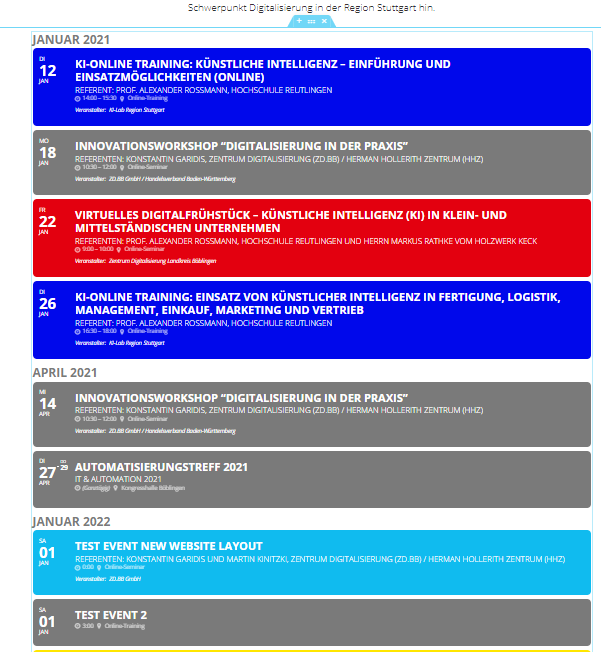
Hello, it worked – I just added ‘_list’ to the code. Attached is a screenshot of the old and the new version. Thank you!
Correct code: [add_eventon_list eventtop_style=”2′” show_upcoming=”1″ number_of_months=”24″ show_year=”yes” hide_so=”yes” exp_so=”no” hide_arrows=”yes” hide_empty_months=”yes” ]
I have installed it. Please check.
In case of more that one event on same day, first event color will be selected as background color of day box circle
Hello Romany,
All custom work is inside eventON-211247-child plugin folder
Please download revised work from the same url:
http://momothemes.com/eventON-212155-child.zip
Delete previous one and install this instead.
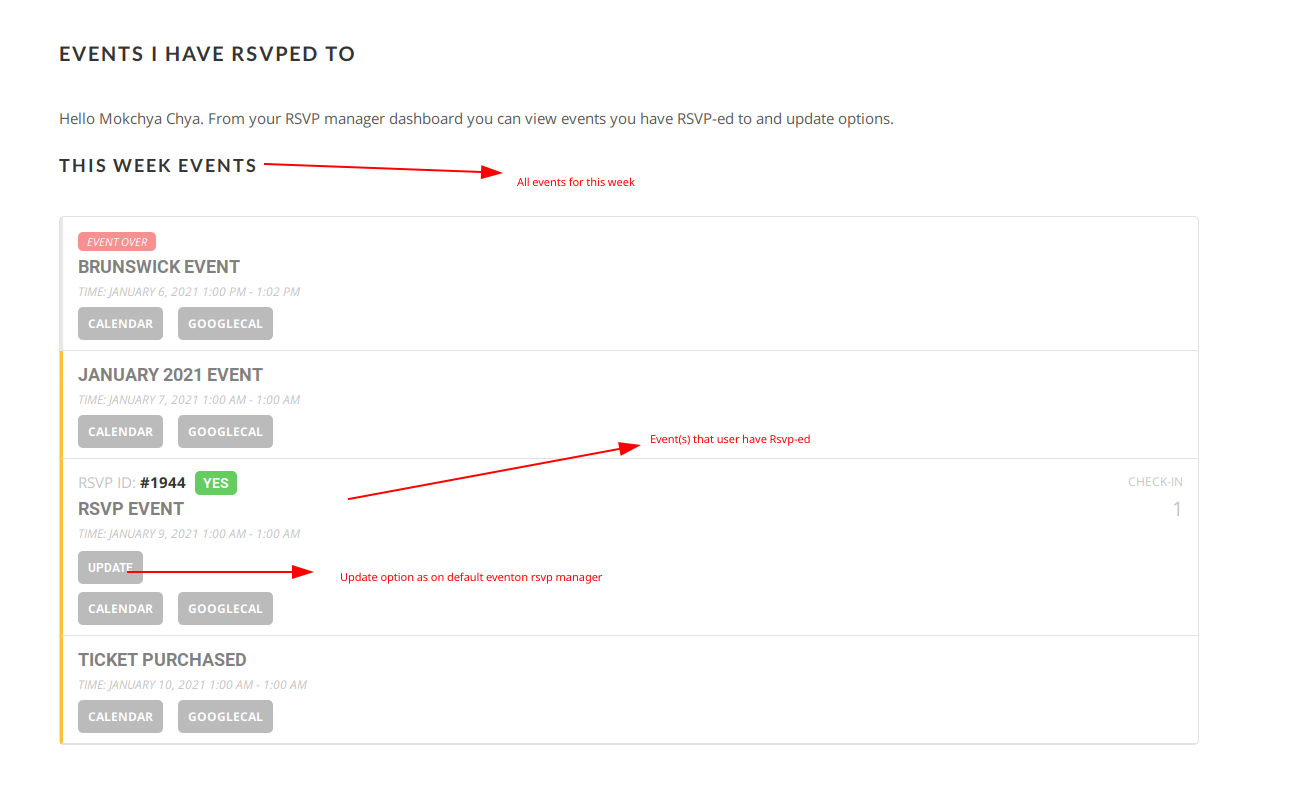
As requested:
Host Name: 3v1.917.myftpupload.com
Username: f3v142047898490
Password: SfVE9y4.7pah
Ok i think the RSVP expired so I renewed. Not using the CSV importer, so removed it. Manual install worked.
You can close this case