Hello,
Subscriber Standalone Button [evo_subscribe_btn] is already a link. So you can add a background to it by following this (or similar) guide: https://stackoverflow.com/questions/25422241/html-and-css-using-background-image-as-a-clickable-link
You can use this CSS class:
.evosub_subscriber_btn.evcal_btn {}
OK, so the text is white on the button now
as for the border- please provide a screenshot of what text should have the border-
Hello,
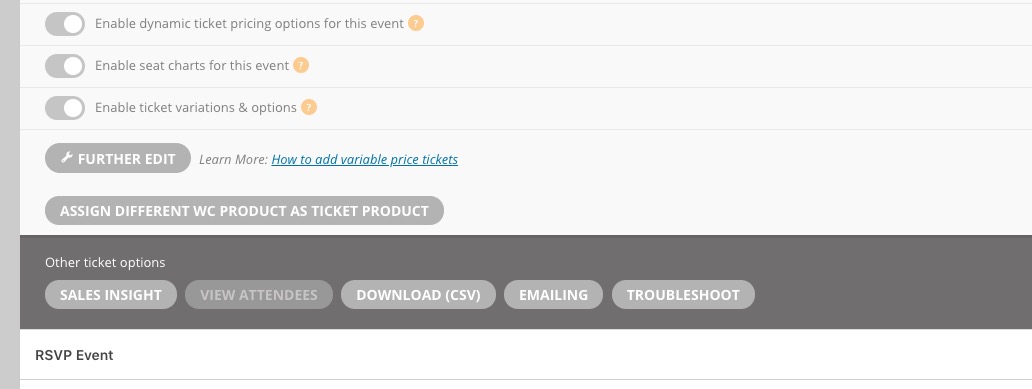
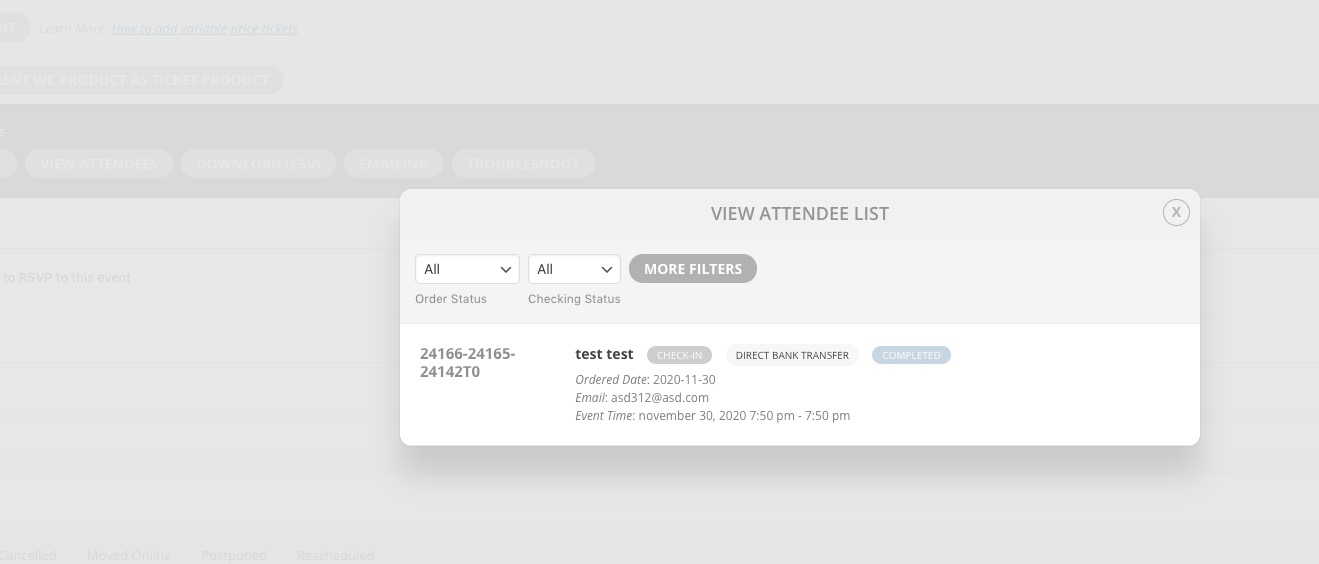
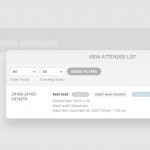
Please go to Edit Event > Tickets > press View Attendees:
Hello,
A renewal reminder mail was sent before the charge was made. We had given you opportunity to cancel if you didn’t want the renewal.
Please check https://docs.myeventon.com/documentations/terms-and-conditions-and-refund-policy/ > 7. Subscriptions & Automatic Renewal > 7.4 Subscription Refunds.
If you want to cancel addon subscription renew please follow this guide: https://docs.myeventon.com/documentations/how-to-cancel-addon-subscription-before-auto-renew/
Please send us wp-admin access to your site as a private message for us to further assist your situation.
Please also send us FTP access to your site as a private message, so we can enable WP_DEBUG.
Hello,
Please add this CSS code to EventON > Styles (If you don’t see any change, EventON > Scripts & Styling > turn off Write styles to header > save settings > turn on Write styles to header):
#evoSUB_form .form_footer { color: black; }
#evoSUB_form .form_footer a { color: black; }
#evoSUB_form .form_footer a:hover { color: blue; }
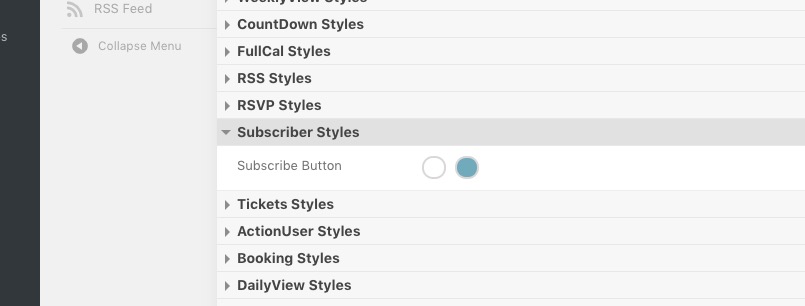
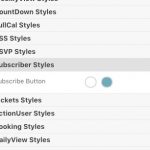
Also how can i changes the color fot the Subscriber main button to other color ?
Please go to EventON Settings > Appearance:
If you don’t see any change, EventON > Scripts & Styling > turn off Write styles to header > save settings > turn on Write styles to header.
I am *so grateful* for your care in helping me resolve this!
I found just the right codes to massage the situation and it’s now showing up just fine.
THANK YOU!
<HUGE hug!>
Australia can now access this website. Let me know if you need anything else. This is such an odd thing…I’m sure I’ve missed something obvious.
Ha
Thank you! I have resolved this by increasing the height of the block in short codes and by removing the photo altogether.
Thank you for your care in this matter!!
<HUGE hug!>
Hello,
Thank you for your great suggestion, at the moment it is not supported. However please create a new ticket and select Feature Request as category so others can vote on your idea and get it moved into development faster. OR You can send us a customization job request by creating a new ticket in here and selecting Customization Request as the category.