
Reply to: tickets(210103)
Replies for tickets on suppota
Hi Basilis,
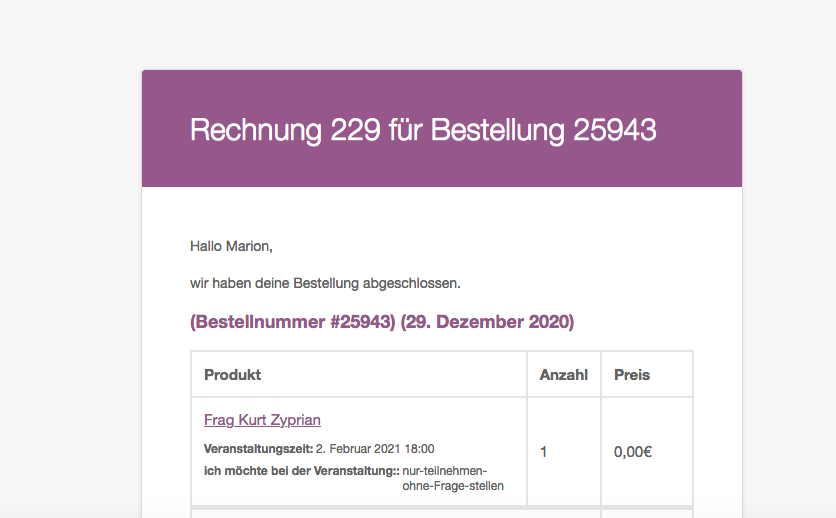
Unfortunately it’s still not working. Still getting the the order confirmed email. Then I have to set the order to ‘completed’ followed by a receipt being emailed and then another email with the e-ticket.
We want the order to be completed the moment the user has booked the place in the checkout and then the only email they should get is one with the e-ticket.
Thank you
Hello,
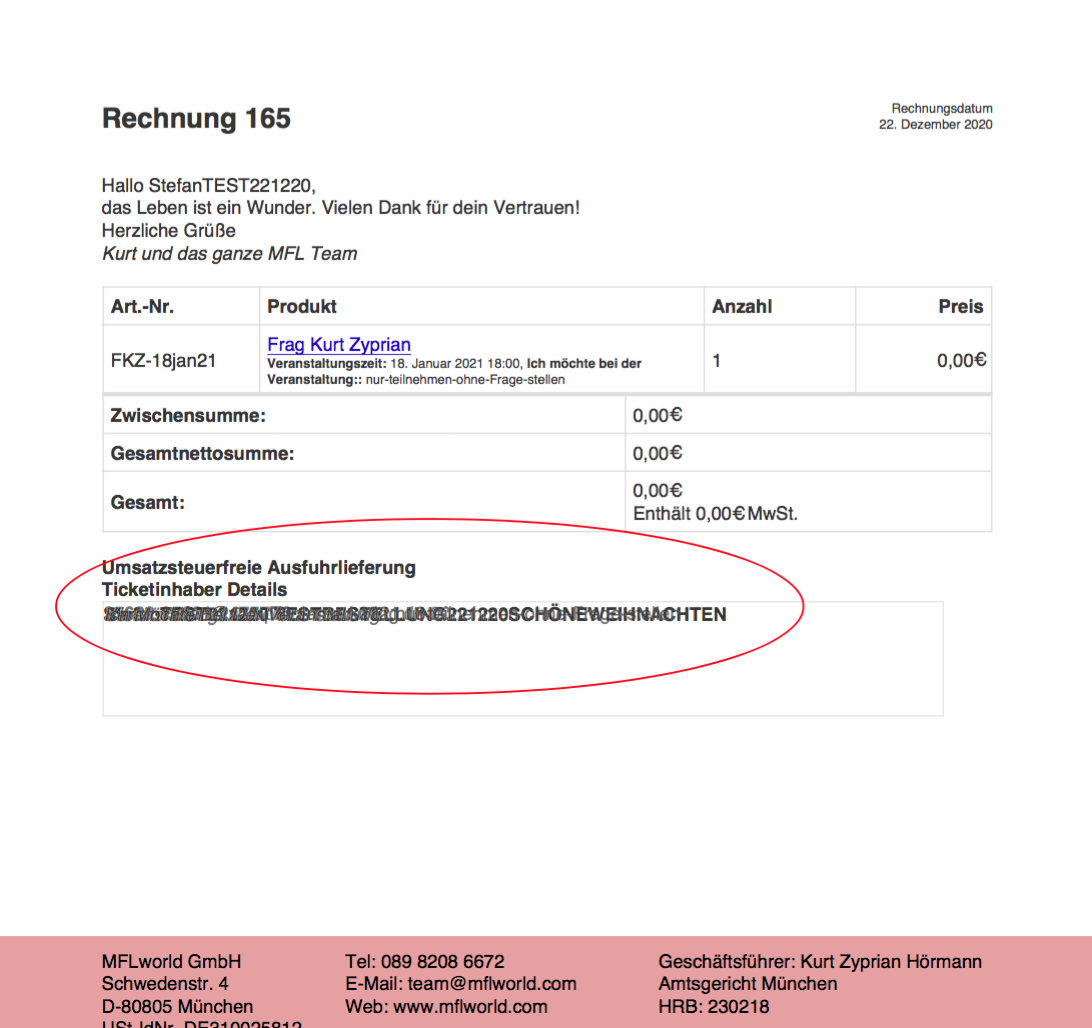
That option is not generating a receipt. It’s generating the ticket as a PDF. In my initial message I asked how can the error on the bottom of the receipt, the text being scrambled up, be resolved (see screenshot attached). You advised me to install the addon PDFer but it hasn’t resolved the issue and is not giving an alternative option to download a PDF receipt.
What now?
Ashish has accepted the job for 650
Hello,
Could update EventON to 3.0.6 and check?
To update eventon to latest version: If you are unable to do autoupdate, you can go to codecanyon your account > download and get the latest eventon version as zip file. Then you can go to your website, deactivate old eventon, activate (Do not delete eventon settings & data when EventON is uninstalled) from eventon settings, delete old eventon, install new one and activate. This link will further explain the process it. Also you can follow us on twitter to get real-time announcements on updates!
Hello,
Please try following https://docs.myeventon.com/documentations/confused-event-type-categories/. Just add event_type with categories ids to the shortcode like this:
[add_eventon_now event_type=”18,”]
Please send us a screenshot with parts you want to be removed so we can check if this can be done with CSS.
Hello,
Please add this CSS code to EventON > Styles (If you don’t see any change, EventON > Scripts & Styling > turn off Write styles to header > save settings > turn on Write styles to header):
.html_header_top.html_header_topbar_active.html_header_sticky.html_large #top.single-ajde_events #main { padding-top: 84px !important; }
This will remove the whitespace.
there is not enough room to diplay it.
Could you send us a screenshot?
Hello,
Your theme controls this. Please add this CSS code to EventON > Styles (If you don’t see any change, EventON > Scripts & Styling > turn off Write styles to header > save settings > turn on Write styles to header):
.single-ajde_events #main { background: white !important; }
Hello,
It seems that your theme adds this. Please add this CSS code to EventON > Styles (If you don’t see any change, EventON > Scripts & Styling > turn off Write styles to header > save settings > turn on Write styles to header):
.html_header_top.html_header_topbar_active.html_header_sticky.html_large #top.single-ajde_events #main { padding-top: 84px !important; }
Besides that, it does not show the page title and breadcrumbs.
Your theme handles this so it seems that you need to add those manually by following https://docs.myeventon.com/documentations/customize-single-events-page/