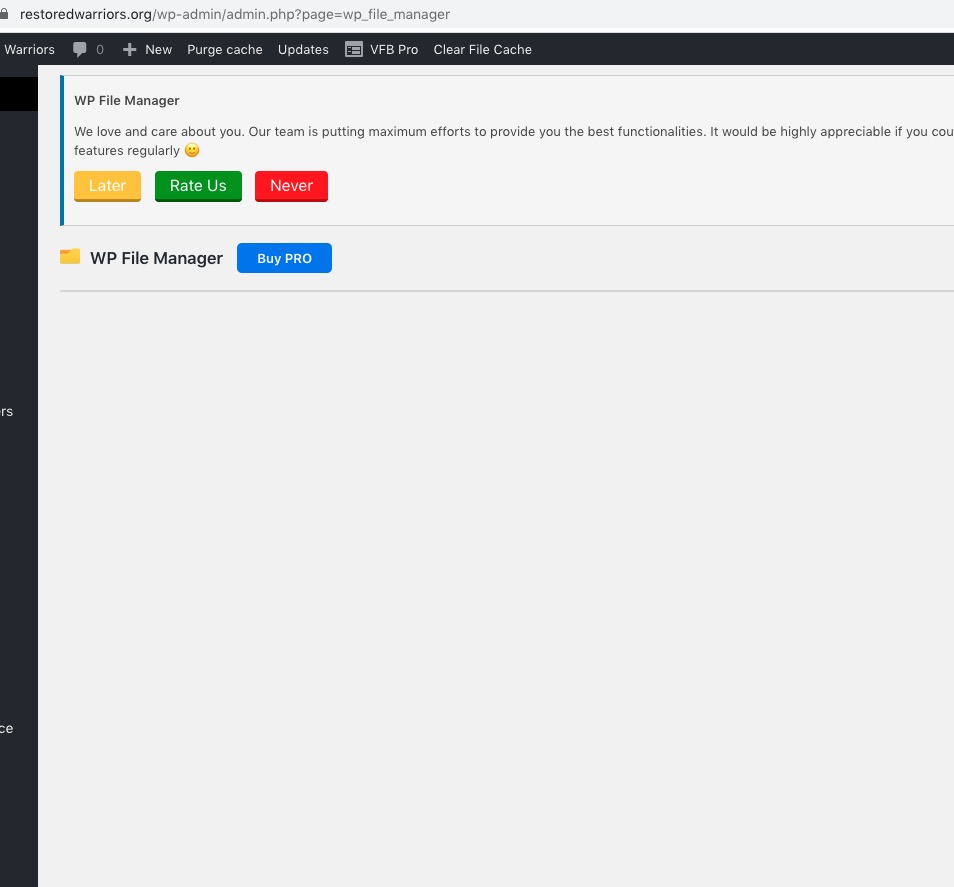
File Manager is empty so we cannot enable WP_DEBUG from wp-admin:
Could you send us FTP access?
Replies for tickets on suppota
File Manager is empty so we cannot enable WP_DEBUG from wp-admin:
Could you send us FTP access?
Hello,
The only solution that allows you to add events from the front-end is Action User add-on: https://www.myeventon.com/addons/action-user/. Try on http://dev.myeventon.com/wp-admin/
The problem is that you cannot add them the way you want. However please create a new ticket and select Feature Request as category so others can vote on your idea and get it moved into development faster.
OR You can send us a customization job request by creating a new ticket in here and selecting Customization Request as the category. Maybe one of our developers can combine FullCal and Action User together.
Hello,
You can either use Action User Event Manager: [evo_event_manager]
OR Use Main Calendar or Event Lists shortcode with added “Show only events from current loggedin user” option (currentuser=”yes”):
[add_eventon currentuser=”yes”]
Please check and let me know.
Hey Kurt,
Thank you, testing with that one
Hello,
Thank you for your messages, I am going to assign this ticket to Ashan and he will be able to take it from here and find you a solution. Please allow some time for him to get back to you, we greatly appreciate your patience and thank you for being a eventon customer! Also please disable any IP blocking on your site if there are any.
Could you try removing these files for a test and check if it helps:
Hello,
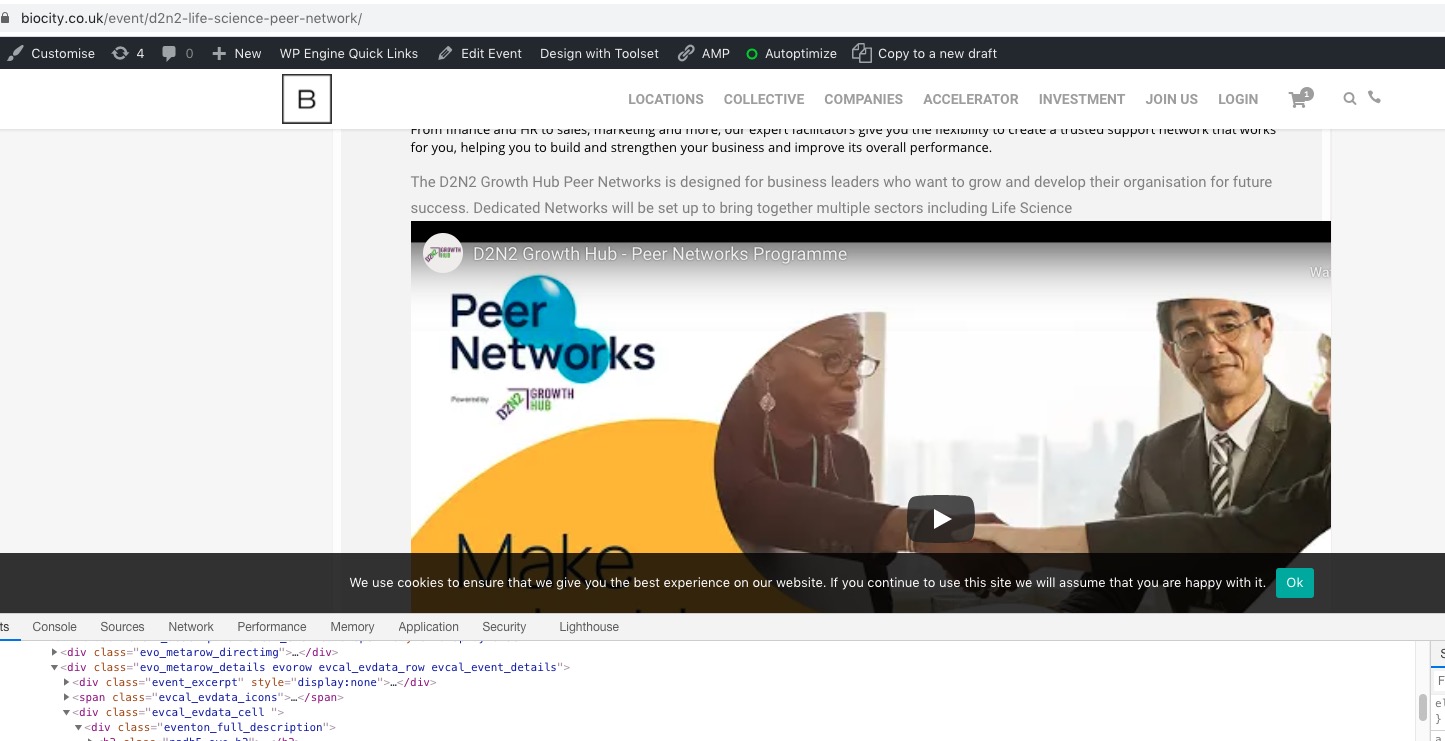
I went to EventON Settings > switched Select calendar event content filter type to Default WordPress Filter so it should work now:
 Please check and let me know.
We are glad your issue is resolved, if you have any further questions or concerns please create a new ticket.
Ashish has accepted the job for 800