Any update?
Archives: Replies
Replies for tickets on suppota
Reply to: tickets(212610)
I have had no issues saving EventOn settings, however.
Reply to: tickets(212610)
I have had some issues with re-previewing posts recently. It could be related to us installing WP-Optimize. I can certainly turn that off if you want me to.
Reply to: tickets(212748)
Hi,
We were able to solve this by reverting the “Event Lists Ex” add-on back to Version 0.20. If we try to upgrade to Version 0.21 is breaks the website. Maybe you guys added some custom code for us to this add-on which is preventing us from updating?
Reply to: tickets(212610)
Your server keeps loading indefinitely so EventON Settings don’t work correctly: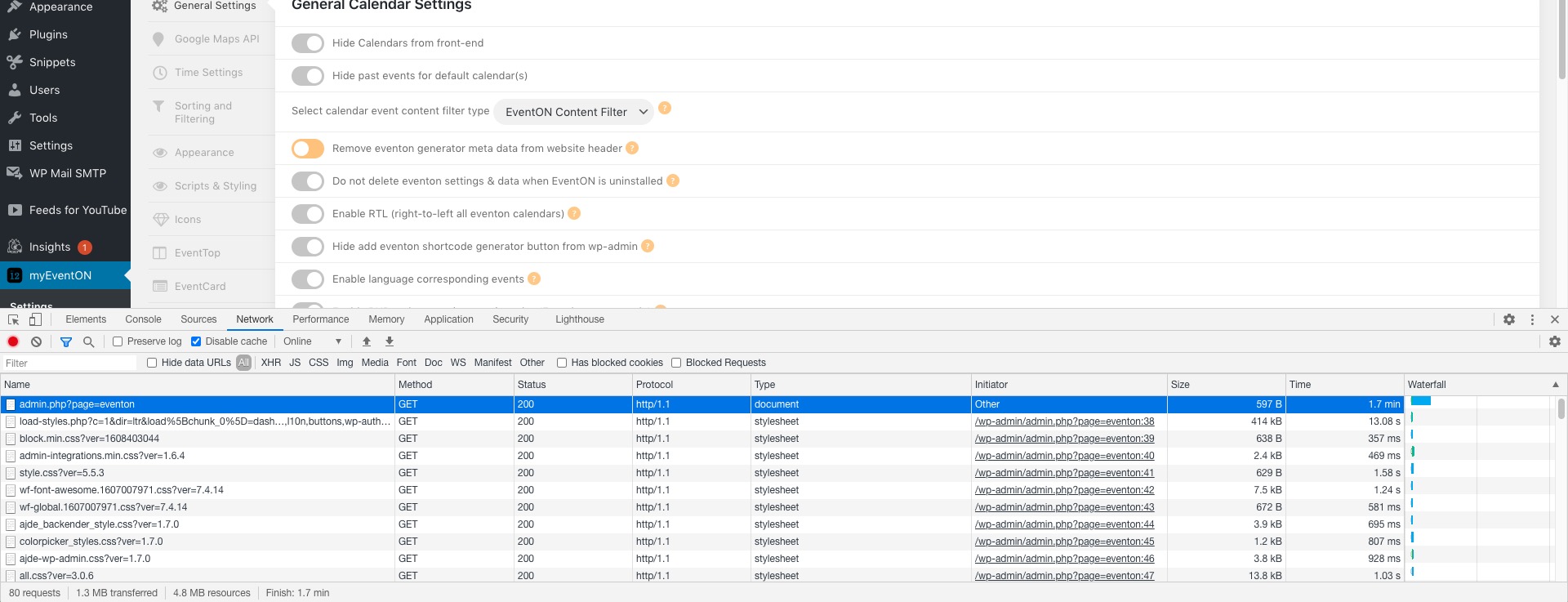
Do you have similar issue?
Reply to: tickets(212606)
The code you sent worked fine but the text Booking ID is still visible? Can I hide the text too please?
Please go to EventON Settings > Language > ADDON: RSVP EVENTS > EVENT MANAGER > put “Space” to RSVP ID.
update and the RSVP button on the rsvp in weekly view to match the rest of the site? At the moment is the defaul EventOn pale orange color
Please go to EventON Settings > Appearance > RSVP Styles. If you don’t see any change, EventON > Scripts & Styling > turn off Write styles to header > save settings > turn on Write styles to header.
Reply to: tickets(212748)
Hi Artem,
See below:
Ticket #190884
Ticket #191424
Ticket #192866
Reply to: tickets(212616)
Hello,
Please go to http://dev.myeventon.com/wp-admin/ and login with tester/pass
Follow this guide https://docs.myeventon.com/documentations/set-event-tickets/ and create a new event with enabled Tickets.
Reply to: tickets(212748)
Hello,
Could you send us customization requests ticket ids?
Reply to: tickets(212616)
Hi Kenneth, This kinda helps. I need to show my client how things functions seeing he is the one making the decisions. Is there a way I can try the addon before buying? or is some kinda of money back if this doesn’t work out? I cant justify spending $90 on something that will not work for what we are trying to achieve.