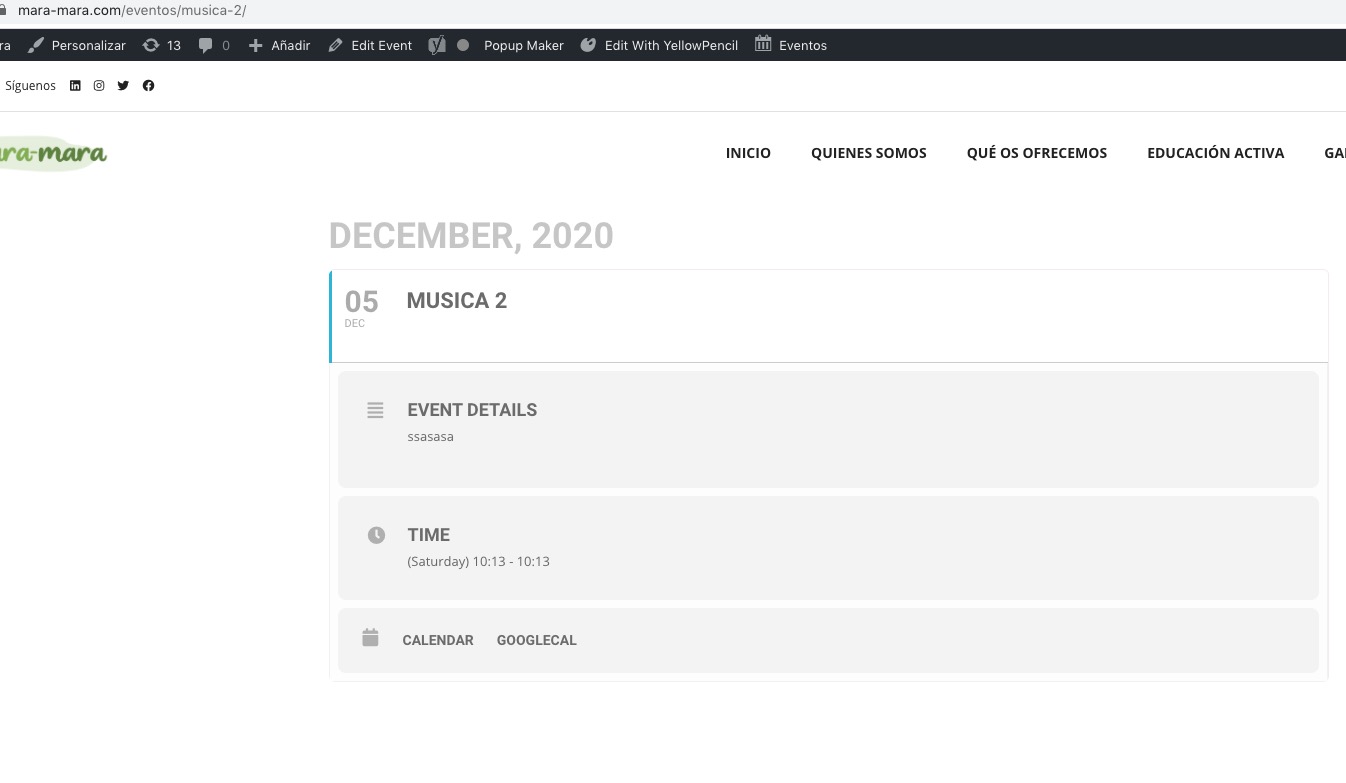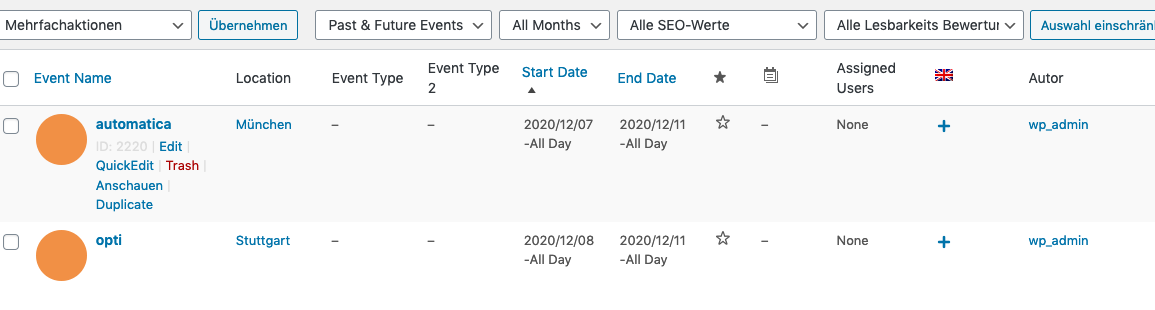
I have now found another possibility. But how can I adopt all the settings?
I can do a translation with WPML. But how can I use the content of e.g. (featured event; L1, Location) without having to select it again? So copy from the german page to english
Thank you for your messages, I am going to assign this ticket to Ashan and he will be able to take it from here and find you a solution. Please allow some time for him to get back to you, we greatly appreciate your patience and thank you for being a eventon customer! Also please disable any IP blocking on your site if there are any.
Reply to: 210526
Ashan,
Could you check this one? It seems that some of these lines aren’t translatable.
Ashan,
Please check Reply to: 210588
Thank you for your messages, I am going to assign this ticket to Ashan and he will be able to take it from here and find you a solution. Please allow some time for him to get back to you, we greatly appreciate your patience and thank you for being a eventon customer!
Hello,
It seems that everything is working now:
Have you managed to fix this yourself?
As Ashan said in Reply to: 205097 “future” is not supported.
Please update Event Lists: Ext to 0.20 version. Now you can use “+/-{x} days, +/-{x} months”:
Date value MUST be in yyyy/mm/dd format. ALSO supported values: today, rightnow, +/-{x} days, +/-{x} months
So try adding this:
start_range=”-48 months” end_range=”+96 months”
Hi Caterina,
Thanks for sending the link. I have added the CSS code below to MyeventON > Styles and the icons are showing now.
.evcal_evdata_row .evcal_evdata_icons i, .evo_card_health_boxes .evo_health_b i.fa, .evcal_evdata_row i.fa{color:#6b6b6b !important;}
Hello,
Thank you for your great suggestion, at the moment it is not supported. However please create a new ticket and select Feature Request as category so others can vote on your idea and get it moved into development faster. OR You can send us a customization job request by creating a new ticket in here and selecting Customization Request as the category.
Hello,
It seems that this custom CSS style affects EventON’s icons since it uses !important:

Please add this CSS code to EventON > Styles (If you don’t see any change, EventON > Scripts & Styling > turn off Write styles to header > save settings > turn on Write styles to header):
.evcal_evdata_row .evcal_evdata_icons i, .evcal_evdata_row .evcal_evdata_custometa_icons i { color: #6b6b6b !important; }