They can remove it by editing the order. Please check this guide: https://docs.woocommerce.com/document/managing-orders/#editing-or-adding-order-items
Archives: Replies
Replies for tickets on suppota
Reply to: tickets(211339)
Unfortunately, it shows this: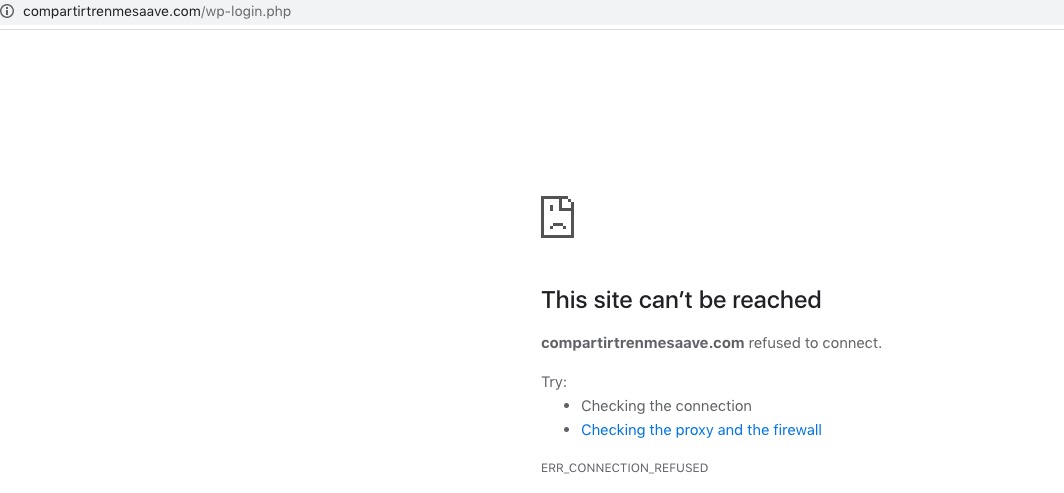
Could you check?
Reply to: tickets(211670)
It looks like that Chrome’s autocomplete feature (Autofill) affects this. Could you check what “toto” means? Could you also try disabling it https://www.computerhope.com/issues/ch001377.htm#chrome?
Reply to: tickets(211793)
Hi, I just updated the main eventOn plugin to the newest one version 3.0.6, but it is still not showing the event drafts?
So I guess this was not the solution If I installed it correctly?
Thank you
Reply to: tickets(211812)
add this to the shortcode
jumper_offset=”2″ jumper_count=”2″
Reply to: tickets(210776)
Ashan,
1. It seems that it automatically creates lat/long values instead of importing them. Is this correct?
Reply to: tickets(210776)
location_latitude has incorrect spelling:
1. Thank you for your messages, I am going to assign this ticket to Ashan and he will be able to take it from here and find you a solution. Please allow some time for him to get back to you, we greatly appreciate your patience and thank you for being a eventon customer! Also please disable any IP blocking on your site if there are any.
2. This is correct. If you deleted it and then import it with only 1 event it won’t be able to assign itself to other events since it doesn’t know about their existence.
Reply to: tickets(211478)
Hi Artem
It was indeed a Server-Problem (likeley with nested hostings).
Can be marked as solved, thank you!
Reply to: tickets(211038)
Hi Artem,
Thanks. The problem here is that we have use cases where a member/customer might have several tickets or a ticket and other products within the same order.
Is there any way we (admins) can cancel a ticket or a single instance of a repeating event?
With thanks
Reply to: tickets(211777)
Hello,
Unfortunately, we unable to help with customizations. However, please check this guide https://docs.myeventon.com/documentations/hooks-actions-filters/.
You can also send us a customization job request by creating a new ticket in here and selecting Customization Request as the category.