could you do it for $150? and how long it’s going to do that?
Replies for tickets on suppota
could you do it for $150? and how long it’s going to do that?
Ok, thanks, I will review that with my team here. In the meantime, why doesn’t it show past events in December 2020? They got removed from Upcoming Events list but now also don’t show up in Past Events.
Hello, was there any update on this?
Hi,
No, EventON is the plugin that I purchased that I need a refund on.
On October 24 2020, I purchased EventON here: https://codecanyon.net/item/eventon-wordpress-event-calendar-plugin/1211017
I have attached my receipt from my purchase. This is the one I need refunded.
Thank you,
Ciara
Hi again,
I’ve tried and I deactivated ‘Load eventON scripts and styles only on eventON pages’ (the one I have activated) but NOT working either.
I cleared cache too, but nothing.
After roll back Subscriber Plugin everything go back to normal.
So, this solution is not working for me.
Hi I would like a cost for a custom job. Can we automatically add some categories events to the wishlist? So I would like a certain category to appear by default on the wishlist.
Answering this message Reply to: 210596
If you’ll select Custom you’ll see that the first date is initial and doesn’t count as repeat:

So everything is correct: original date + 13 weekly repeats.
…unprofessional to remove features without notice…
Could you elaborate more? What features are you referring to?
We need to check your wp-admin, but it redirects to /my-account.
This seems to be working correctly on our test site:
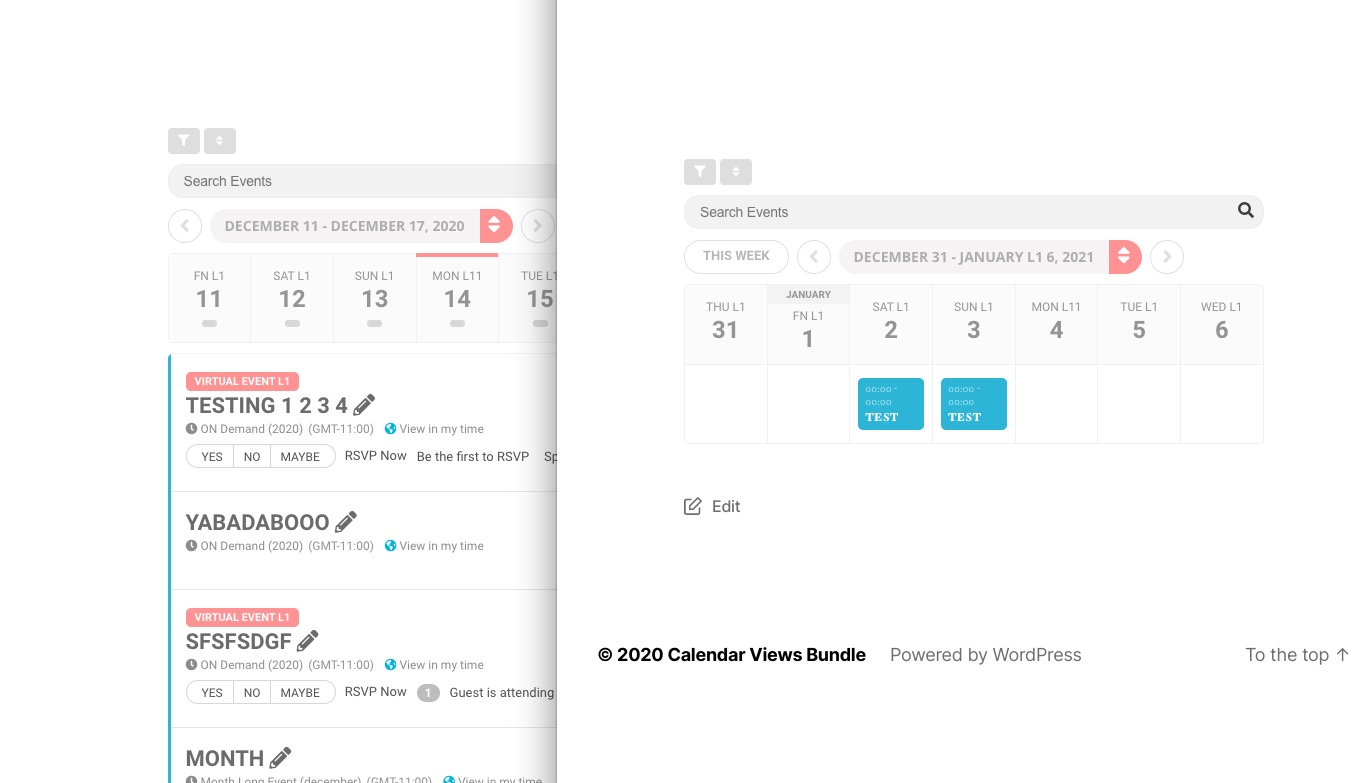
Hello,
I enabled EventON and add-ons, installed Action User add-on and it seems to be working correctly: https://newalbanyelks.org/events/test/
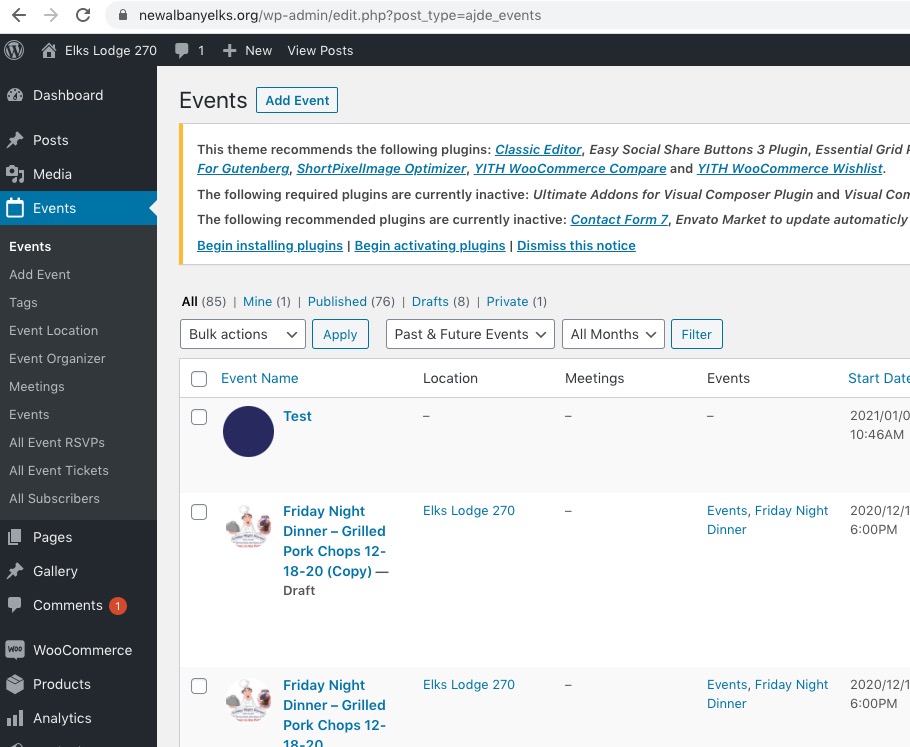
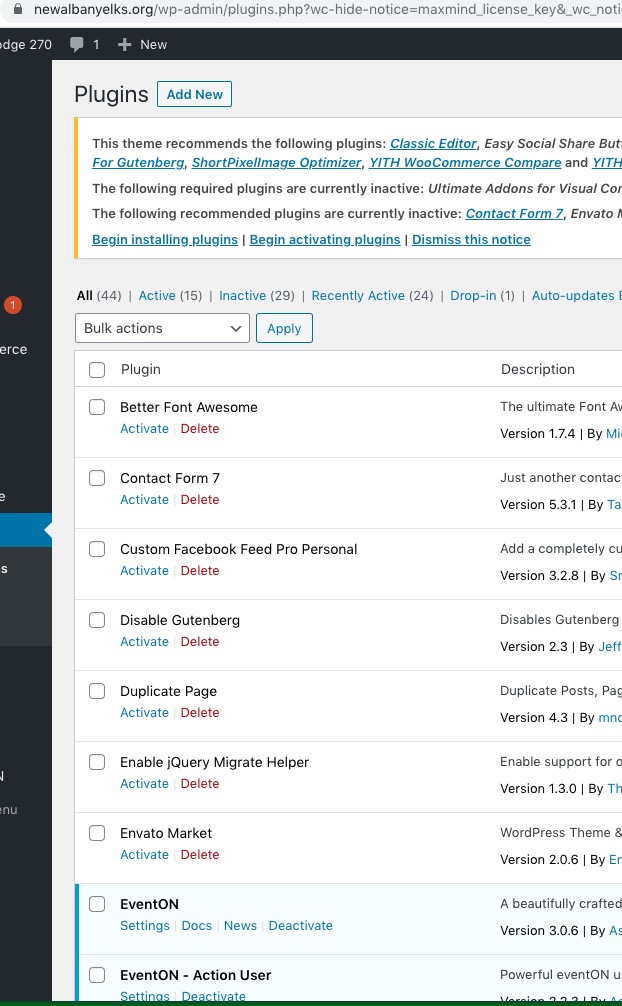
FullCal is also works:
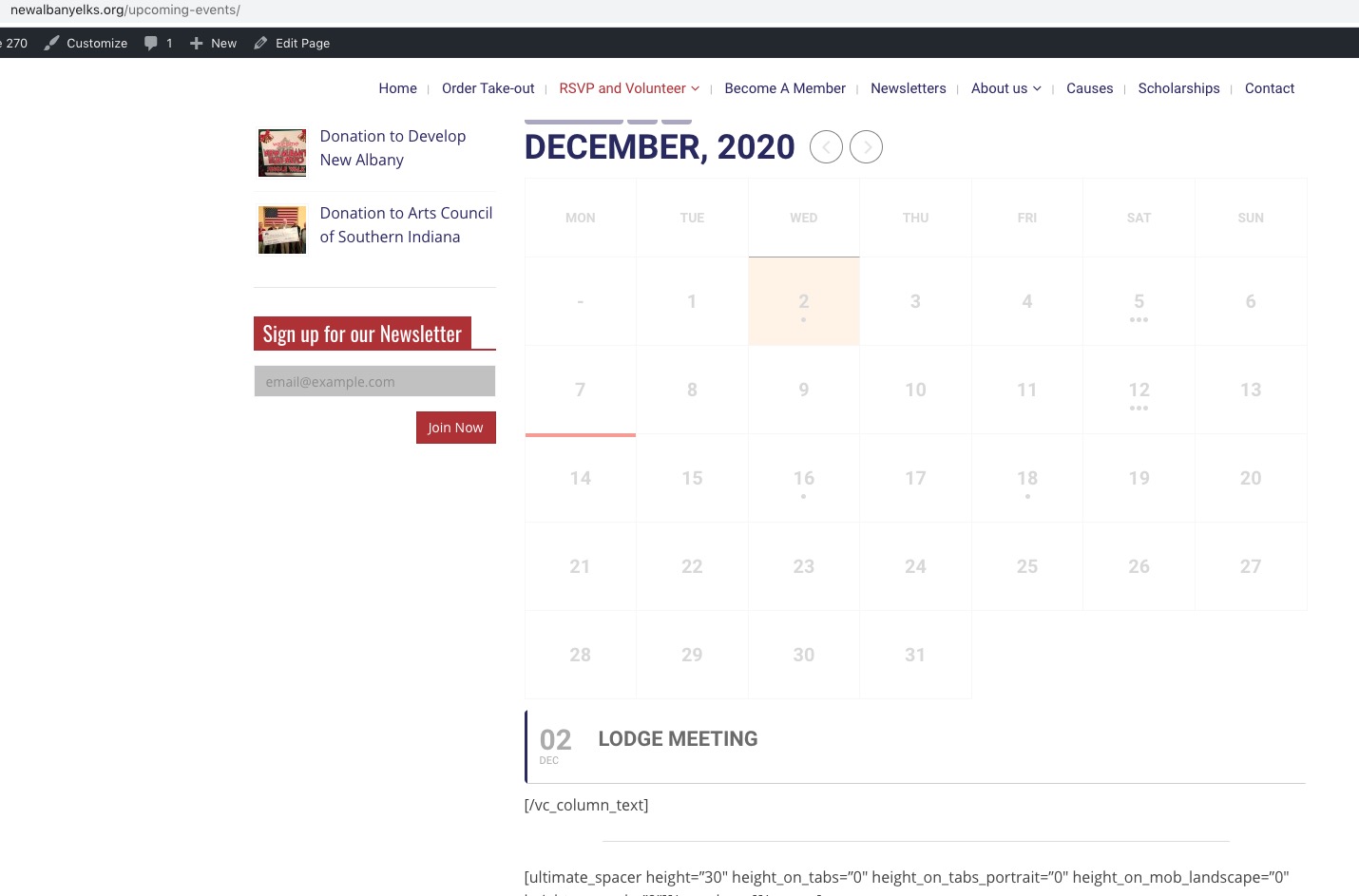
Please check and let me know.
It looks like that the issue can be in EventON Settings > Scripts & Styling > enabled Concatenate all eventon addon style files – Beta (Only supported addons) OR Load eventON scripts and styles only on eventON pages.
Please also make sure that EventON Settings are saved after installing or updating the add-on. The problem can also be in your server-side cache. Could you try cleaning it?