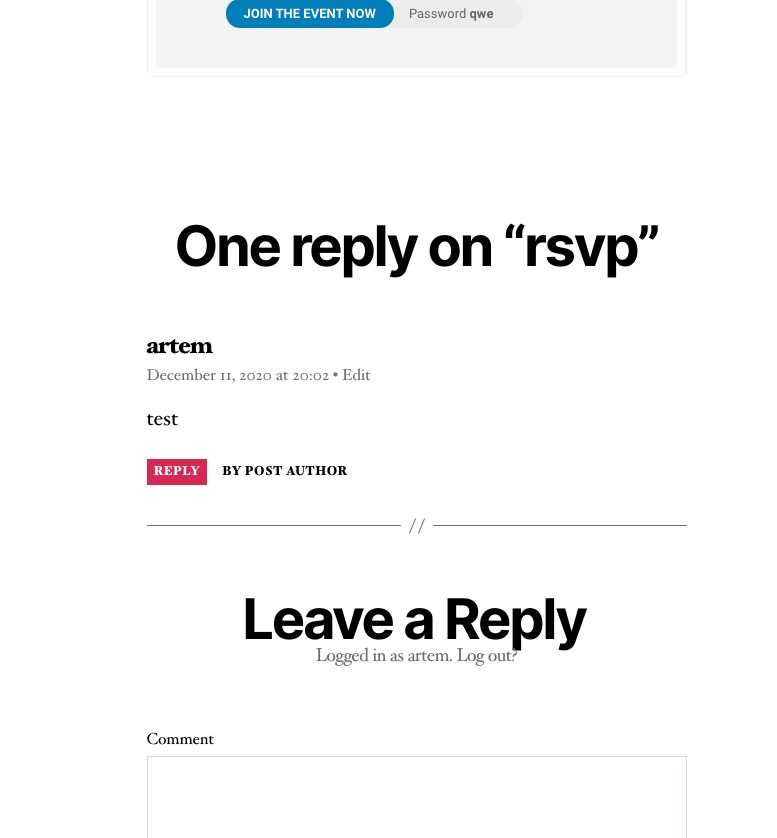
Its both actually. It seems that your theme, for some reason, outputs part of EventON’s calendar which belongs (for SEO purposes, I think) to Yoast plugin.
You can try switching and Twenty One and see how it fixes the issue even with enabled Yoast. Please try and let me know.
I am quite sure that your theme adds this part. Please check how it looks on our test server with the default WP theme: http://dev2.myeventon.com/events/rsvp-2/#comment-1843
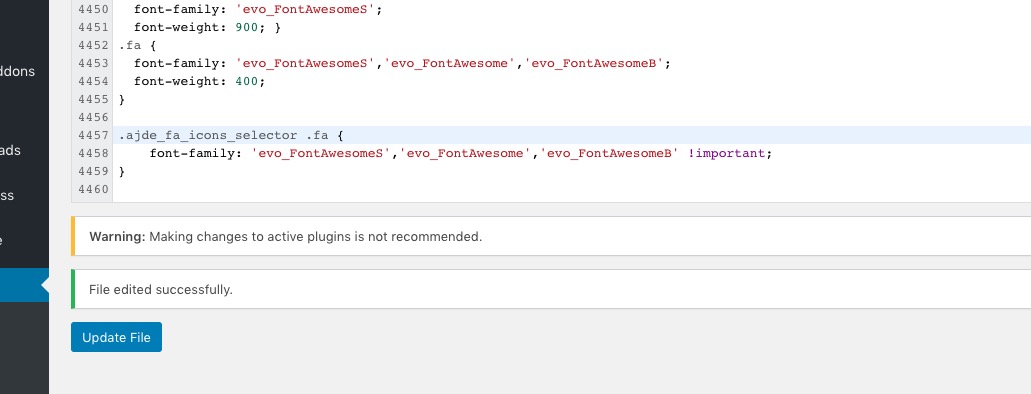
Added this line of CSS to https://soloxolo.com/wp-admin/plugin-editor.php?file=eventON%2Fassets%2Ffonts%2Fall.css&plugin=eventON%2Feventon.php:
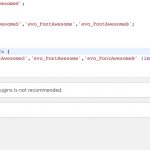
So it should work now. Please check and let me know.
Hello,
“View in my time” does exactly what you need. Just make sure that Edit Event > Event Timezone is correct OR EventON Settings > Time Settings > Default Event Timezone is correct and Apply default timezone to all events is enabled. This way when a user clicks it shows event time in user’s timezone (EventON takes it from their browser).
The code from this message Reply to: 211220 is different. Please check now and let me know.
Perfect! If you have any further questions or concerns please create a new ticket.
Hello,
Please add this CSS code to EventON > Styles (If you don’t see any change, EventON > Scripts & Styling > turn off Write styles to header > save settings > turn on Write styles to header):
.wrap.evotax_term_card.evo_organizer_card { display: block !important; }
.wrap.evotax_term_card.evo_organizer_card #primary { float: left !important; width: 69%; }
First problem: on site B, there is only one event that is displayed although I have several and that I have requested the display of 4 events
Could you send us a link to Site B and a link and login info to Site A?
When clicking on the event on site B (eventAPI), is it possible for the event detail page to be displayed on a page on site B. The API having retrieved all the information?
Thank you for your great suggestion, at the moment it is not supported. However please create a new ticket and select Feature Request as category so others can vote on your idea and get it moved into development faster. OR You can send us a customization job request by creating a new ticket in here and selecting Customization Request as the category.
Hello,
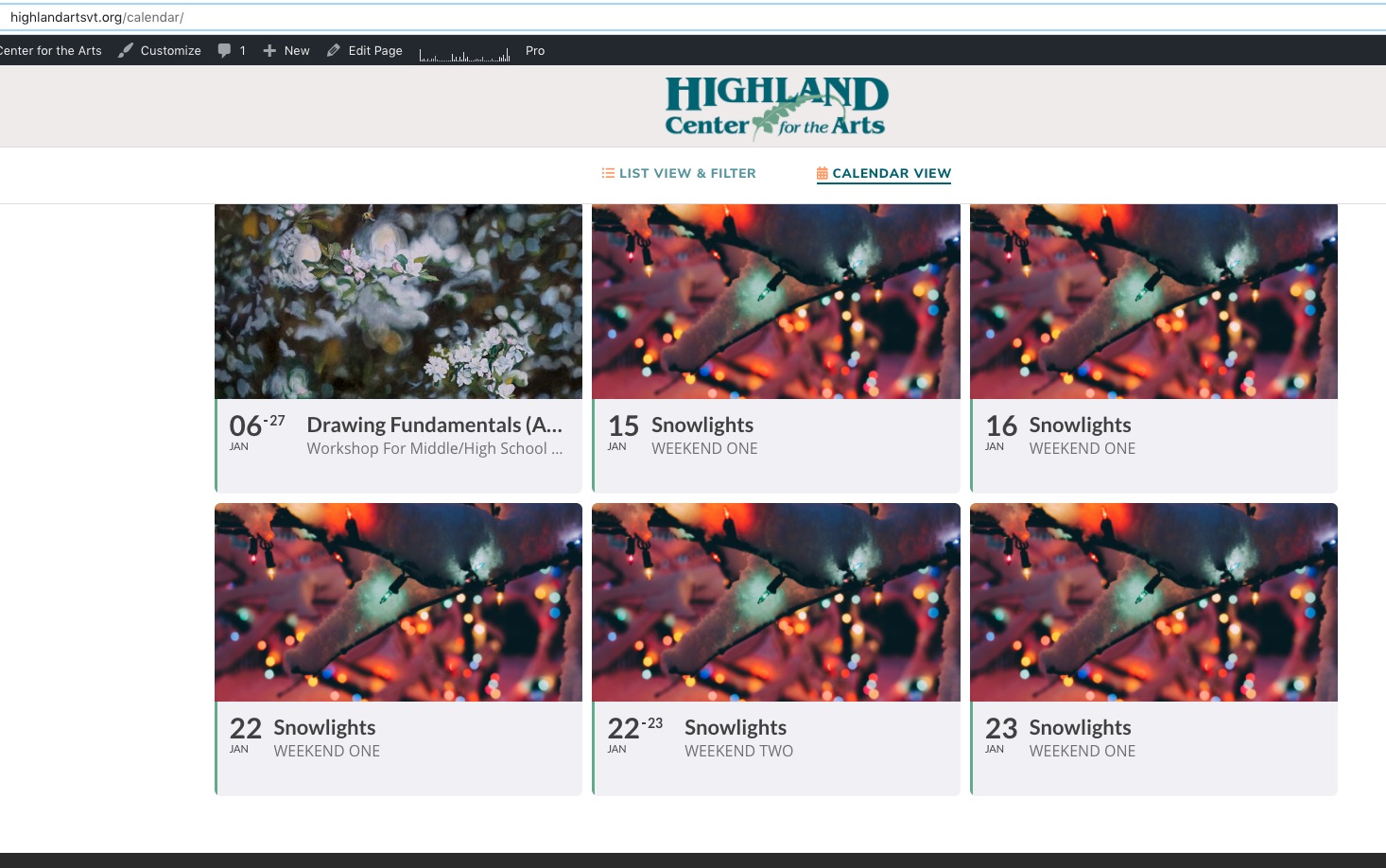
I went to https://highlandartsvt.org/wp-admin/post.php?post=9953&action=edit and enabled Repeating Event. Then I remove hide_mult_occur=”yes” show_repeats=”no” from the shortcode so all repeats should be visible now:
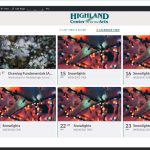
Please check and let me know.
Hello,
Please send us wp-admin access to your site as a private message for us to further assist your situation.
Please add this CSS code to EventON > Styles (If you don’t see any change, EventON > Scripts & Styling > turn off Write styles to header > save settings > turn on Write styles to header):
.eventon_events_list .eventon_list_event .desc_trig { border-color: red !important; }