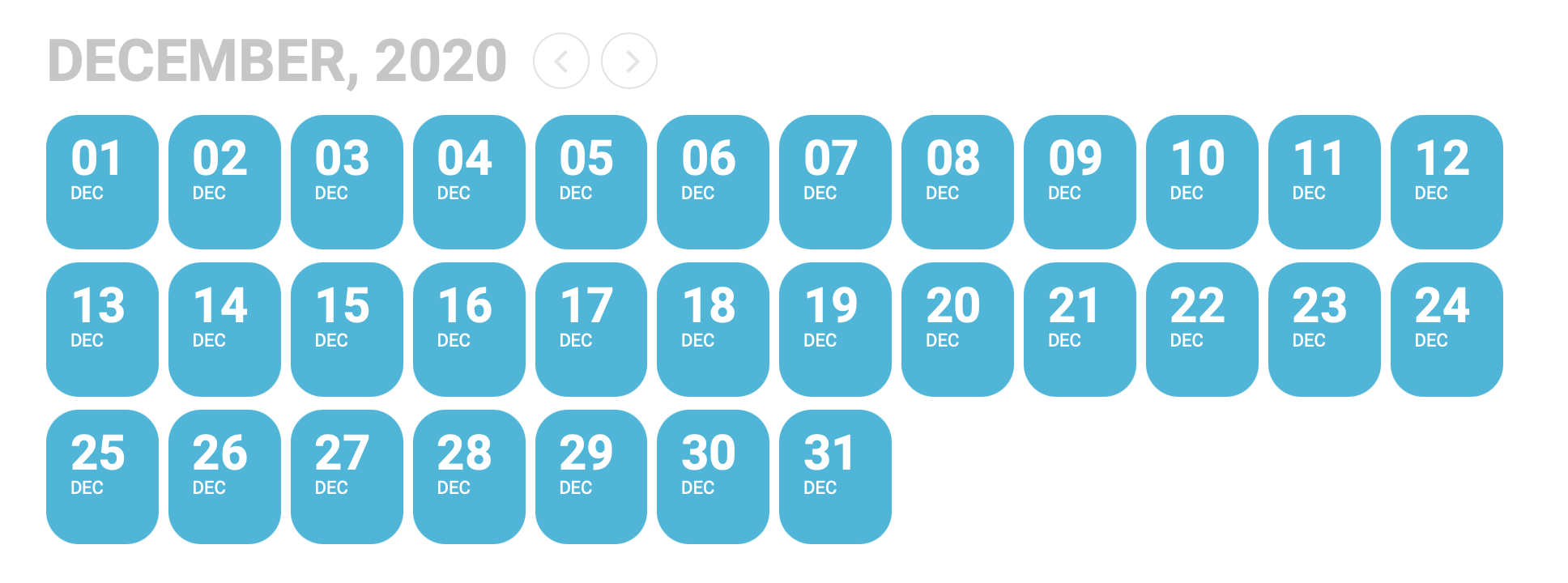
Hi, I have the same request and I tried this code but it did not work. https://copticmedia.org/synaxarium/. I would like to change the background color of current day.
Replies for tickets on suppota
Hi, I have the same request and I tried this code but it did not work. https://copticmedia.org/synaxarium/. I would like to change the background color of current day.
Thanks for that.
Scanning found an unknown file at: wp-includes/rest-api/.01c1ec41.ico
Otherwise seems clear.
We hold no data on the site, it is strictly an information site.
Thanks for help.
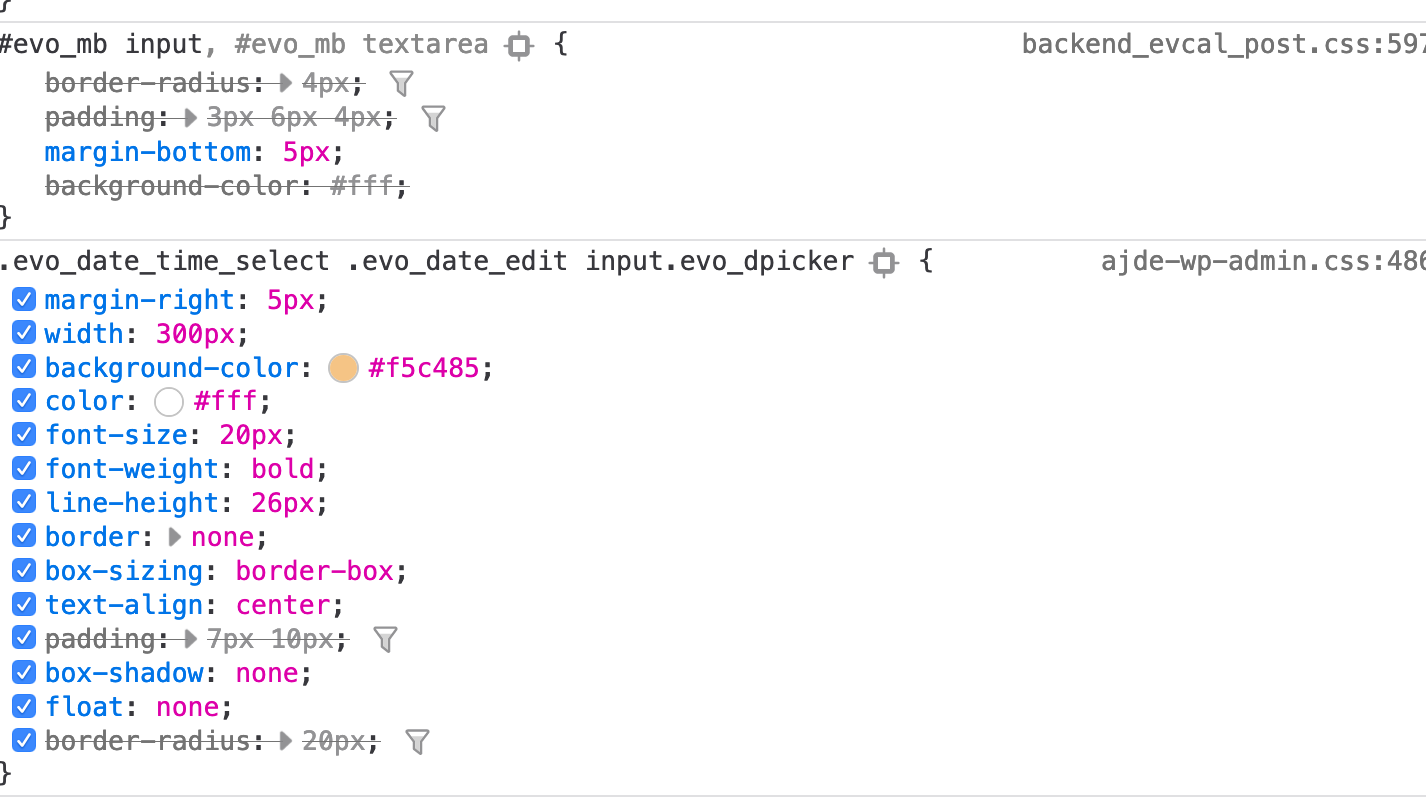
Another image of the CSS affecting the textbox.
Thanks for this.
we need to use Campaign Monitor because another part of the University is using this for EDMs. I’ve managed to get it working by importing the CM script another way.
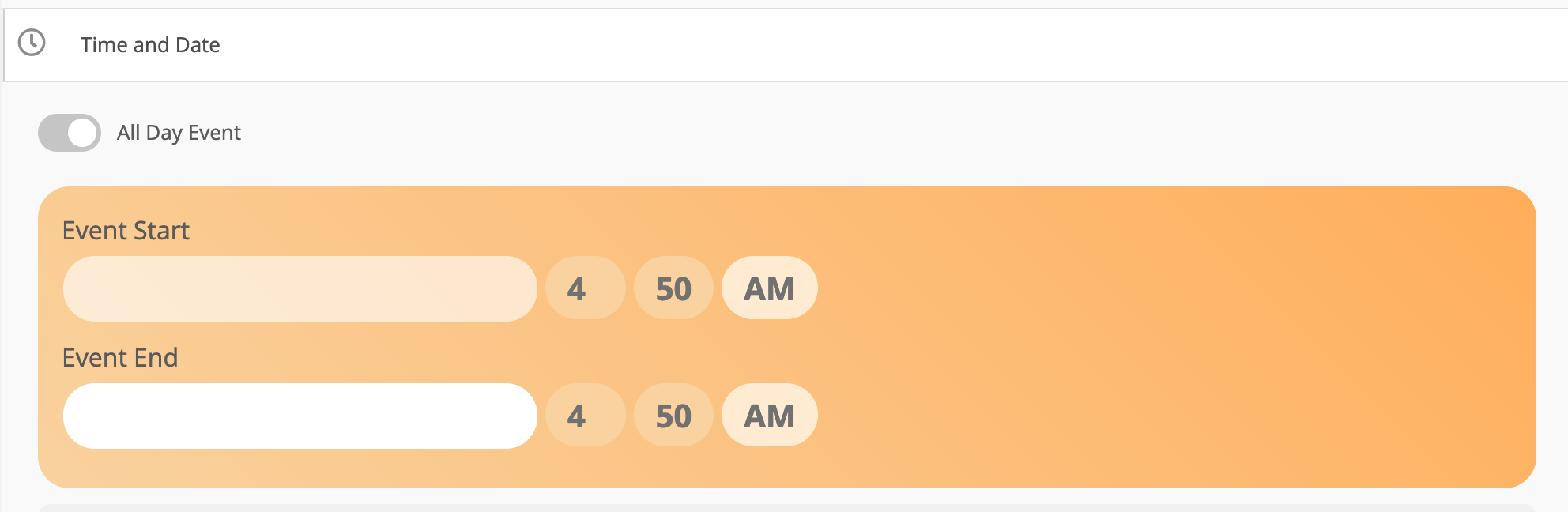
One other problem I’ve noticed is that in the backend of an event the datepicker is appearing as a white box with white text (see attached images). Any idea of how I should fix this without touching your plugin.
Thanks
Chris
Seems OK https://sitecheck.sucuri.net/results/https/kaikourahealthcare.co.nz
but because you are in healthcare and you may have private data- you will want to have your host scan to see if there is malware
eventon doesn’t have malware
I’d recommend doing the following ASAP
Scan your hard drive with whatever antispam scanner you have installed
I use the free version of Hypercam 2 to record my videos- it would be good to see this in action
Page scroll to ID plugin is causing an error on the page- see if that has warnings-
Also some web hosts can scan your website (they can on siteground) you will want to get a scan of your website to see if it has been hacked
Thank you yes – it is loading faster. We are still having the issue where it will not let us do a repeated event more than 4 times and if we try to manually enter it – we have to start with the furthest date out and work back. So if it repeats until Dec 20th we cannot start with the first repeated event as Dec 13th because then it won’t accept Dec 14th. Instead we have to type in Dec 20th, then Dec 19th, then Dec 18th… Any help with that would be great!
Thanks!
I guess I can’t upload files. Here is the link to download. https://www.dropbox.com/s/2cr8v2us0wv28lb/CSV%20Import%20Test%20%20-%20Sheet1-3.csv?dl=0
Sample import file attached
Of course! Go ahead.