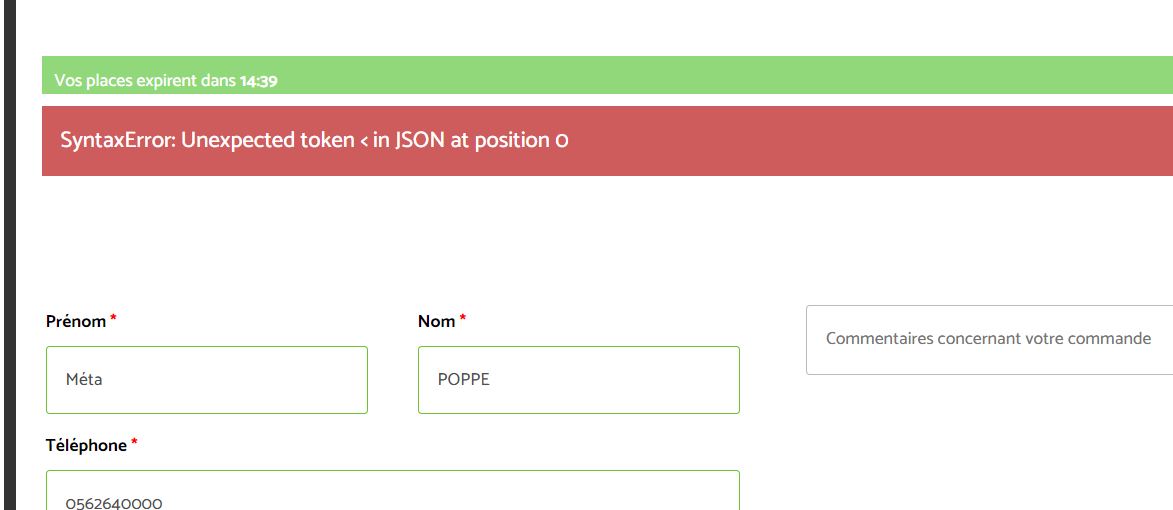
Hi Basilis,
I’m sorry but it didn’t work with the new update….
Please can you check this ?
Replies for tickets on suppota
Hi Basilis,
I’m sorry but it didn’t work with the new update….
Please can you check this ?
I put it here with no effect: https://ibb.co/V2fBJCb
I’m afraid that does not work.
I have already cancelled the subscription, but what I need to do is have the credit card information deleted.
The reason for that is I developed the site, but am not managing it. So I wish to pass the account over to someone who will be managing it, and they may well want to reactivate the subscription.
But I can’t pass over the account (and therefore you won’t get a renewal) if my credit card details are still stored in the account (which they are).
Thanks Ashan,
This code is already their. But it won’t show a new event in februari 2021.
[add_eventon_el el_type=”dr” start_range=”2018/01/01″ end_range=”future” month_order=”DESC” event_order=”DESC” event_count=”5″ event_count_list=”yes”
number_of_months=”5″]
Buddypress is not displaying it on the edit user page
So please ask Buddypress why it is removing the options from the edit user page
see video below to show you what it should look like
Hi Nicolas,
Please send us wp-admin access to your site as a private message for us to further assist your situation.
You would have to use the event types
and that way the languages would show up as categories
Hi Dyke,
Hope the CSS code worked for you. If you have any further questions or concerns please feel free to create a new ticket.
Hi Yannick,
You can add the custom CSS code below to myEventON > Styles to display the full event names
/*display full event names*/
.ajde_evcal_calendar.boxy.boxstyle1 #evcal_list .eventon_list_event .evcal_desc span.evcal_event_title{white-space:normal; text-overflow:inherit;}
Hi Daniel,
We are glad your issue is resolved, if you have any further questions or concerns please feel free to create a new ticket.