For me it would be perfect if I could use wpml string translation. But this does not work, does it?
Archives: Replies
Replies for tickets on suppota
Reply to: tickets(210330)
I have added the css as per your instruction. Cleared the browser and wordpress cache, yet the changes are still not taking effect. Is there something that I am missing? I appreciate your help.
Reply to: tickets(207958)
Hello,
I spoke to my host provider and he assured me that the dabase is fine. The encoding is utf-8 and shouldn’t have any problems with special characters.
Could it depend on the short code generated to see the appointments?
I generated this:
[add_eventon_el number_of_months = “13” hide_mult_occur = “yes” etop_month = “yes” cal_id = “1” show_et_ft_img = “yes” hide_empty_months = “yes” show_year = “yes” etc_override = “yes” lang = “L2″ exp_so = ” yes “add_eventon_el el_title =” PROGRAMMING CONFERENCES “]
A greeting.
Reply to: tickets(210278)
Hi Caterina,
I am trying to take a look at your site (https://www.prabhupadadesh.com/) so that I can give you the accurate custom CSS to use but I am getting a connection error. Kindly confirm, are you are able to view the site on your end?
Reply to: tickets(210483)
Also, can you explain the process and purpose of the RSVP plugin and usage of waitlisting as well? If waitlisting does not occur when tickets are sold out, what use case is this plugin useful for?
Reply to: tickets(210483)
Is there a way for users to RSVP for more than one user? lets say one person would want to RSVP for 4 or 5 people?
Reply to: tickets(210461)
If I select “EventON Content Filter” I have the same problem reported in ticket 209433
Reply to: tickets(210278)
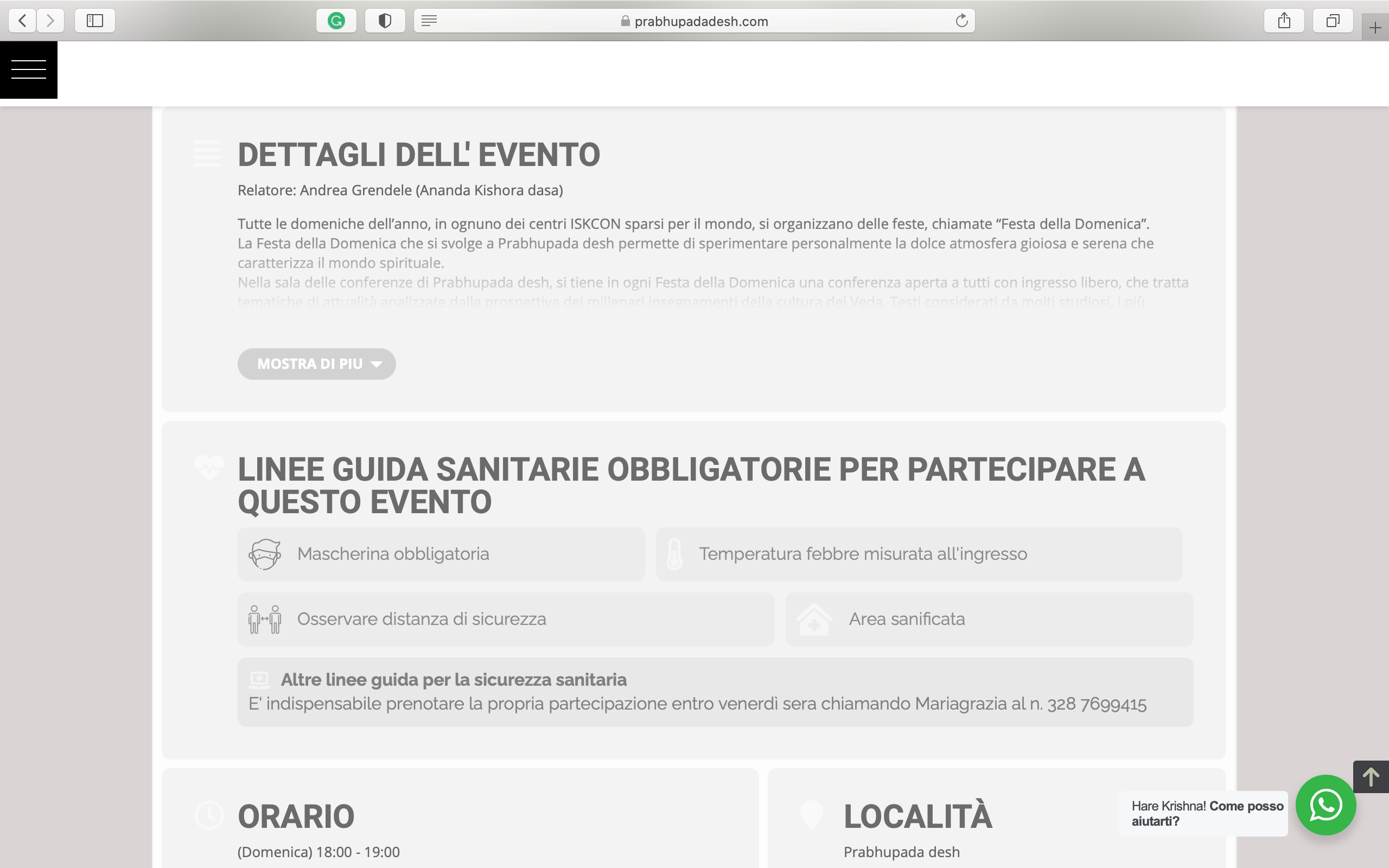
Thanks a lot! But we still have a problem with the colors in the tables.
If you see some of the icons now changed color; some are white (and no one can see those) and some are grey and that is correct. also, the social media sharing option(in the page bottom) became white but that can not be seen:
Please help Us to solve this!
Thanks in advance
Reply to: tickets(207087)
Could you try updating EventON manually by following:
To update eventon to latest version: If you are unable to do autoupdate, you can go to codecanyon your account > download and get the latest eventon version as zip file. Then you can go to your website, deactivate old eventon, activate (Do not delete eventon settings & data when EventON is uninstalled) from eventon settings, delete old eventon, install new one and activate. This link will further explain the process it. Also you can follow us on twitter to get real-time announcements on updates!
Is this because you have changed some file permissions doing tests?
We didn’t touch any of your EventON files. I enabled WP_DEBUG by editing wp-config.php file and that’s pretty much it.
Reply to: tickets(210483)
Hello,
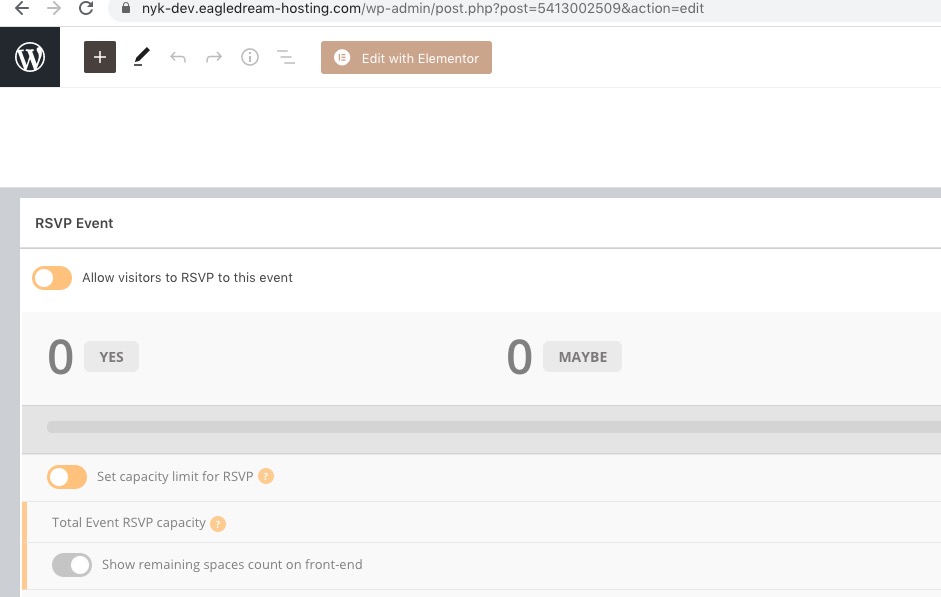
EventON – RSVP Events Waitlist add-on https://www.myeventon.com/addons/rsvp-events-waitlist/ doesn’t work with tickets. For example, this event https://nyk-dev.eagledream-hosting.com/wp-admin/post.php?post=5413002509&action=edit doesn’t have any RSVP guests, only customers who purchased tickets: