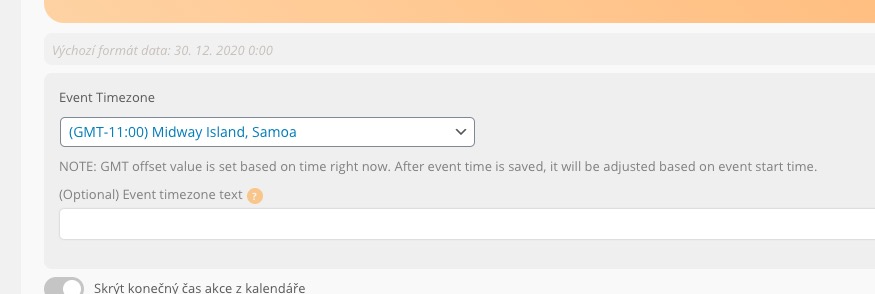
Seems that there are some console errors on the page
Please send us FTP access to your site as a private message, so we can perform several tests from our end and resolve your issue fast!
Thank you for your messages, I am going to assign this ticket to Ashan and he will be able to take it from here and find you a solution. Please allow some time for him to get back to you, we greatly appreciate your patience and thank you for being a eventon customer! Also please disable any IP blocking on your site if there are any.
Hi Ashish,
Could clarify where do I find the additional settings ‘Virtual Event Additional Info’? I looked in the settings for an individual event e,g, https://mflworld.com/events/frag-kurt-zyprian-21/ and in myEventOn > Settings > EventCard
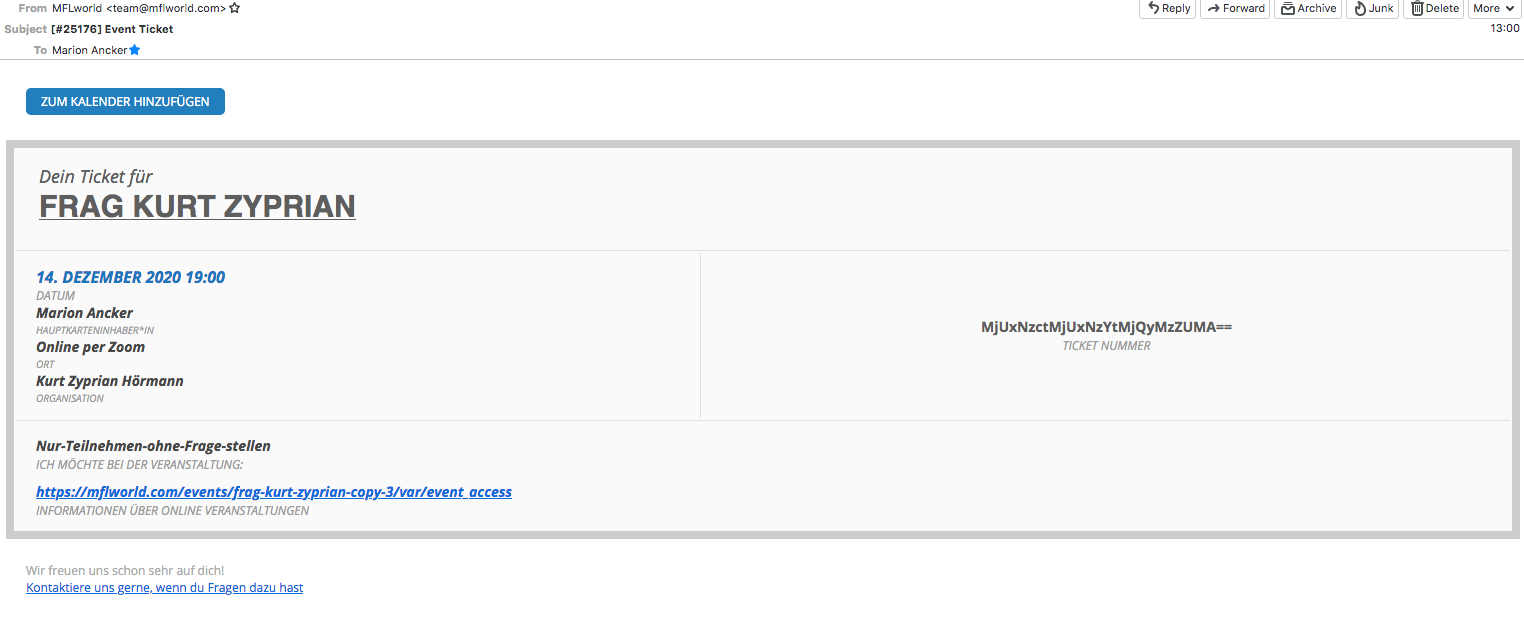
Do I need to activate these the settings? At the moment I am still getting e-mailed the old Event Card for Online Events (see screenshot attached).
Thank you
we have deactivated them from our side now so please try again and activate on the new site
Sorry but the same thing happened for the Ticket plugin (it gives me the same error)
Great! Please keep us updated.
Hello,
I don’t think you can without adding the necessary columns to the .csv file related to WPML. More info https://docs.myeventon.com/documentations/how-to-add-additional-fields-to-download-attendees-csv-file/
Hello,
Are you referring to this part:
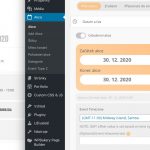
If you enabled EventON Settings > Time Settings > Apply default timezone to all events, then it should use this option instead of Edit Event > Time > Event Timezone.
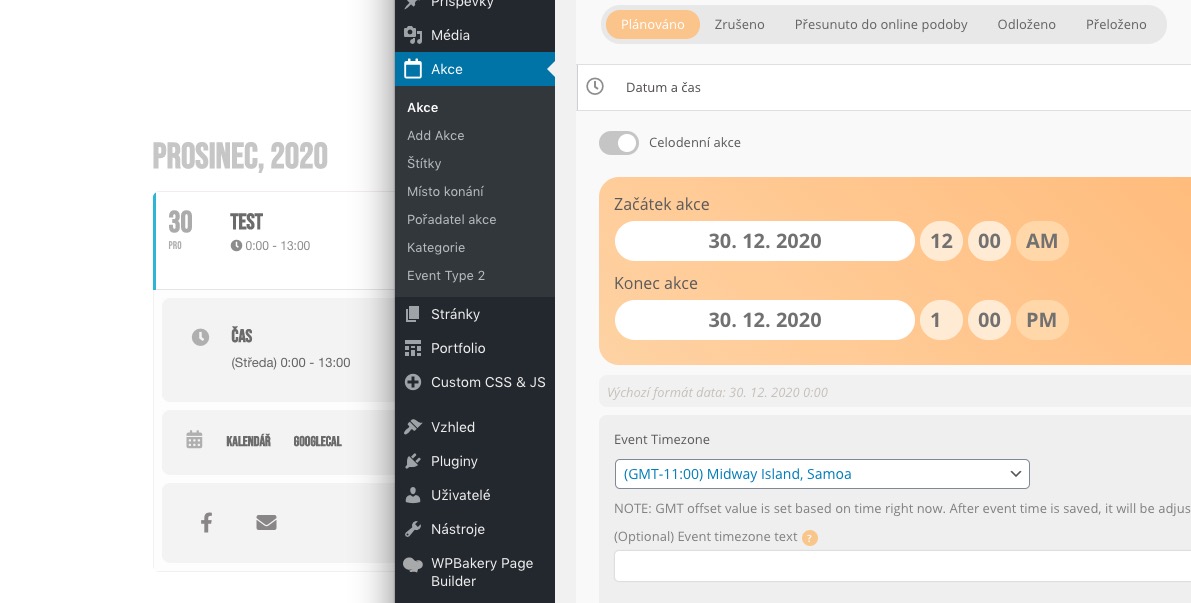
Please check this test event: http://keymaker.savana-hosting.cz/akce/test/ where the time is correct:
Hey Daniel,
We work on eventON, but if you need more things I can help you with.
There is an issue as we have fixed the problem not to show old events ( passed ) eventON has done an update so we are -resstructuing the code a little bit, I should be done in a day or two max, so the plugin can work without any issues.
If you have anhy quesitons let me know I will be happy to answer them
if they register as guest – I suppose they would not be able to login to get their ticket.
It depends if they selected “Register me” checkbox. They always can check their order from the notification email.
One customer bought in the evening, then the next morning got the reminder and assumed there was a problem with the ticket as the reminder only sent a link to the event. This person thought the ‘ticket email’ was just a receipt. She missed the event.
You can customize the ticket template by following https://docs.myeventon.com/documentations/customize-ticket-email-template/ to make it more visible, except it clearly says “Ticket”. The thing is that customers must to agree on “Terms and Conditions” before their purchase where you describe that they supposed to have a ticket and where to get one.
So will standard html markup to link (live link) to the ‘my account’ page will work? ie:
Please try using HTML tags for this: https://pastebin.com/jL0irQi8
We are glad your issue is resolved, if you have any further questions or concerns please create a new ticket.
If you have a moment, we would greatly appreciate if you could kindly leave us a review at codecanyon! from your account > downloads. Cheers!