I just created the eventon test via the action user form
Archives: Replies
Replies for tickets on suppota
Reply to: tickets(208239)
sending you screen recordings from firefox and chrome
https://youtu.be/mxC2Eh6yMbc
https://youtu.be/hmSSQVEht6o
I will also try from a different PC
Thanks
Reply to: tickets(205017)
No dev going on. We loaded the site to staging to test eventon. When we disable EventOn main plugin, then the site loads fine. When we enable EventOn plugin, then it starts crashing and giving errors.
I can access the WP-Admin no worries.
While checking this, I see that 3.0.5 is out. I’ll go ahead and update the parent plugin.
Reply to: tickets(207829)
Some customers don’t see that they can choose a ticket with which they can ask a question as the dropdown is quite small on the right hand side. Hence they automatically choose a standard ticket with which they can’t ask a question during the event. (During the event there is only a limited time available to ask questions, hence we want to give out only a limited amount of tickets with the option to ask a question.) When the customer then progresses to the cart and to the checkout it shows on the ticket details that there was an option. In case they want to ask a question, they now have to return to the event page to find the drop down and select the other variation. (The dropdown for ticket variations is quite small on the right hand side. It would improve customer experience to make it larger) The idea behind the default setting was to prevent the customer from progressing to the cart without having made a conscious choice from the dropdown.
Reply to: tickets(206843)
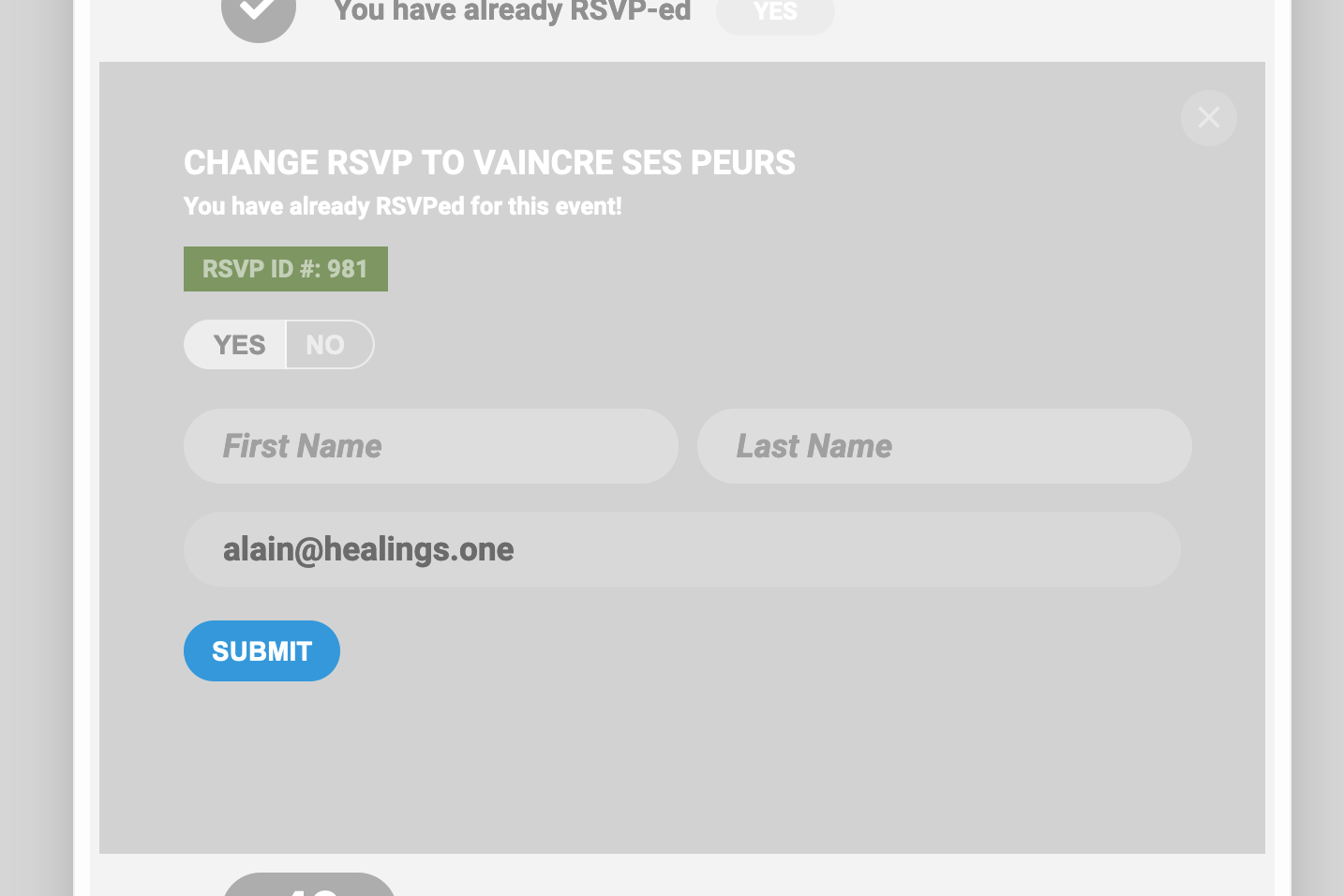
And I think we should be good with it after this 🙂
Thanks again for your time 🙂
Best
Alain
Reply to: tickets(206843)
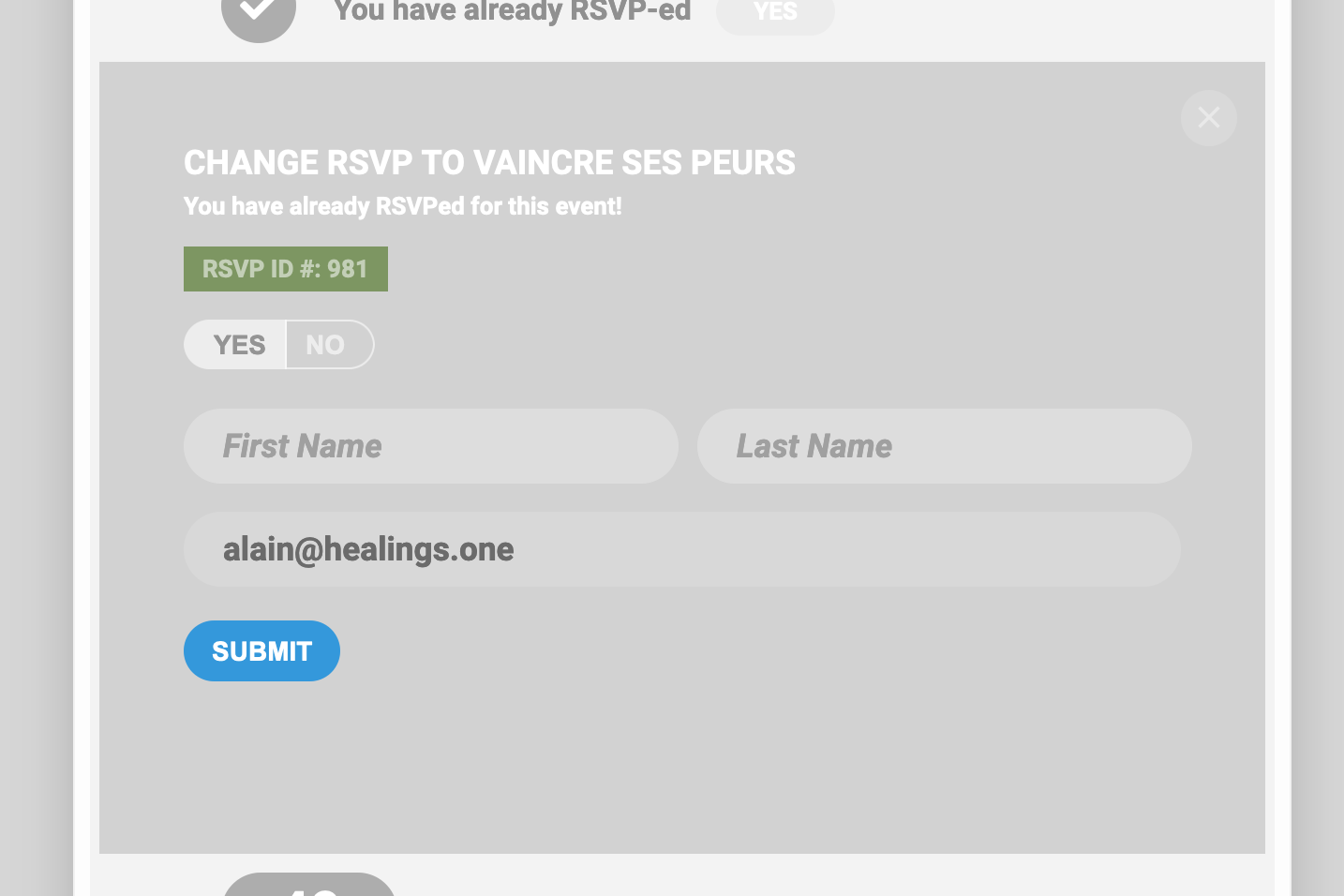
I need the CSS for text + background for this green area
Reply to: tickets(206843)
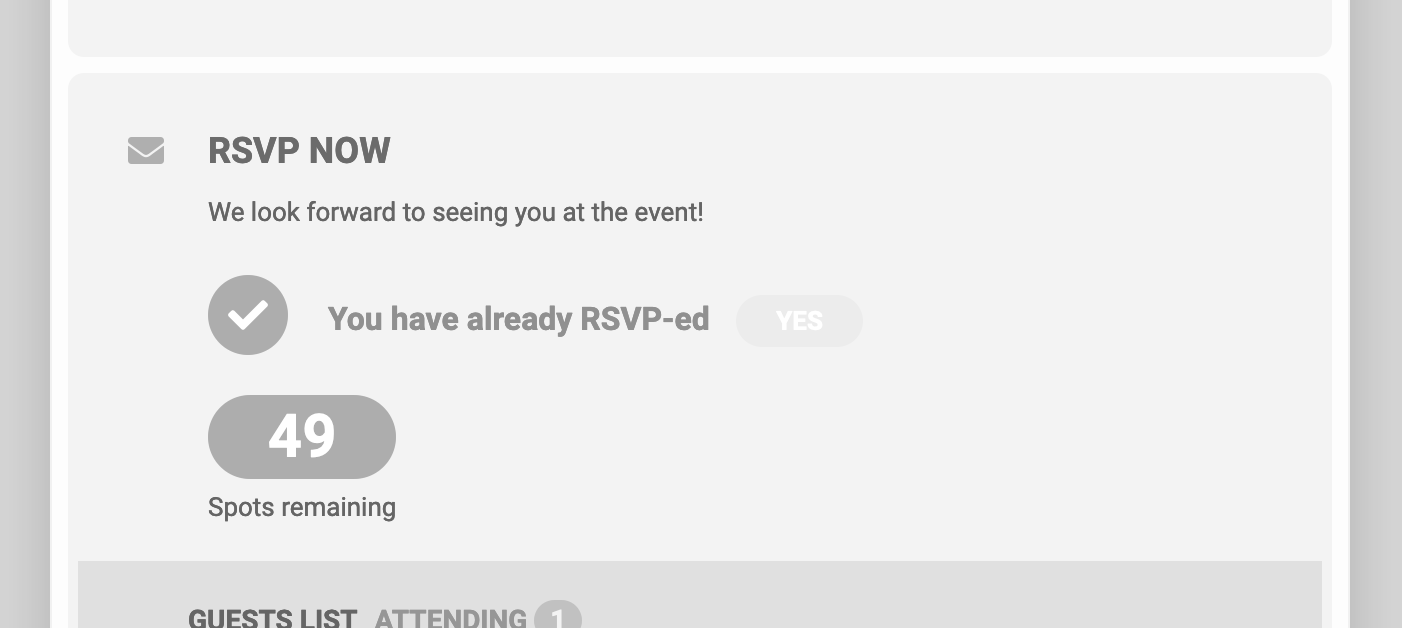
For this one, I need the CSS to change the background area of the YES
Reply to: tickets(206843)
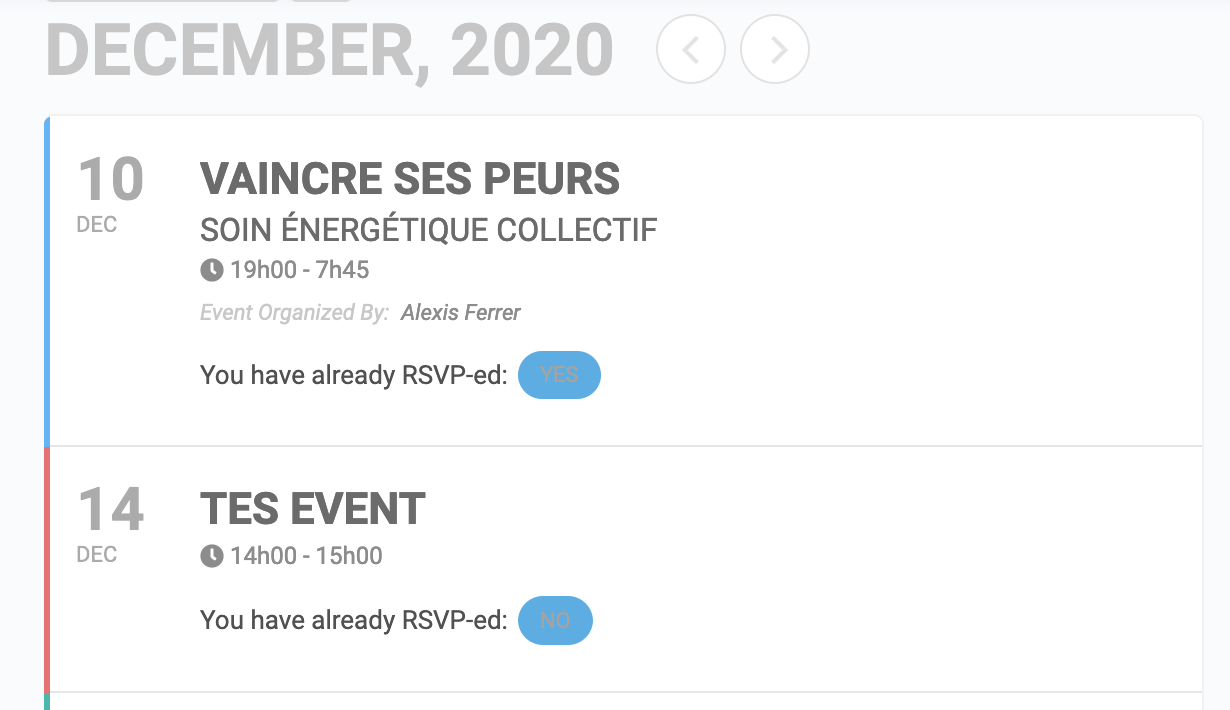
Hello Artem,
Thank you for your feedback.
Few other CSS are needed to complete (by the way maybe you could add them directly into the regular settings so we would both save time 🙂
For the YES / NO areas, I have CSS for background (blue) but I also need the CSS for the text.
Reply to: tickets(208349)
Hi,
Here you go:
Eventon
jYyMNnmE2qNkx!C
Cheers
John
Reply to: tickets(208180)
Thanks for your help. Is there a way to do something with the rsvp entries from 11/16-18 in the database so they don’t show up on the backend as posts and also don’t get pulled into post archives, searches, etc on the front end?