Hi Natalia,
You can select the day your week starts by going to Settings > General.
Replies for tickets on suppota
Hi Natalia,
You can select the day your week starts by going to Settings > General.
Please add this CSS code to EventON > Styles (If you don’t see any change, EventON > Scripts & Styling > turn off Write styles to header > save settings > turn on Write styles to header):
.evoslider.ajde_evcal_calendar.ss_imgtop .eventon_list_event.hasbgimg .evo_boxtop { background-position: center center !important; }
We are glad your issue is resolved, if you have any further questions or concerns please create a new ticket.
If you have a moment, we would greatly appreciate if you could kindly leave us a review at codecanyon! from your account > downloads. Cheers!
We are glad your issue is resolved, if you have any further questions or concerns please create a new ticket.
If you have a moment, we would greatly appreciate if you could kindly leave us a review at codecanyon! from your account > downloads. Cheers!
Hello,
Please, don’t forgive us👋🏻 We need to continue creating events and selling tickets
Melissa, the issue you have is you have another font awesome version loading to the page which override the eventON fontawesome files.
Also full Cal on your site works fine for me.
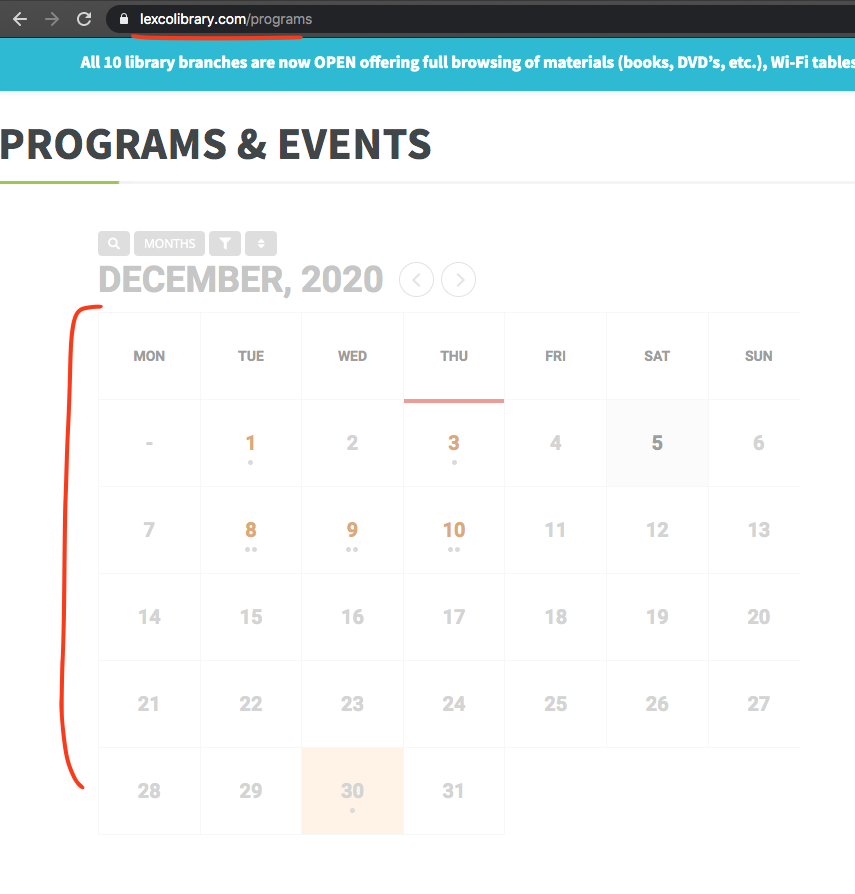
I dont think this is an issue with eventON but more an issue coming from another plugin or your theme. Try accessing your site via FTP and then rename plugin names which will deativate them so you can login to wp-admin
Thanks for the update.
Quick question. Do you only deal with EventOn or do you working on any WP updates and modules?
Thanks
Okay, I get it.
But I still can’t translate the button then, can I?
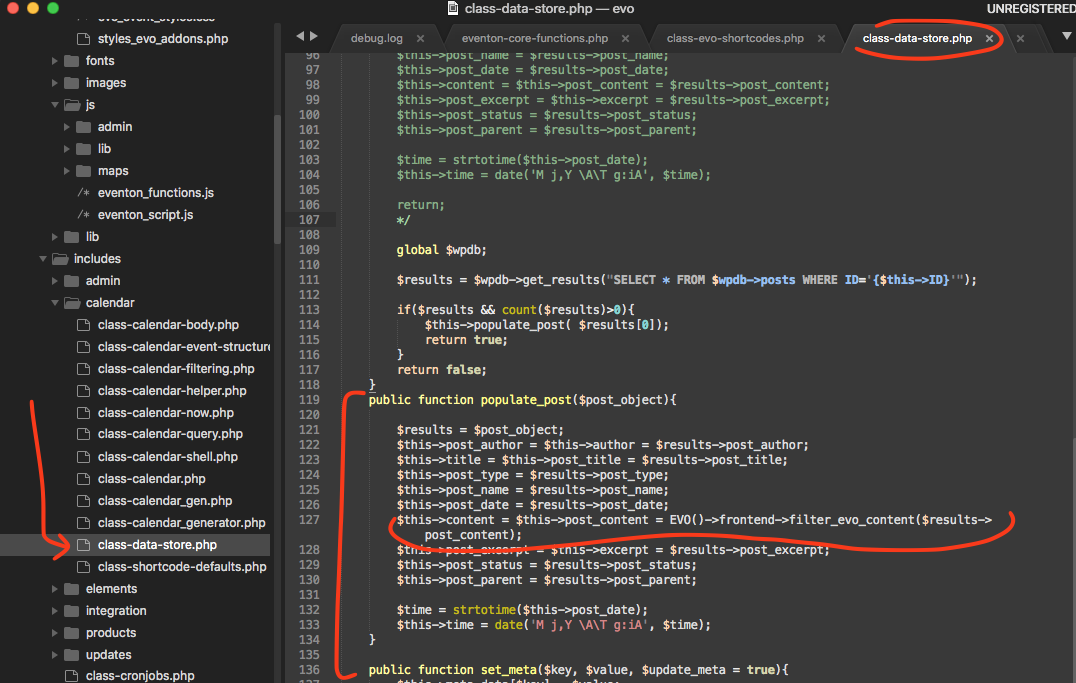
Actually here is the correct patch fix.
Are you able to open this file in plugin editor? https://docs.myeventon.com/documentations/how-to-enable-plugin-editor-for-wordpress/