Thank you for your messages, I am going to assign this ticket to Ashan and he will be able to take it from here and find you a solution. Please allow some time for him to get back to you, we greatly appreciate your patience and thank you for being a eventon customer! Also please disable any IP blocking on your site if there are any.
Archives: Replies
Replies for tickets on suppota
Reply to: tickets(209075)
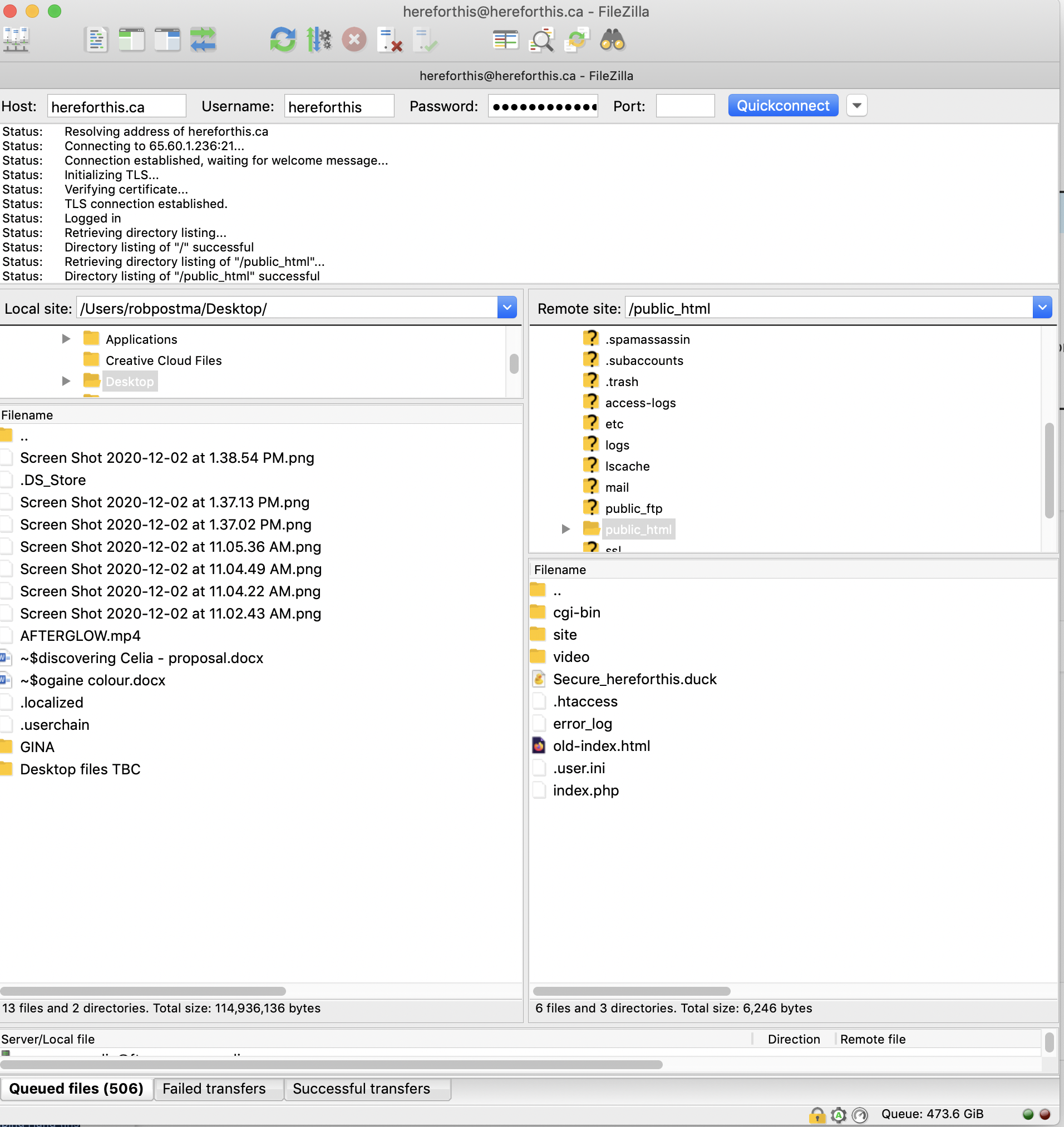
just tried and got in on filezilla- i reset the password again – then tried – so not sure if that mattered or not – but it worked!
Reply to: tickets(209384)
sofar it seems that resaving all the events fixes the crazy delay
Reply to: tickets(209384)
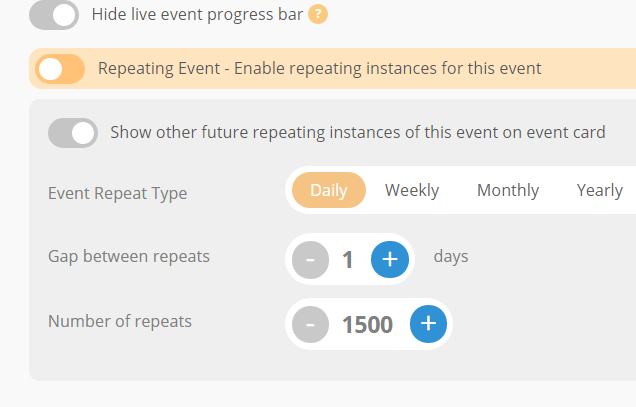
this event adds 3 secs loadtime (not cached)

Reply to: tickets(209384)
Found the issue (not the solution!) , since the 2.x generation of Eventon something has changed, i had rougly 500 events all with weekly repeats for 104 weeks, or daily repeat with 1000 iterations. And the site had no issue.
As a test i have put 10 events, 8 single day, and 2 repeats
– 1 daily event with 150 repeats and
– one weekly event on Tue and Thursday with 104 repeats.
Every item that has weekly events + choosing days of the week + 100 repeats adds 5secs to the total loadtime of this test page:
https://wordpress-481360-1623463.cloudwaysapps.com/index.php/testtt/
Resulting in a loadtime of minimum of 30-60 secs, without wprocket to be able to cache this (i assume)
Appreciate your help in this
Reply to: tickets(209384)
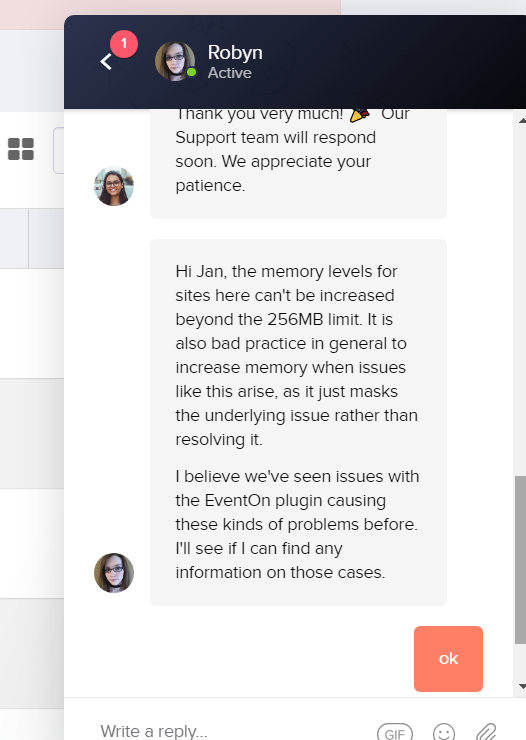
So i tried cloudways 3 servers, local and mamp, and now pressable. Would appreciate some effort to tell me what is wrong based on the trial install i specially made for the Eventon helpdesk.
Pressable, see below:
So i migrated the site to Pressable, where i also have some sites, and where the previous ‘eventon’ website was running before Covid struck. Pressable is managed wordpress, so this is the advice i got so far:
“Hi Jan, the memory levels for sites here can’t be increased beyond the 256MB limit. It is also bad practice in general to increase memory when issues like this arise, as it just masks the underlying issue rather than resolving it.
I believe we’ve seen issues with the EventOn plugin causing these kinds of problems before. I’ll see if I can find any information on those cases.”
Reply to: tickets(209724)

Hello Artem,
Yep excellent ! Thank you 🙂
On a different subject : I did not see where to click to hide this “live now” message
Is it possible ?
Thanks
Cheers
Alain
Reply to: tickets(209528)
Hi there!
I have updated to the latest version and checked. I don’t have any more draft events in the backend.
Anything else I should do?
Thanks so much,
Laura
Reply to: tickets(209075)
Still doesn’t work. Could you try connecting with FileZilla and see if it works?
Reply to: tickets(209651)
And how do you translate everything? With WPML by following https://docs.myeventon.com/documentations/wpml-eventon-front-end/ OR with this https://docs.myeventon.com/documentations/how-to-translate-calendar-front-end/ OR this https://docs.myeventon.com/documentations/setup-language-corresponding-events/?