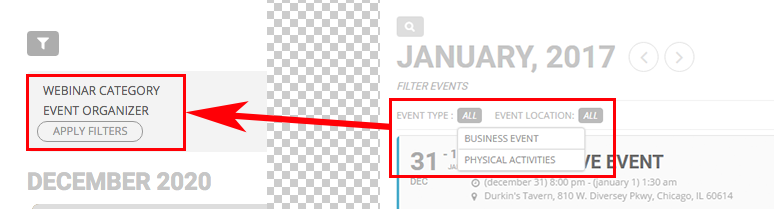
fyi: I renamed Event Organizer to Sponsor
Replies for tickets on suppota
fyi: I renamed Event Organizer to Sponsor
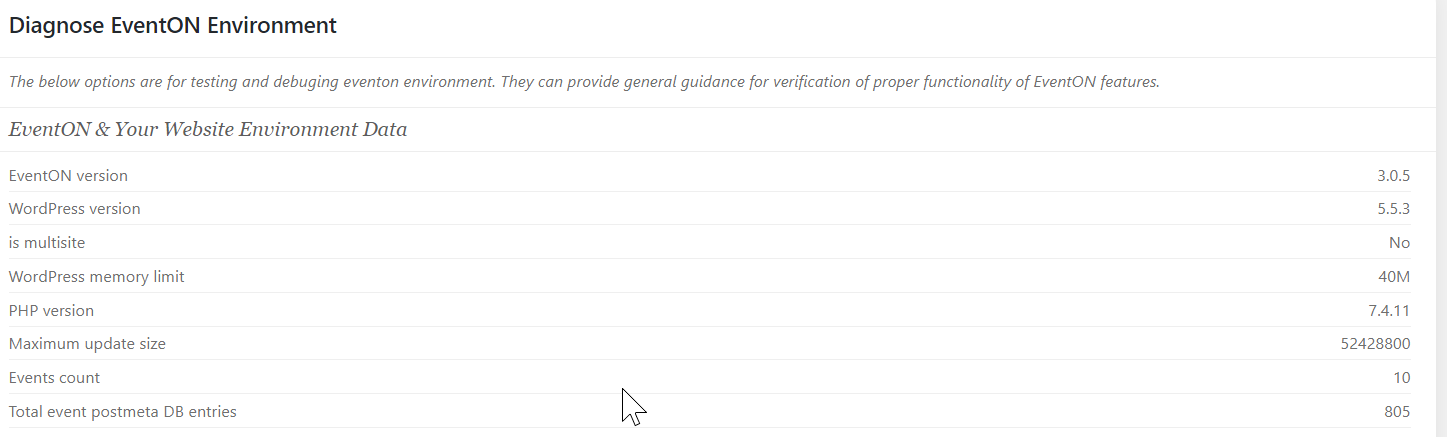
Ok guys, hope you can help me here, months of work on a site that revolves around Eventon’s slider. Cannot find the reason why it breaks the site.
I’ve setup a test environment on Cloudways, Vultr HF, php 7.4, Mariadb 10.4. (am developing on Local, Mamp and direct on cloudways, but does not matter where i put it, its slow)
Virgin WordPress, only eventon 3.05 and slider 2.01, with 10 events takes 35secs to load a slider.
empty page with shortcode:
[add_eventon_slider slide_loop=”yes” event_count=”6″]
Hints:
– Could delay have to do with 156 warnings in debug.log ?: “PHP Warning: count(): Parameter must be an array or an object that implements Countable in “
screenshots with 35 secs querymonitor and dev console
– https://i.imgur.com/F2Gotaj.png
– https://i.imgur.com/jGBGzMC.png
Example and login details in private post.
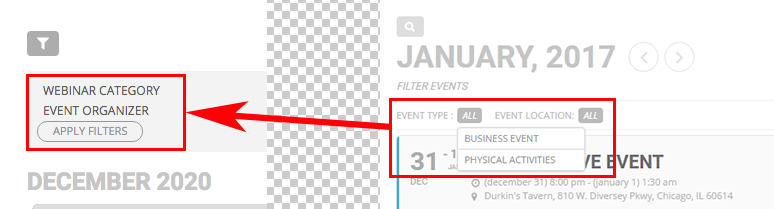
Hi, thanks, now Event Organizer is displayed in the filters.
Is it possible to display filters horizontally aligned, as you shown here on your website?
We are glad your issue is resolved, if you have any further questions or concerns please create a new ticket.
If you have a moment, we would greatly appreciate if you could kindly leave us a review at codecanyon! from your account > downloads. Cheers!
Please also try going to EventON Settings > Action User > enable Use basic textarea for event details box instead of WYSIWYG editor.
It seems that you’ve already updated EventON to 3.0.5, correct? Did it help to fix the issue?
Hi Henriette,
You can change the font size by using adding the custom CSS code below to myEventON > Styles
#evcal_list .eventon_list_event .evcal_eventcard p{font-size:18px;}
Please feel free to change the font size value to the one which you like. If you don’t see any change, go to myEventON > turn off Write styles to header > save settings > turn on Write styles to header.
Hello Basillis,
I would need a help with other things by the email ticket.
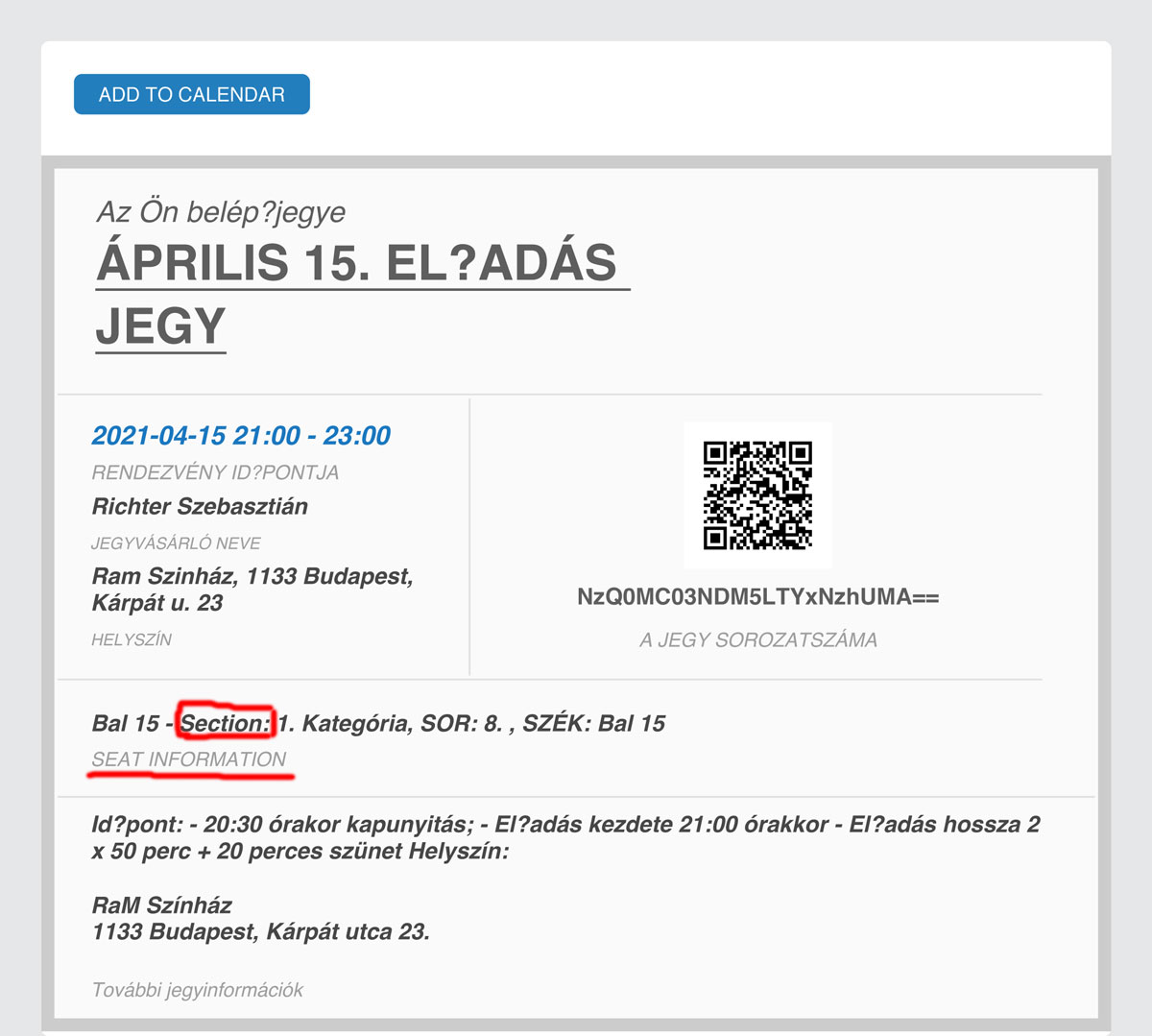
How I can change the following text on the e-ticket: Seat Information and Section??
I attached picture about it. I want to change the text part to Hungarian word and I don’t find it!
Waiting for your response!
Regards!
Sebastian
We are glad your issue is resolved, if you have any further questions or concerns please create a new ticket.
If you have a moment, we would greatly appreciate if you could kindly leave us a review at codecanyon! from your account > downloads. Cheers!
Thanks for the response.
I have updated the plugin, and looks like we are no longer getting any errors.
We are unable to still purchase tickets, although it could be an issue with the woocommerce extension.
Hi Pedro,
Here https://docs.myeventon.com/documentations/how-to-show-past-events/ is a tutorial on how to show past events.
Let me know if you have any other questions.