Hi Gerben,
I can not load your web site so I can give you the CSS rules, can you please check to restore it and we will afterwards provide them
Replies for tickets on suppota
Hi Gerben,
I can not load your web site so I can give you the CSS rules, can you please check to restore it and we will afterwards provide them
Please make sure that you added etc_override=”yes”:
[add_eventon etc_override=”yes”]
Hi Gerben,
We can do that for you for you sure!
You can send us a customization job request by creating a new ticket in here and selecting Customization Request as the category.
Ashan,
Please check:
The last question, there is a strange thing related with picture gallery. In some events with the same settings pictures shows in a separte gallery and others no. (separate gallery…
The same on dev2. If you enable Show as a separate gallery and update the event then it still will be disabled: http://dev2.myeventon.com/wp-admin/post.php?post=24180&action=edit
Hello,
EventON doesn’t use any styling for this particular iframe:
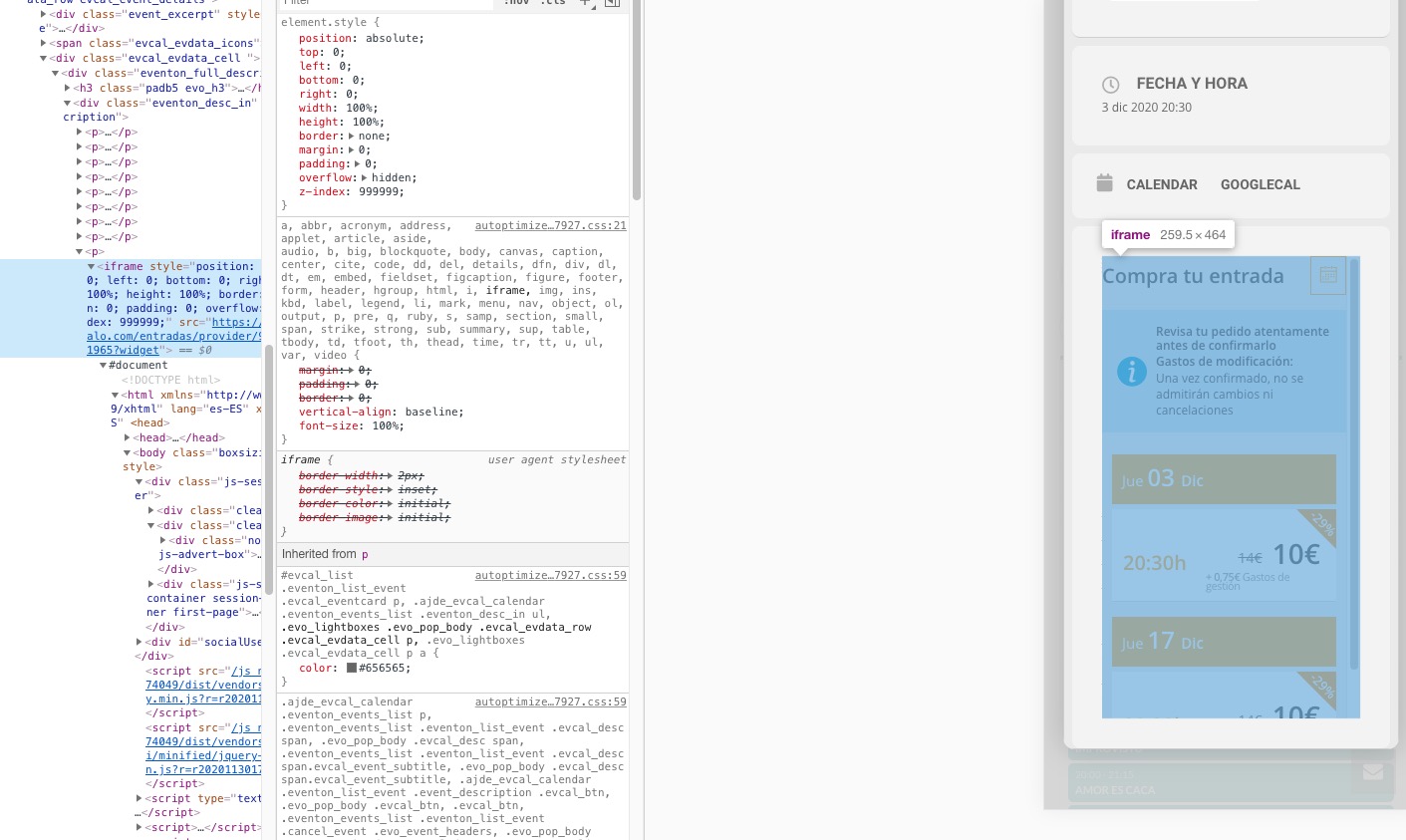
As you can see it adds position: absolute, so that’s why it hides the description.
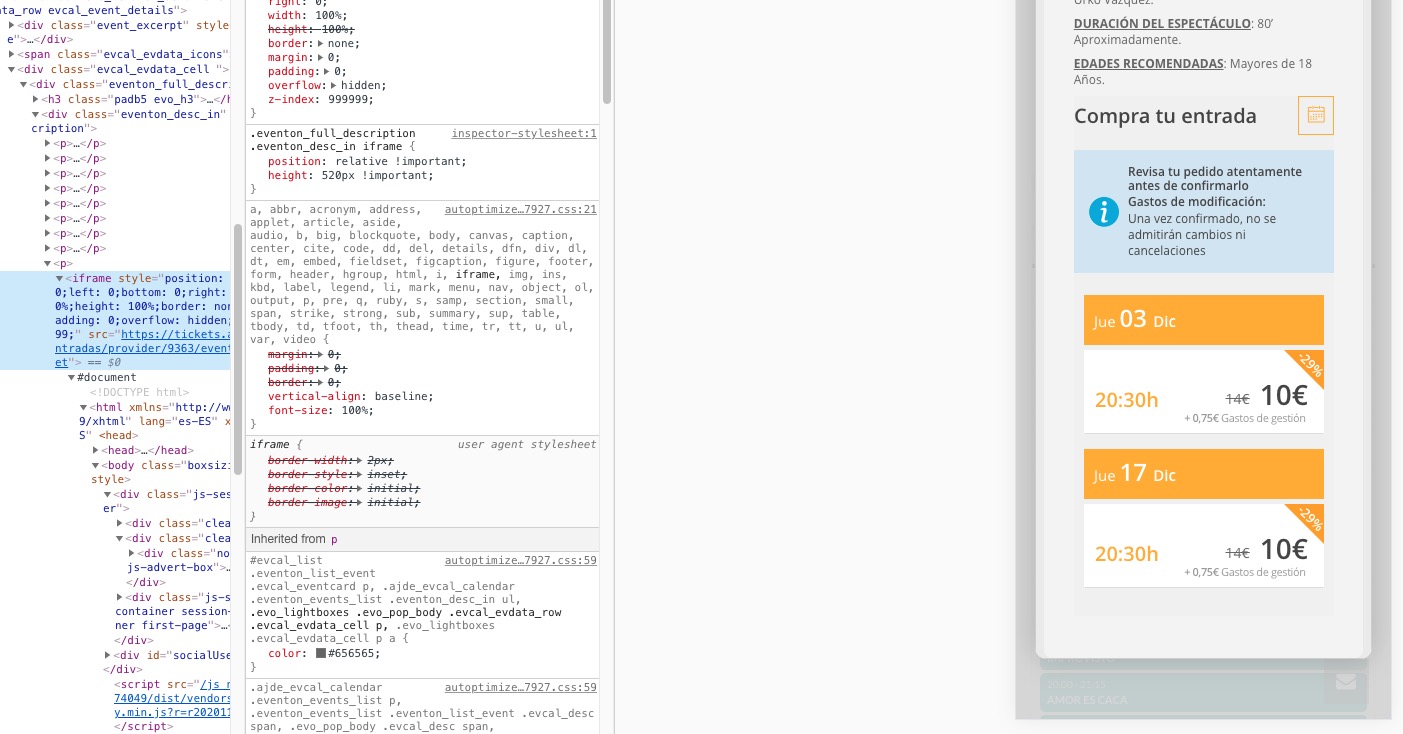
Please add this CSS code to EventON > Styles (If you don’t see any change, EventON > Scripts & Styling > turn off Write styles to header > save settings > turn on Write styles to header):
.eventon_full_description .eventon_desc_in iframe { position: relative !important; height: 520px !important; }
The last question, there is a strange thing related with picture gallery. In some events with the same settings pictures shows in a separte gallery and others no. (separate gallery…
Thank you for your messages, I am going to assign this ticket to Ashan and he will be able to take it from here and find you a solution. Please allow some time for him to get back to you, we greatly appreciate your patience and thank you for being a eventon customer! Also please disable any IP blocking on your site if there are any.
Hello,
Could you try updating EventON to 3.0.5?
To update eventon to latest version: If you are unable to do autoupdate, you can go to codecanyon your account > download and get the latest eventon version as zip file. Then you can go to your website, deactivate old eventon, activate (Do not delete eventon settings & data when EventON is uninstalled) from eventon settings, delete old eventon, install new one and activate. This link will further explain the process it. Also you can follow us on twitter to get real-time announcements on updates!
Please also note since you are using WPML you don’t need to enable EventON Settings > Enable language corresponding events. Could you try disabling it?
More info on WPML: https://docs.myeventon.com/documentations/wpml-eventon-front-end/
Oh yes, you are correct. It redirects you to a different page when not logged-in.
Could you try adding this option to the shortcode:
[add_evo_submission_form formrtl=”yes”]
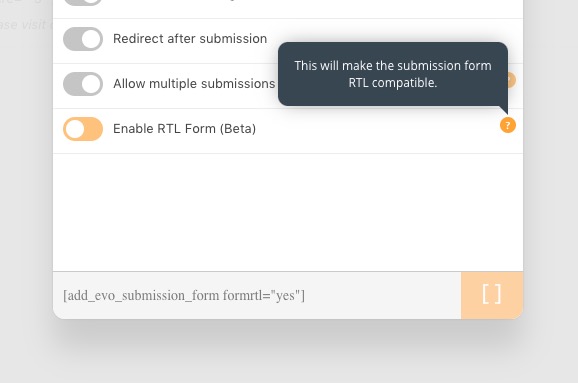
Please check and let us know if it helps.
Hi,
Can you share us access so we can see your translations please?
You have multiple skins available? I want a clean skin, without the boxes, rounded corners, coloured edges, etc.
Hi Javier,
yes there is a small bug, our development is trying to get shorted out.