Hi,
I have removed the data from the previous message 🙂
Thank you for sharing, we will take it over from here now.
Replies for tickets on suppota
Hi,
I have removed the data from the previous message 🙂
Thank you for sharing, we will take it over from here now.
Are you working on the site? Some of my events are back to opening in slides and all text are lost in them?
Be careful!
One more thing – the shortcode for the link to the event is not an active link – it is just text.
I think it should be a link.
How to achieve this?
Rob
Done so far. How to upload the events that I exported now?
https://www.valenciablog.com/wp-login.php?itsec-hb-token=extranet
julia
Modena$2016#616
Thanks
Hi,
Here are the access:
Here is what I realized:
Please, we are going live tomorrow with a major customer, if what you plan to test can cause an issue, I would prefer you test it in an another environment.
Please advice. Thansk!
Ramy
Please disregard previous. Found it in the plugin Settings.
Thank you. How to “download the csv of all the events as a backup just in case events are deleted”?
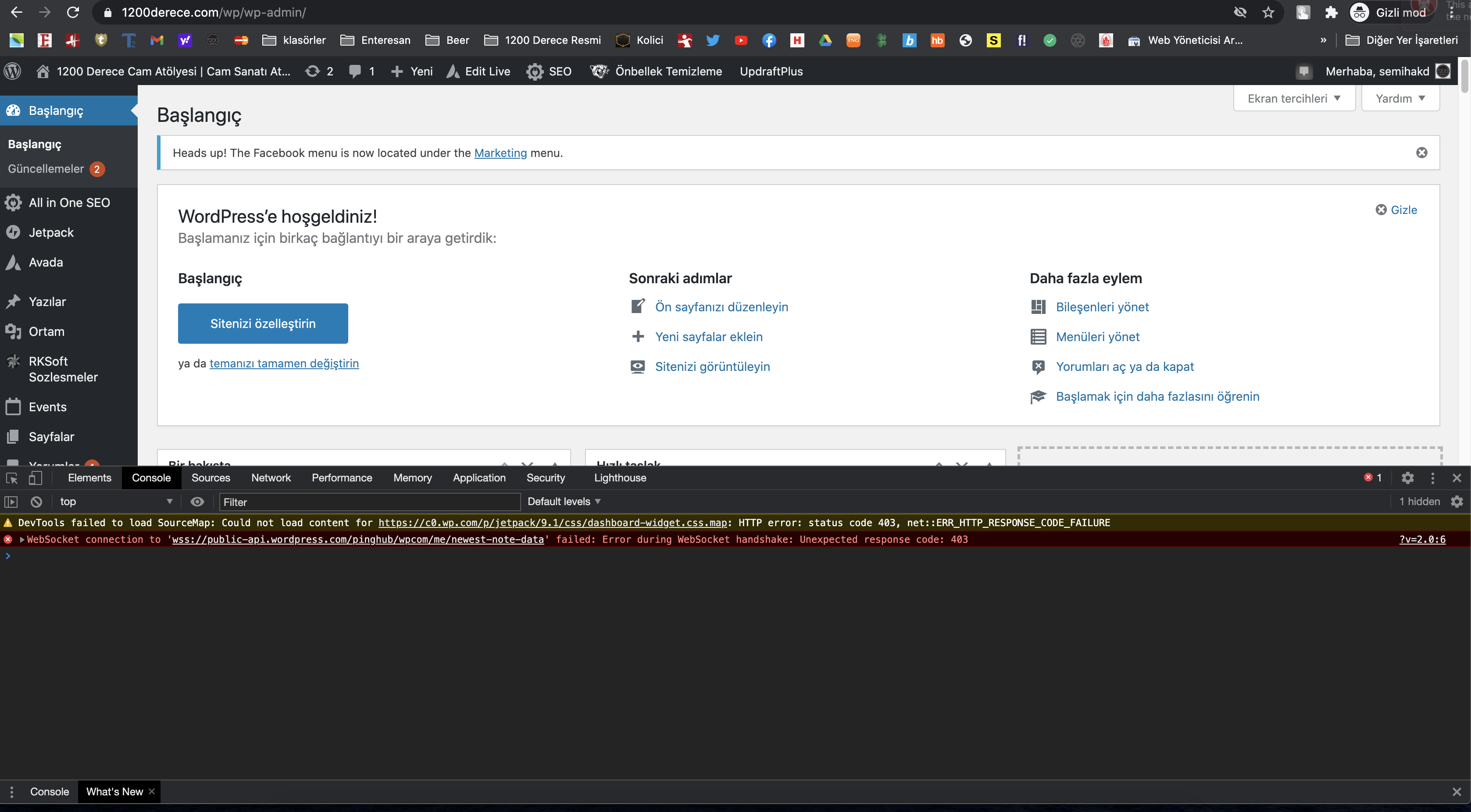
Hi,
I can login incognito mode also. Please check attached ss.
https://www.1200derece.com/wp/wp-admin/
Thanks
show full event description does just that- shows the full description without needing to click the view more