thank you!
Archives: Replies
Replies for tickets on suppota
Reply to: tickets(206737)
thank you
Reply to: tickets(207222)
its all fine now thank you!
Reply to: tickets(205216)
Yes, the work is complete. Please send both ftp and wp-admin access info
Reply to: tickets(208985)
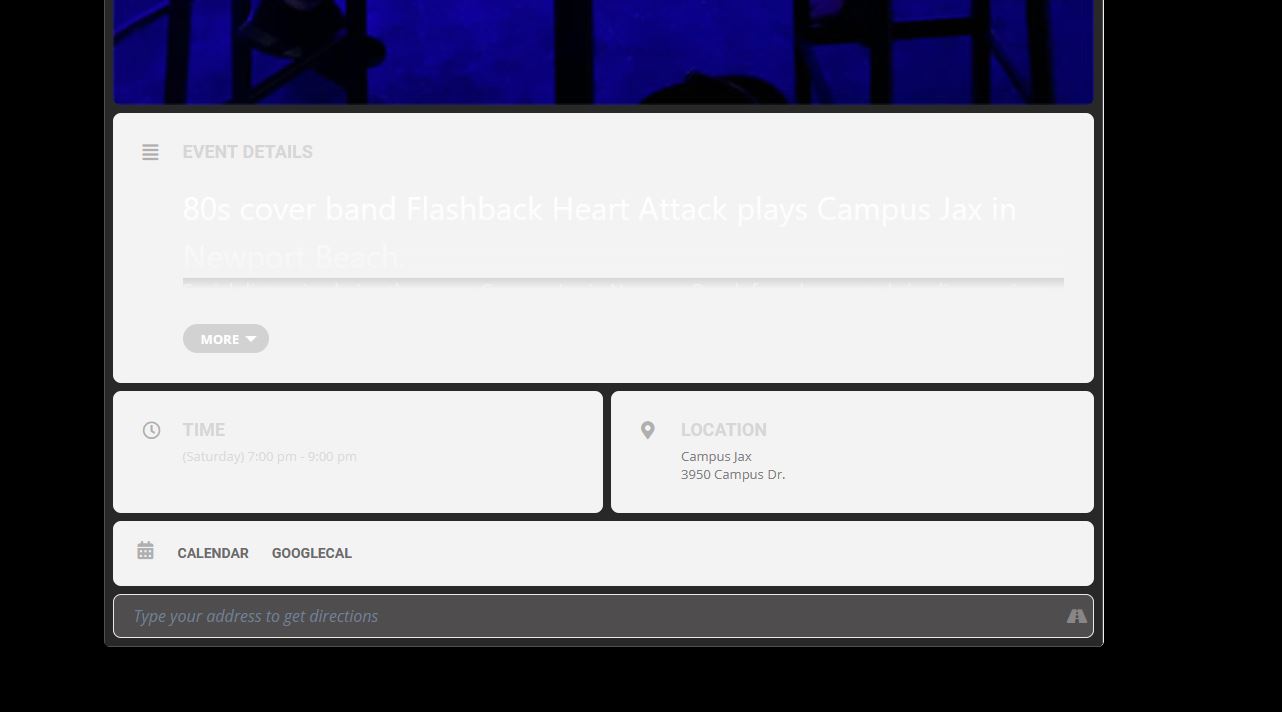
Thank you for the reply.
I enabled “show full event description” What does that do?
So I can maybe fix it in the future..what was holding up the plugin? Why was it going to the other URL? —>https://www.eightiescoverband.com/?page_id=1908 and why was the EventOn sections white? see attached
I seem to have two url’s 1. Events and 2. Event Directory
Why is there two? Which one should be used for edit?
Thank you.
Reply to: tickets(208939)
Please update eventon to 3.0.5
To update eventon to latest version: If you are unable to do autoupdate, you can go to codecanyon your account > download and get the latest eventon version as zip file. Then you can go to your website, deactivate old eventon, activate (Do not delete eventon settings & data when EventON is uninstalled) from eventon settings, delete old eventon, install new one and activate. This link will further explain the process it. Also you can follow us on twitter to get real-time announcements on updates!
Reply to: tickets(208985)
fixed
your theme is creating that white on the read more option
I’d recommend going into Myeventon>>>>settings>>>>event card and activating
Show full event description
Reply to: tickets(208398)
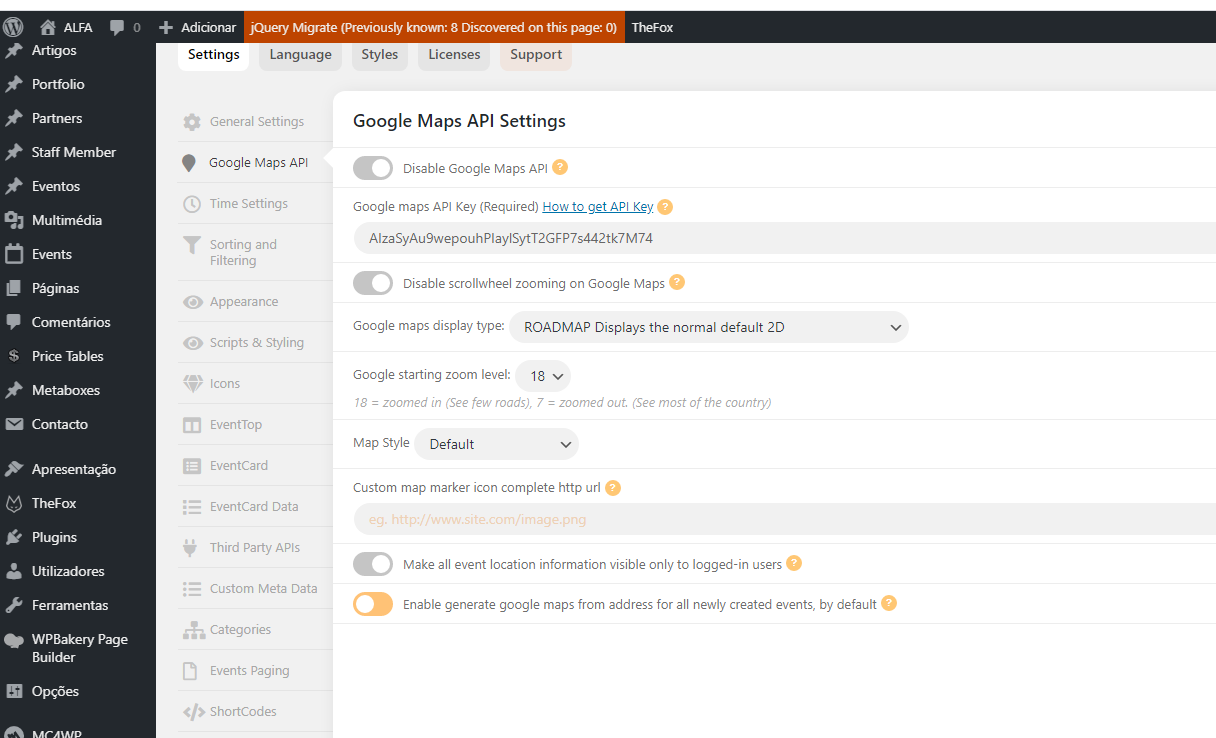
here it goes
Reply to: tickets(208939)
Hi,
Is there anything we can do in the meantime while we’re waiting for a fix? We’re currently having to check each time we receive an order confirmation and then mark each one as private.
Thanks
Reply to: tickets(208109)
Fullcal is also not working for me either.