Yes, sure.
If the work is related to Eventon, please get in touch here.
If it is other coding, programming or website work not related to eventon, you can mail me at reply501@hotmail.com
Replies for tickets on suppota
Yes, sure.
If the work is related to Eventon, please get in touch here.
If it is other coding, programming or website work not related to eventon, you can mail me at reply501@hotmail.com
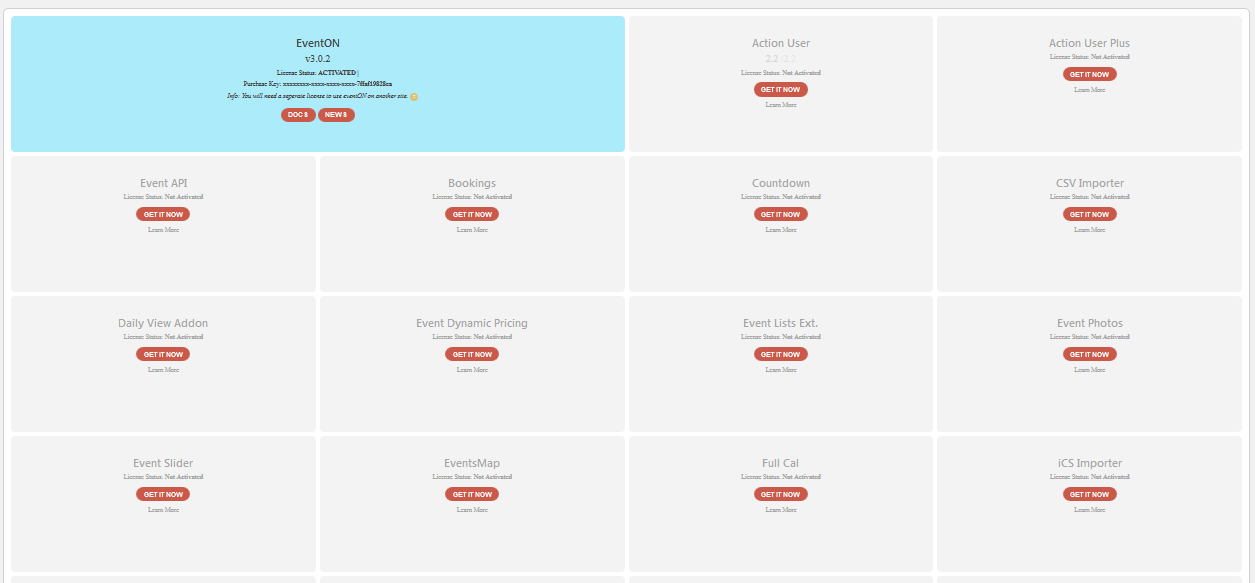
“I have updated to php 7.4 and have been testing all the website with my server team. They have verified that all is ok. Anyway I have deleted 3 other websites in my server in order not to force the data processing. I also have deleted sections and archives in the current web (arsmagna.es).”
>> I mean that after this the problem persists: I can’t update the events.
Hi Artem
“Could you disable it and manually complete orders?” >> It is impossible for us to complete manually up to 450 orders for each event. But now it seems to work again.
I have updated to php 7.4 and have been testing all the website with my server team. They have verified that all is ok. Anyway I have deleted 3 other websites in my server in order not to force the data processing. I also have deleted sections and archives in the current web (arsmagna.es).
All worked fine until 2 updates ago of the Eventon main plugin. Don’t you think it may be related…? There could be some other people with the same problem.
Thank you very much for your help. Our team needs to continue working 100% with your fantastic plugin.
PS: Please be careful with our security setup in the All In One WP Security plugin as the cookie based brute force prevention has been disabled 🙂
???
It’s the Yoast SEO plugin. I deactivated it. Will you please address the other things?
1. Social icons for Facebook, Twitter and Pinterest aren’t displaying
2. How can I make the box longer under Filter > Event Organizer? I want the text options to display on one line.
un- eventon
pw- %@F^&ERZrG*iif$vth4)aCI9
Hi
Thing is – this has been working fine , with the current hosting setup. The site is hosted on a VPS with 2GB server and 2CPU cores. These fatal errors due to memory shortage are new , and must be as a result of some code conflict between your plugin EventON and SiteOrigin code. Up until recently both had been working fine together without any issues at all. Someting has changed with code. We can throw as much memory as we like at it , if there is an issue with the code , it will still be broken.
It seems that you are using EventON Shortcode Executor (ESE) to show calendars on Home, correct? Could you use Text Block instead and try adding ux_val=”3a” to the shortcode to load Event Details using AJAX?
I tried this and the page is still crashing when the Siteorigin page builder is enabled.
[add_eventon show_limit=”yes” hide_so=”yes” etc_override=”yes” show_limit_redir=”https://loveshannon.ie/events-directory/” number_of_months=”1″ event_count=”8″ show_limit=”yes” ux_val=”3″ event_past_future=”future” hide_so=”yes”
Regards
Martin
Basilis, can you be more specific on what is was disabled by WordPress latest versions? Thanks, Brad
Hello Ashan,
Main issue is not speed actually. I’m not able to edit event #6524.
Please check “https://1200derece.com/wp/wp-admin/” for login.
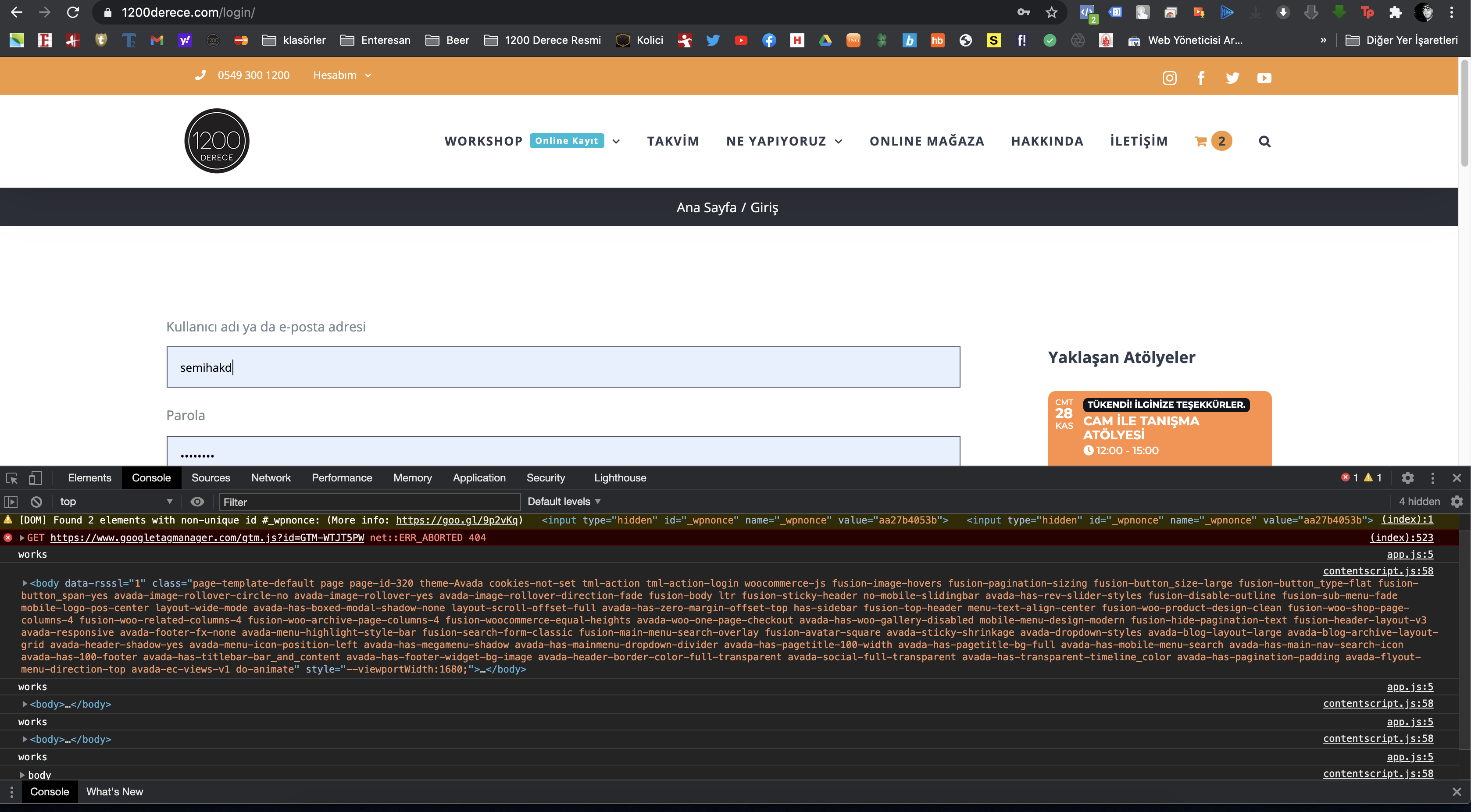
I don’t understand why you see these errors.
Please find a screenshot of what I see on the same page in the attachment. 😅
Thanks,