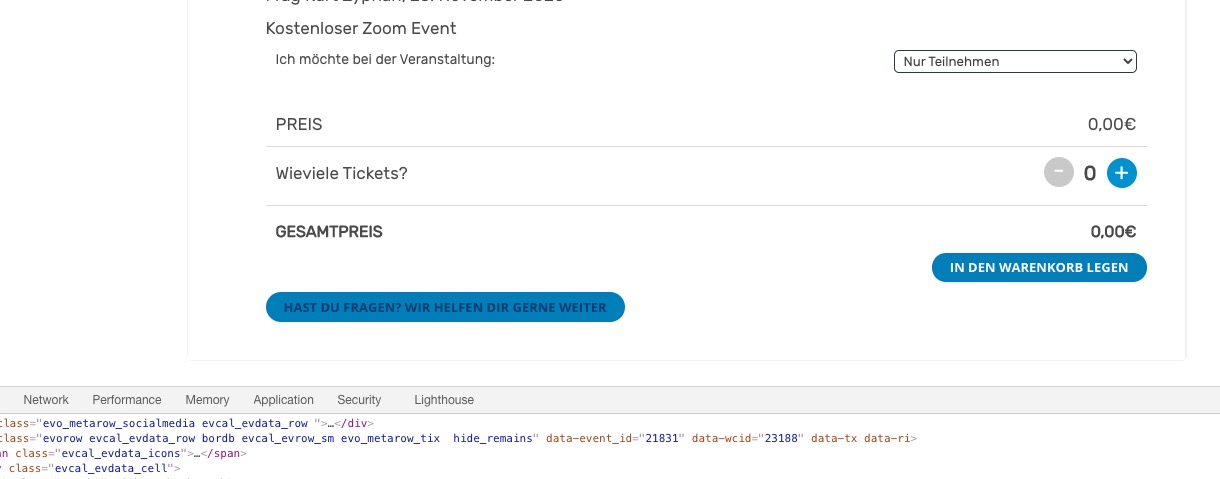
when adding to google or apple ical- what is the offset? as in what is the time difference- on the calendar vs google and ical- is it 1 hour? or more (let me know the actual difference)
please clarify 5: Note value for RSVP notifcation not displaying.
I’ll start working on the other issues
Looks great Dave! I’m good with the way everything looks and performs now. Thank you. I plan to leave a positive review on CodeCanyon. Btw, can I get you to help me with some other issues? They are related to RSVP, time zone display, and “Add to calendar” functionality. I’m having a number of issues…
- Need to display timezone – CST suffix – on eventTop and on Event Card.
- Need to display timezone – CST suffix- in the RSVP notification email
- The correct day and time is not displaying on Google calendar nor Apple iCal when “adding to calendar” based on the default Event Timezone.
- Daily Digest for RSVPs not working
- Note value for RSVP notifcation not displaying.
Thanks Dave!
Best,
Brad
Adress: parcferme.no/wp-admin
User: parcfermeno
PW: Y7Z(HDf0pD8aVWrOL7M32wNX
You can change this text from EventON Settings > Language to “Please select a variation!” and it should work.
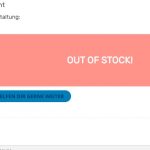
Shows warning:
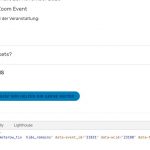
When I select a variation it works:
It seems that the issue either in Jetpack, your theme or maybe Elementor, not sure. You can try the instructions mentioned in this documentation to make sure.
Since you are using Elementor as your Page Builder you can install https://wordpress.org/plugins/classic-editor/ to disable Gutenberg that should solve the issue.
We are glad your issue is resolved, if you have any further questions or concerns please create a new ticket.
If you have a moment, we would greatly appreciate if you could kindly leave us a review at codecanyon! from your account > downloads. Cheers!
Thanks, I just upgraded to 3.0.5 and the patch has solved the problem. Thanks for getting that out so quickly.
Have not heard back from you- I assume everything is OK
I am closing this ticket
We are glad your issue is resolved, if you have any further questions or concerns please create a new ticket.
If you have a moment, we would greatly appreciate if you could kindly leave us a review at link codecanyon! from your account > downloads. Cheers!
My apologies.
Log in with username and password (not WordPress.com)
https://slsa.club/wp-admin/
User: dbreen
password: *GunRange2020*
I checked this just now and it works. Sorry for the delay.
Please send us wp-admin access to your site as a private message for us to further assist your situation.