Hi,
We are able to do Zoom meeting. Just let us know when you are available.
Replies for tickets on suppota
Hi,
We are able to do Zoom meeting. Just let us know when you are available.
Amazing! Thank you so much.That solved it!
I tried to connect to your FTP but I get some errors.
Leah so sorry to hear you are having this issue. It is friday 11:40pm here but I found you a fix for this.
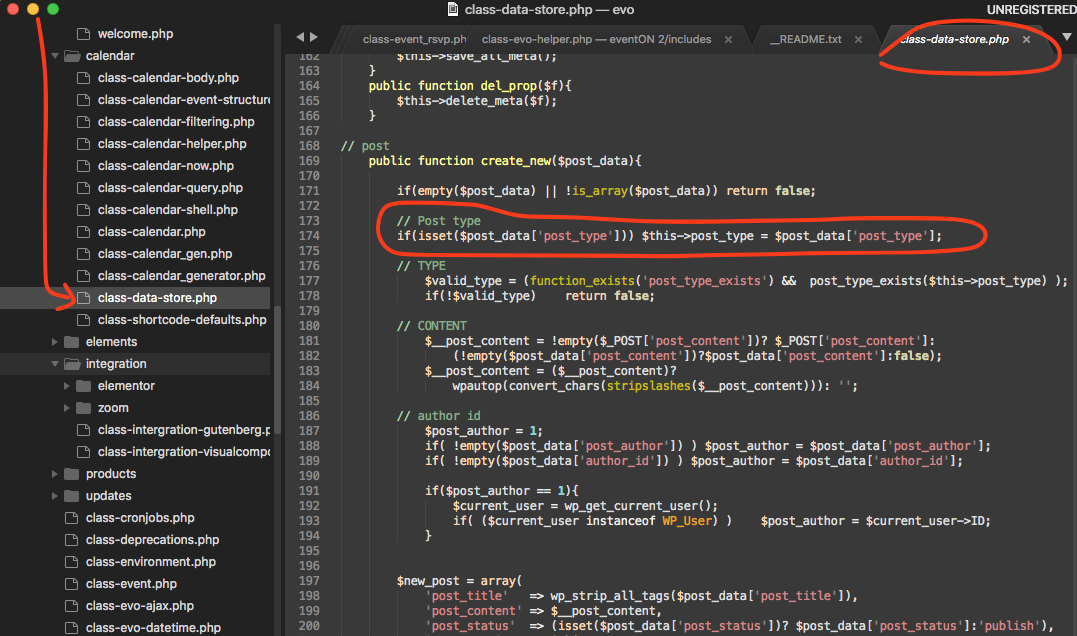
This file is in eventON/includes/calendar folder.
Sorry we need ftp details
ftp.explorepeoria.com
username and password
should be found with your webhost and also in welcome emails when you first join the web host
OK – – explorepeoria.com/wp-admin
user = TrixieOct2017
pw = 0qdmZbO29rAZwDu
Add this to
Appearance>>>>customize>>>>additional css
.ajde_evcal_calendar.boxy #evcal_list .eventon_list_event .desc_trig.hasFtIMG .evcal_desc {
padding-left: 87px !important;
}
if that fails please provide wp-admin access and we will get in there and sort it out
Sorry that page is working again! Thanks a lot
Steve
Got it! Thank you so much! Here you go
Hostname: bbknetwork.com
Username: b6q543326114757
Password: L{MsOjy7B
Post: 22
Please let me know if you need anything else from me. The main thing is I need the time zone converter to work AND the RSVP plugin to work so I can get things rolling on my end. We are bleeding with FB ads that were directing to these events and no one could register.
Thank you for your fast response. It’s just tough timing on our end with this glitching like this.
I added some css to apperance>>>customize>>>additional css
to make the font white
The quick glance only shows event name
However in myeventon>>>>>settings>>>>event top
I have activated time so that when they click an event- the pop up events show the time + location
try it out