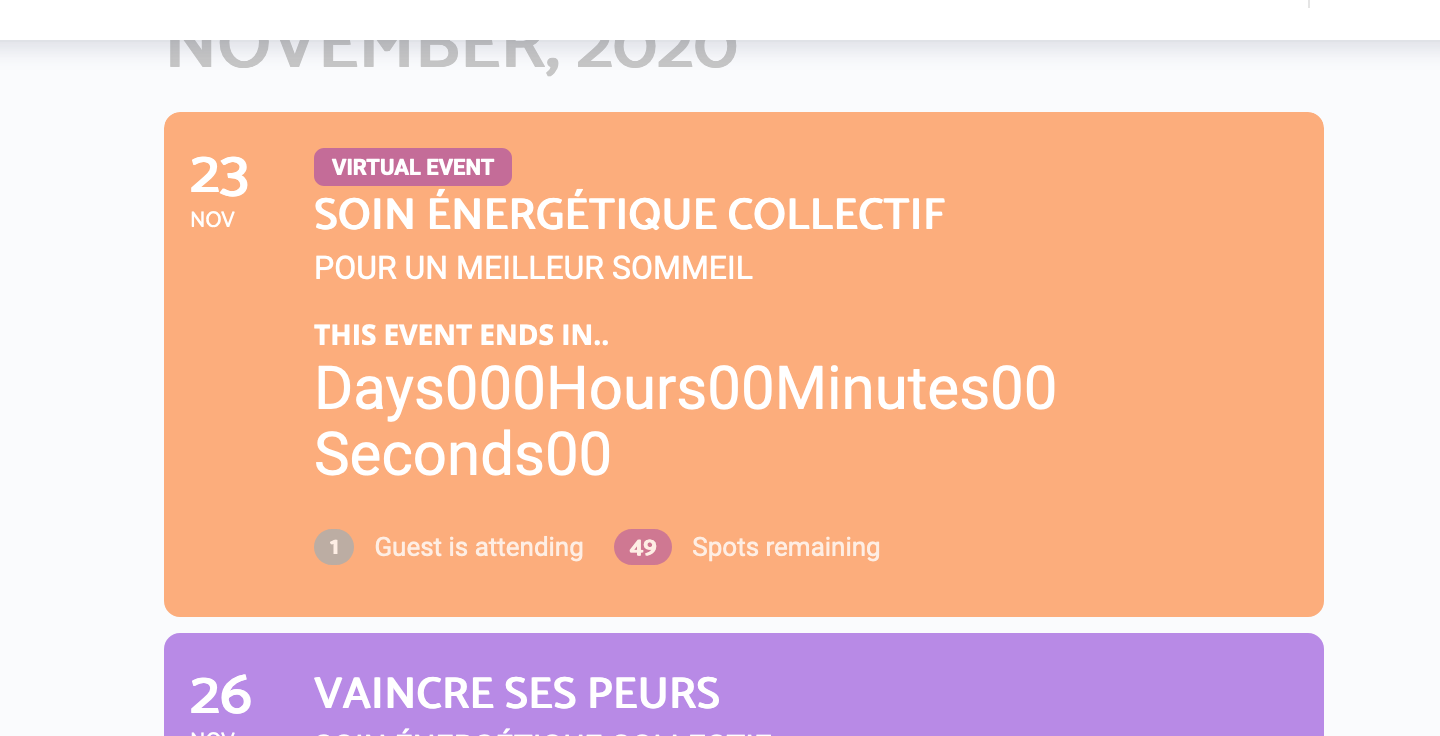
Hello,
Yes sure no pb 🙂
Here is the link :
https://helpdesk.ashanjay.com/ticket/countdown-does-not-work-with-buddyboss/
Attached a screenshot of the issue with my BuddyBoss theme.
Please let me know
Best
Alain
Replies for tickets on suppota
Hello,
Yes sure no pb 🙂
Here is the link :
https://helpdesk.ashanjay.com/ticket/countdown-does-not-work-with-buddyboss/
Attached a screenshot of the issue with my BuddyBoss theme.
Please let me know
Best
Alain
Could you update manually by following this instruction:
To update eventon to latest version: If you are unable to do autoupdate, you can go to codecanyon your account > download and get the latest eventon version as zip file. Then you can go to your website, deactivate old eventon, activate (Do not delete eventon settings & data when EventON is uninstalled) from eventon settings, delete old eventon, install new one and activate. This link will further explain the process it. Also you can follow us on twitter to get real-time announcements on updates!
Hello,
Please note that in some cases this plugin can cause issues with EventON Tickets, so please try it on staging environment.
Hello,
Please add this CSS code to EventON > Styles (If you don’t see any change, EventON > Scripts & Styling > turn off Write styles to header > save settings > turn on Write styles to header):
body .eventon_list_event .evcal_list_a .evors_rsvpiable span:hover, body .evo_pop_body .evors_rsvpiable span:hover { background-color: red; } /*Yes on hover*/
.evcal_evdata_row .evors_checkmark.fa { background-color: red; } /*You have already RSVP-ed Icon*/
.evors_whos_coming_title em i { background-color: red; } /*attending number*/
ok, thanks.
Yes exactly like in the picture, i just “switch on” the “only for loggedin users” in Event options. That is the only difference i make in relation to “public/regular” events.
Do you have a download for 3.0.4? The updater in WordPress is only updating to 3.0.3.
How are you setting events to be loggedin only are you using event types or from event edit?
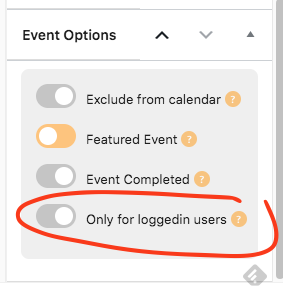
It seems to work on Event Card: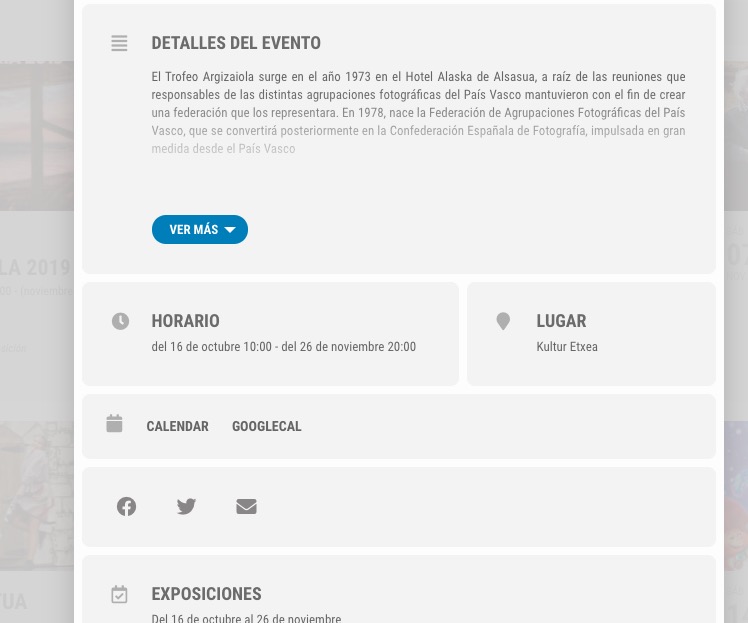
I am sorry. It seems that I mixed up Event Card and EventTop. The only way of changing this in EventTop is to customize the code or follow https://docs.myeventon.com/documentations/hook-eventtop/ and one a new date in the correct format.
You can also send us a customization job request by creating a new ticket in here and selecting Customization Request as the category.
this is very strange rather, when did you start noticing this?