
this is the version 3.. the first two were the version 3.04
Replies for tickets on suppota
this is the version 3.. the first two were the version 3.04
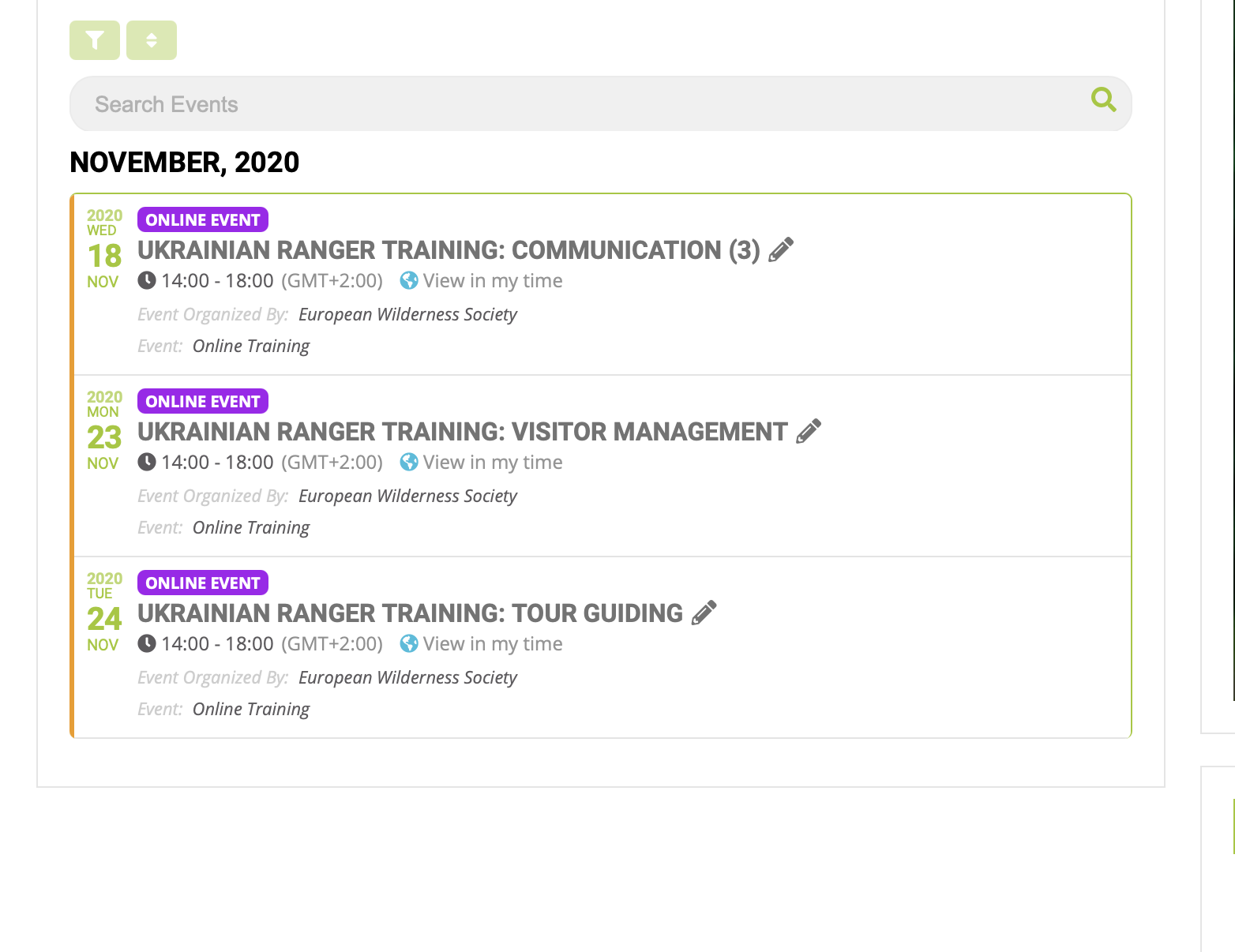

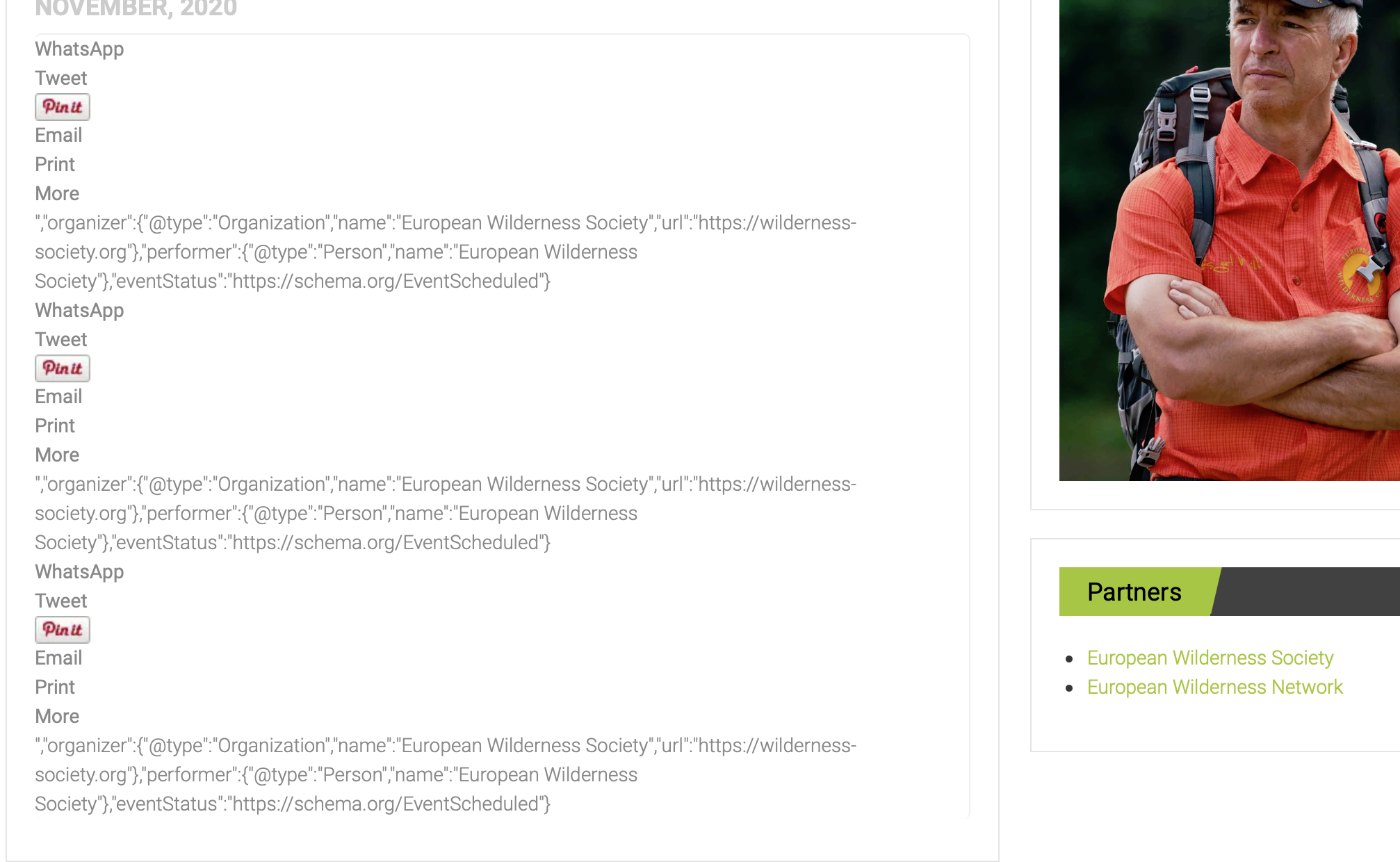
NO, 3.04 still kills the layout.. see screenshots
on the event itself if you keep scrolling you get to the rest of the event info however its all out of order
event options are at the top which would normally be at the bottom etc, so unless you have played around with the event post backend template- which you have not- something is causing this which is most cases is a plugin or theme- Or a chache system loading old scripts when it should be loading the new scripts
Yes I did and thats not happening on any of my 4 websites with eventon, nor is it happening on the dev site
So in order to see what is causing the issue a conflict test is taken by switching themes, and deactivating plugins to see what is causing the issue.
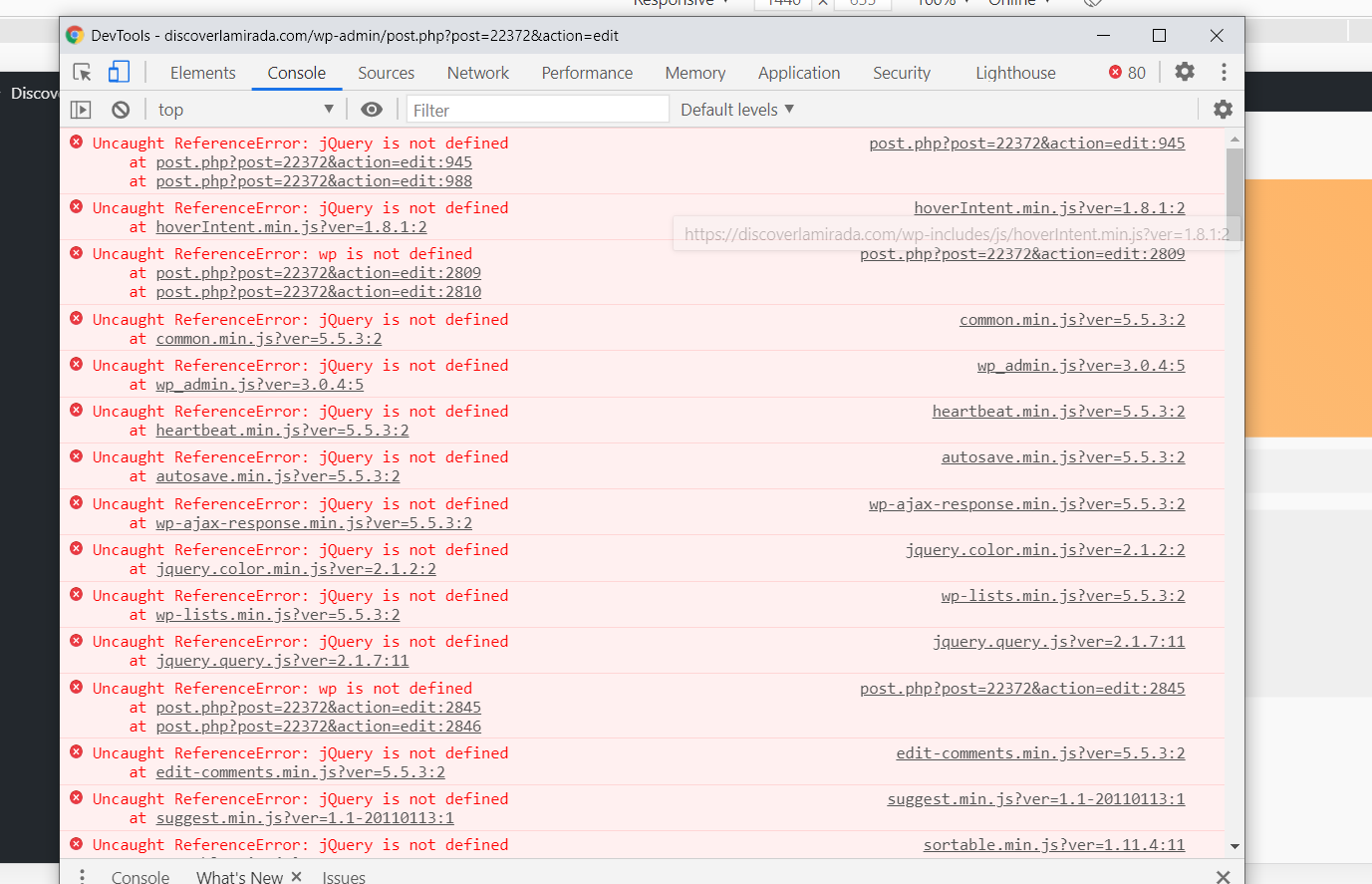
there is a HUGE amount of errors on the page so we need to know whats causing this issue
try this https://wordpress.org/plugins/autocomplete-woocommerce-orders/
+ I think someone inform you about the similar issue in Ticket #204662 a week ago.
Hello again Artem,
Yes, you are right. But interesting point is Avada Builder plugin (which is core plugin of Avada theme) causes the issue. If i deactivate Avada Builder i could edit event but theme can not work without it 🙁
As i told you before event was working normally, i didn’t update theme. Today when i found out Avada Builder plugin causes this issue and i updated theme but nothing changed.
Could you please help me on this?
Thanks,
Hi Ashan,
When I activate Event List v0.10, the divi shortcodes are correctly processed on the homepage.
When I activate Event List v0.20, they are not processed.
Something must have changed in the Event List plugin. What is the Event List function name I need to allow in the divi builder?
Thank you