It seems that customizations are located here: https://www.iwpportugal.org/wp-content/et-cache/1454/et-core-unified-1454-160554260124.min.css
The problem is that I don’t know what is this or where to find it.
Replies for tickets on suppota
It seems that customizations are located here: https://www.iwpportugal.org/wp-content/et-cache/1454/et-core-unified-1454-160554260124.min.css
The problem is that I don’t know what is this or where to find it.
Added the code to Additional CSS, please check now:
Enabled plugins and it stopped working again. Could you disable any plugin that present on Edit Page to see which one causes this?
When plugins are disabled the page is loading correctly: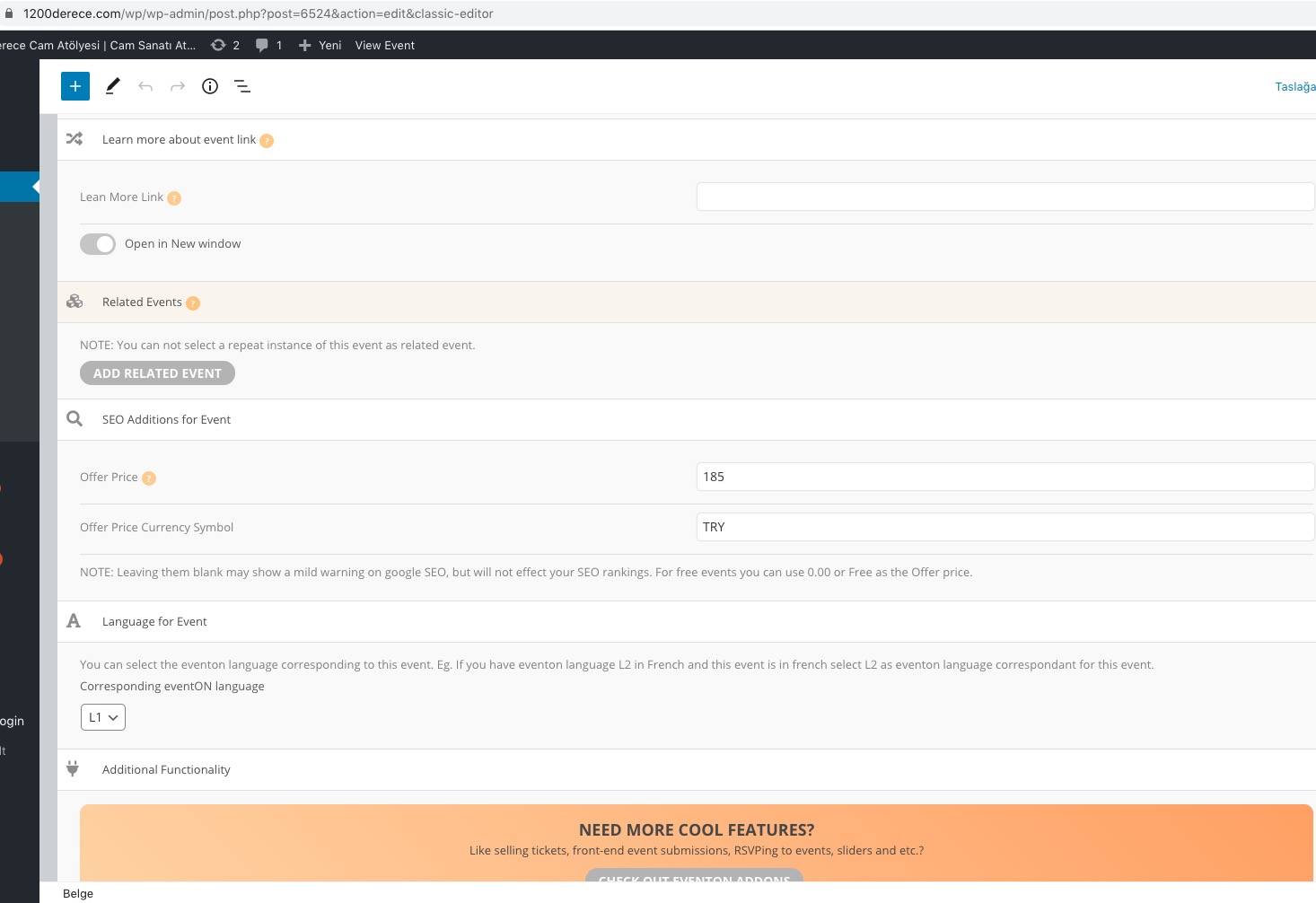
A minute or so. I just need to disable everything and then check if it fixes the issue.
This looks different on my side: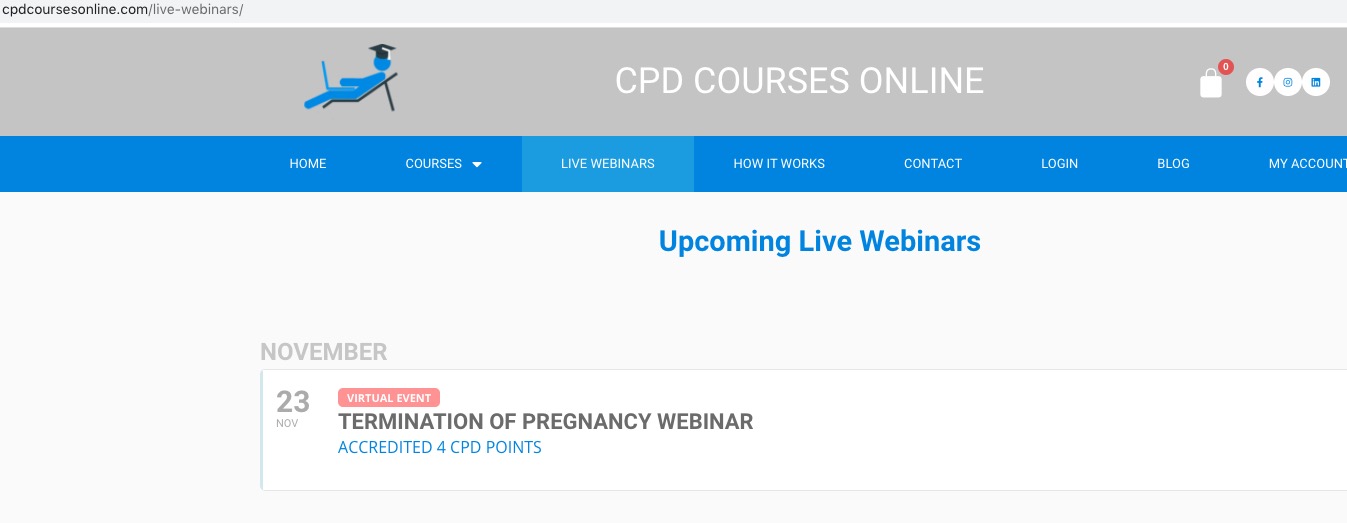
Could you check with clean cache and let us know? It seems there was a browser cache issue.
Hello,
Please go to EventON Settings > Time Settings > enable Allow universal event time format on eventCard > put
{del} d {de} F H:i
Unfortunately, this is the only way of formatting without customization. You can send us a customization job request by creating a new ticket in here and selecting Customization Request as the category.
Hello,
Please check and make sure that the order id is correct:
#99310 completed
Events Map
Your website is not the only one they look for. Also browsers have limited cache size so they should get the latest page without cache.
We are glad your issue is resolved, if you have any further questions or concerns please create a new ticket.
If you have a moment, we would greatly appreciate if you could kindly leave us a review at codecanyon! from your account > downloads. Cheers!
The problem is in browser cache. We’ve changed our files a little bit, so your browser didn’t load new ones.
We are glad your issue is resolved, if you have any further questions or concerns please create a new ticket.
If you have a moment, we would greatly appreciate if you could kindly leave us a review at codecanyon! from your account > downloads. Cheers!