This login info works for me, so it should work for Ashan as well.
Meanwhile, could you update EventON to 3.0.4?
Replies for tickets on suppota
This login info works for me, so it should work for Ashan as well.
Meanwhile, could you update EventON to 3.0.4?
Could you first update EventON to 3.0.4 and then apply the fix?
To update eventon to latest version: If you are unable to do autoupdate, you can go to codecanyon your account > download and get the latest eventon version as zip file. Then you can go to your website, deactivate old eventon, activate (Do not delete eventon settings & data when EventON is uninstalled) from eventon settings, delete old eventon, install new one and activate. This link will further explain the process it. Also you can follow us on twitter to get real-time announcements on updates!
Hello,
1. Please follow this guide: https://docs.myeventon.com/documentations/how-to-cancel-addon-subscription-before-auto-renew/
2. Unfortunately, we don’t grant refunds for renewed subscriptions. You can find more about our refund policy under http://docs.myeventon.com/documentations/terms-and-conditions-and-refund-policy/ section 8
We are glad your issue is resolved, if you have any further questions or concerns please create a new ticket. If you have a moment, we would greatly appreciate if you could kindly leave us a review at codecanyon! from your account > downloads. Cheers!
Perfect! Please keep us updated.
Could you update EventON to 3.0.4? Please don’t forget to enable EventON Settings > Do not delete eventon settings & data when EventON is uninstalled.
Is it possible for me to try the instructions mentioned in this documentation? I would like to disable every third-party WooCommerce plugin and make a test purchase.
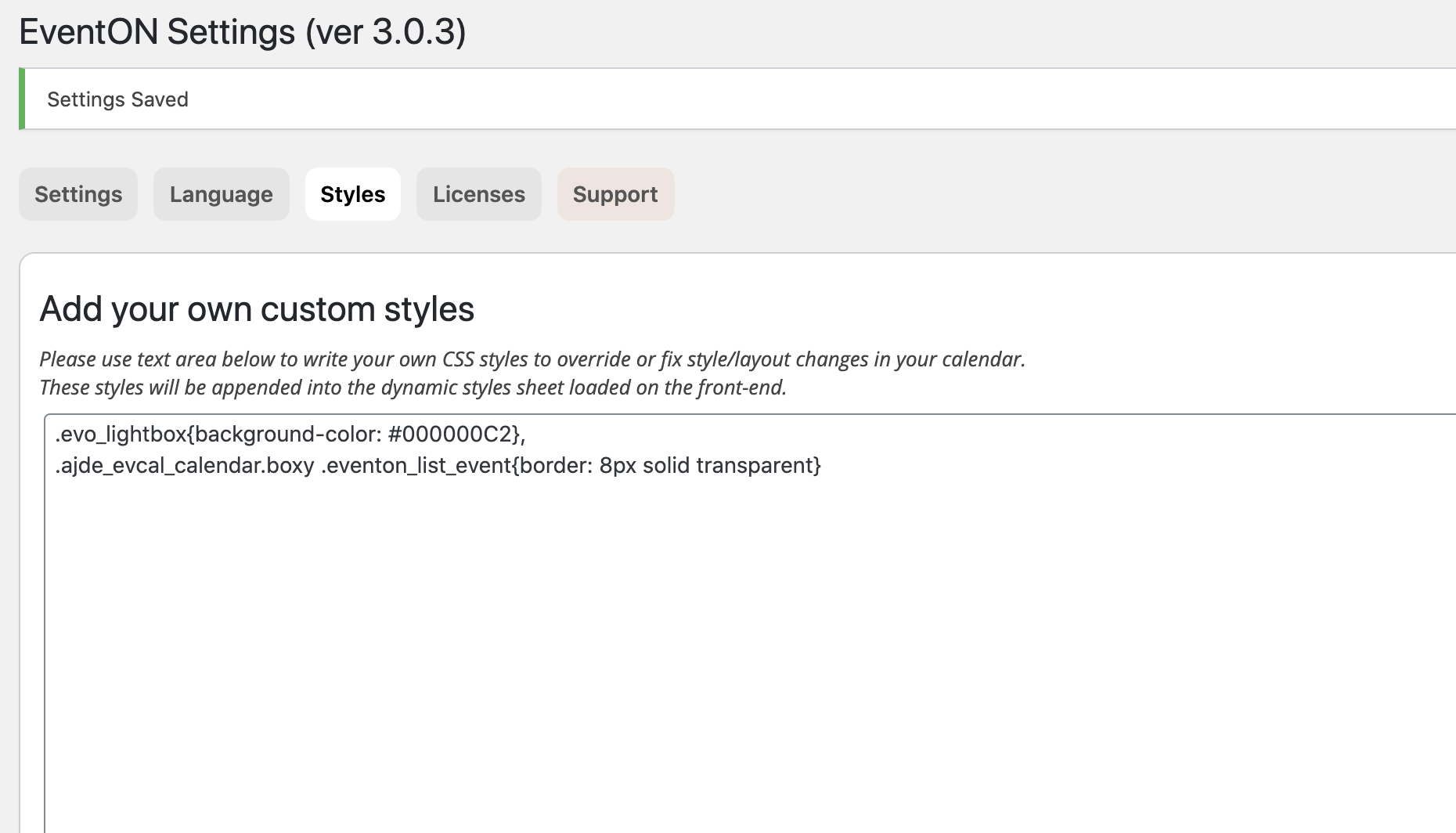
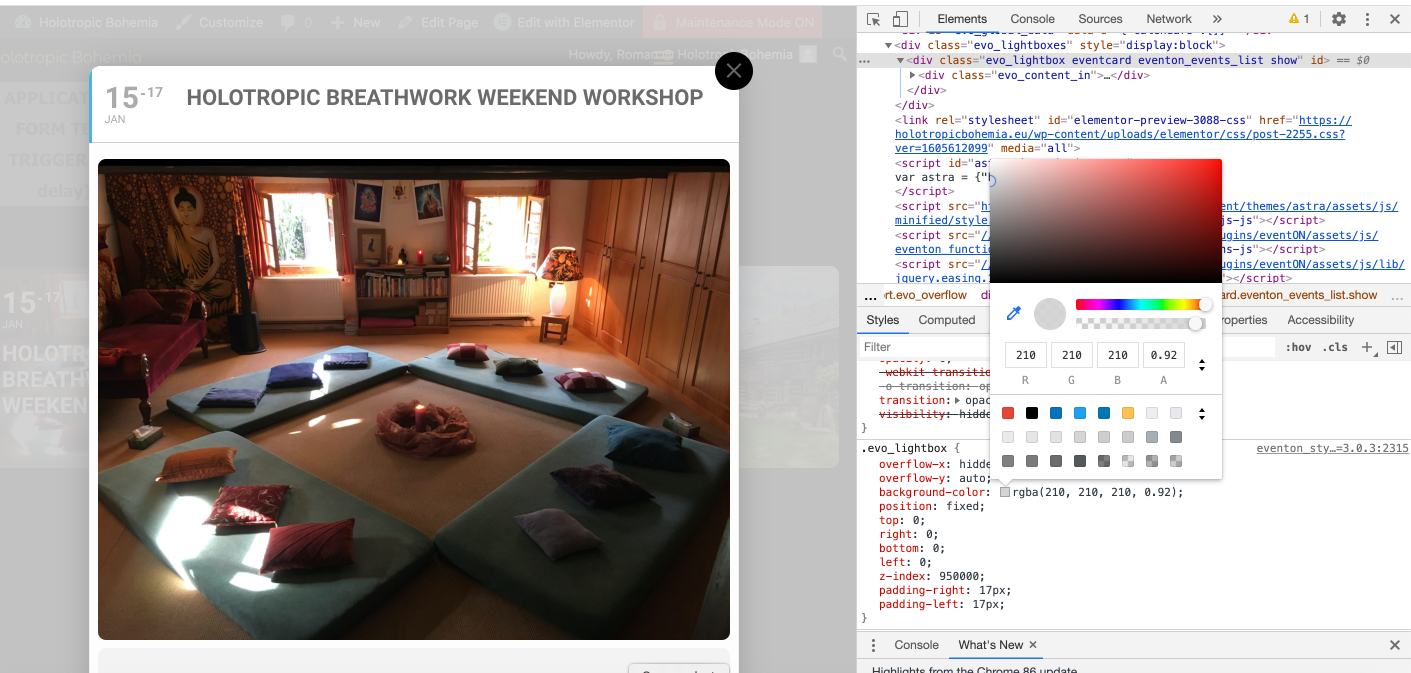
Ashan,
It seems that after the update (ie Events List 0.10 -> .20) shortcodes aren’t working anymore? Is this correct? Could you check?
Thank you for your messages, I am going to assign this ticket to Ashan and he will be able to take it from here and find you a solution. Please allow some time for him to get back to you, we greatly appreciate your patience and thank you for being a eventon customer! Also please disable any IP blocking on your site if there are any.