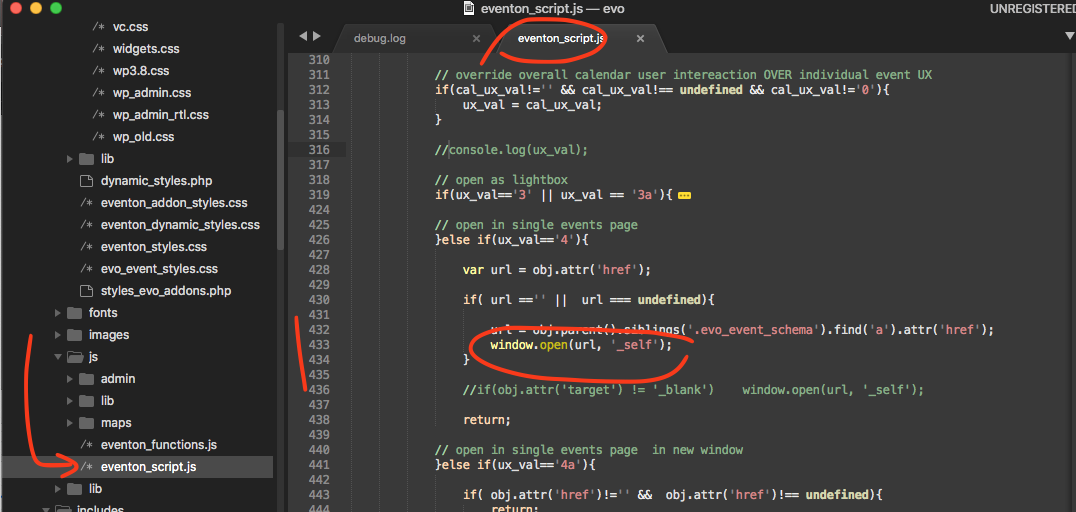
please apply this patch fix
Replies for tickets on suppota
please apply this patch fix
actually found a mismatch in the code, please apply this patch fix.
please explain what exactly is happening.
1. where are you using ux_val and how?
2. please provide us wp-admin access to debug see this in action
thank you for letting usknow. We will change it to a var in the next version update. If you have more questions, kindly send us a new ticket and we would be more than happy to help you resolve your issues!
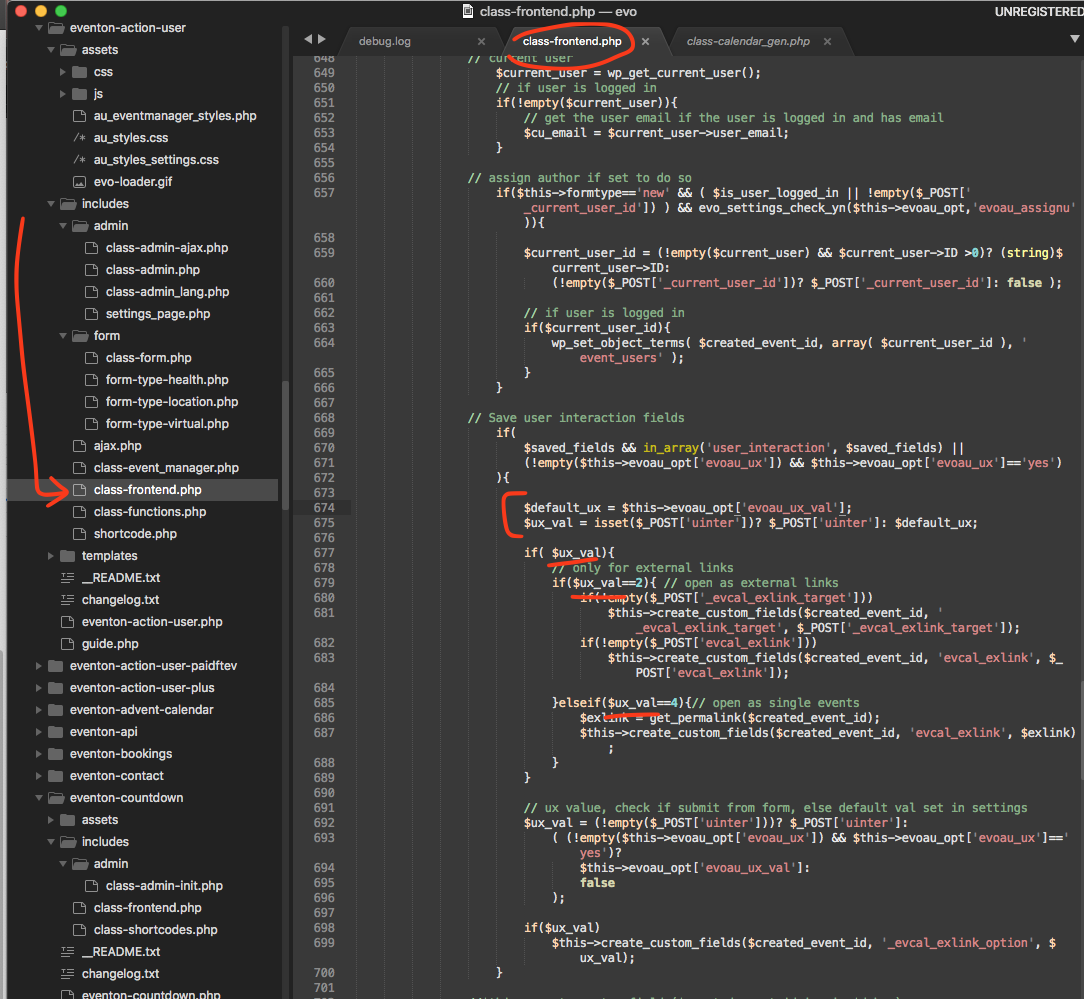
ok here is the patch fix all the hightlighted spots need changed in the code.

Cool
The matter is solved. It seems like a glitch or something.
Let’s return to the main matter of how to get a code for events spanning across months as we are a festival for visual arts and exhibition can take 2 months or longer. Logically speaking, there must be a way to list dates backwards in such way that the code specified the “last exhibition date” to “first exhibition date” or not?
Currently the code is
[add_eventon jumper=”yes” exp_jumper=”yes” tiles=”yes” tile_bg=”1″ tile_style=”1″ ]
[add_eventon_el show_year=”yes” sep_month=”yes” event_order=”DESC” el_type=”dr” start_range=”2019/01/01″ end_range=”today” month_order=”DESC”]
hide_empty_months=”yes” hide_mult_occur=”yes”

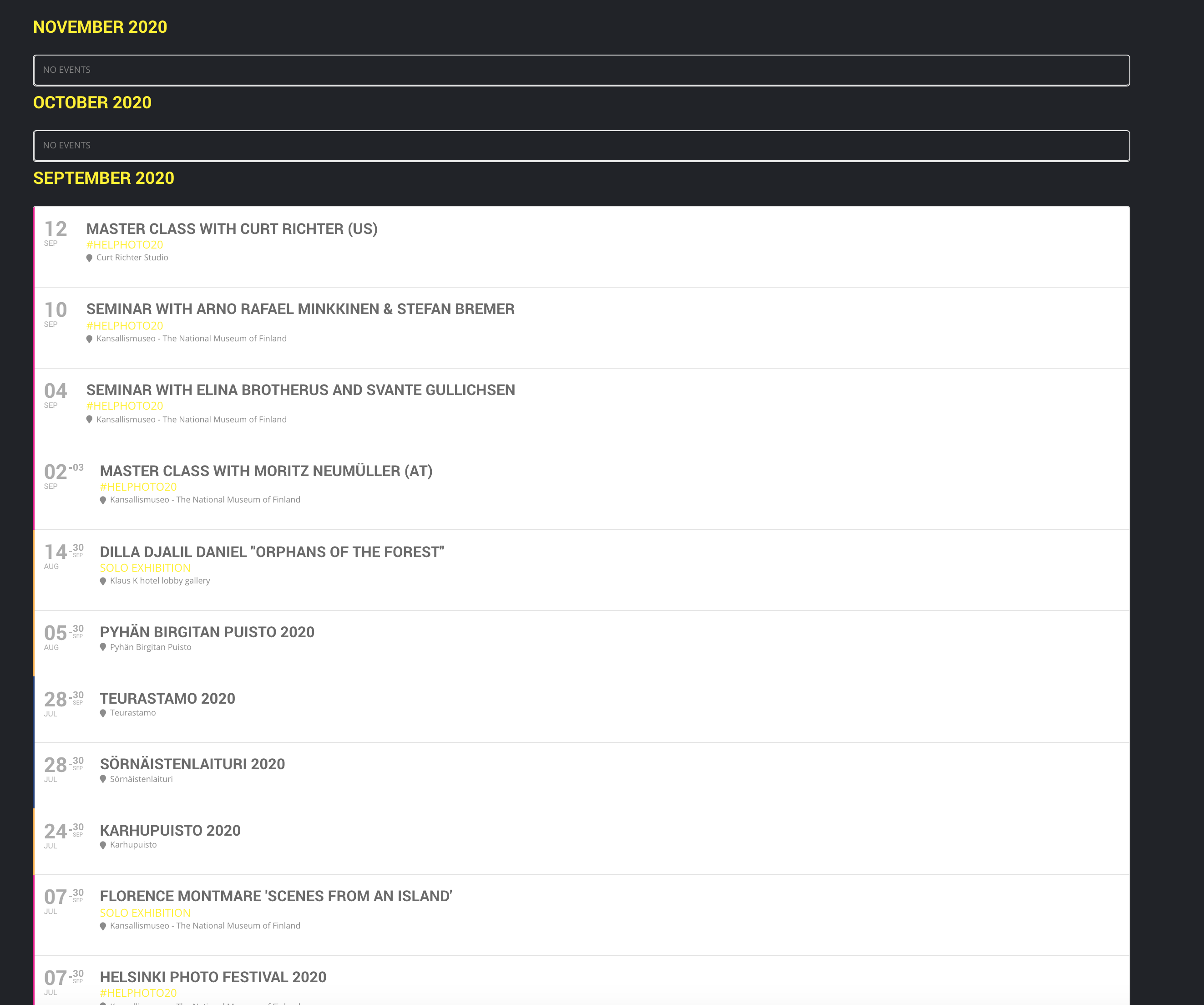
last message is how it is since we updated plugin, this image how it was before
Hi Basilis
take a look at attached screenshots..
before backgrounds etc were as we styled these.. after plugin update everything turned grey
Forgot to mention — all plugins are up-to-date. Eventon Ext List doesn’t update automatically through WordPress process.
This is still a problem, although right now, there’s a bigger problem. The grid view doesn’t show up at all!
This has been the buggiest calendar plugin I’ve ever used, and the fact that a grid view isn’t included in the base plugin is ridiculous. Not planning to renew the license on this unless all this gets fixed.
And no, you don’t get admin access to the site. Just fix the damn code!!!