Hello,
You can enable “Allow ICS download of all events” by adding ics=”yes” to the shortcode:
[add_eventon ics=”yes”]
Replies for tickets on suppota
Hello,
You can enable “Allow ICS download of all events” by adding ics=”yes” to the shortcode:
[add_eventon ics=”yes”]
We are glad your issue is resolved, if you have any further questions or concerns please create a new ticket.
Hello,
We are sorry for this issue. I went to EventON Settings > Scripts & Styling > enabled Write dynamic styles to header. Please check now and let me know.
thanks for pointing this out will make the adjust to have everything linked in the versino 3.0.3
Please add this CSS code to EventON > Styles (If you don’t see any change, EventON > Scripts & Styling > turn off Write styles to header > save settings > turn on Write styles to header):
.ajde_evcal_calendar.boxy.boxstyle0 #evcal_list .eventon_list_event .desc_trig, .ajde_evcal_calendar.boxy.boxstyle0 #evcal_list p.desc_trig_outter { height: auto !important; }
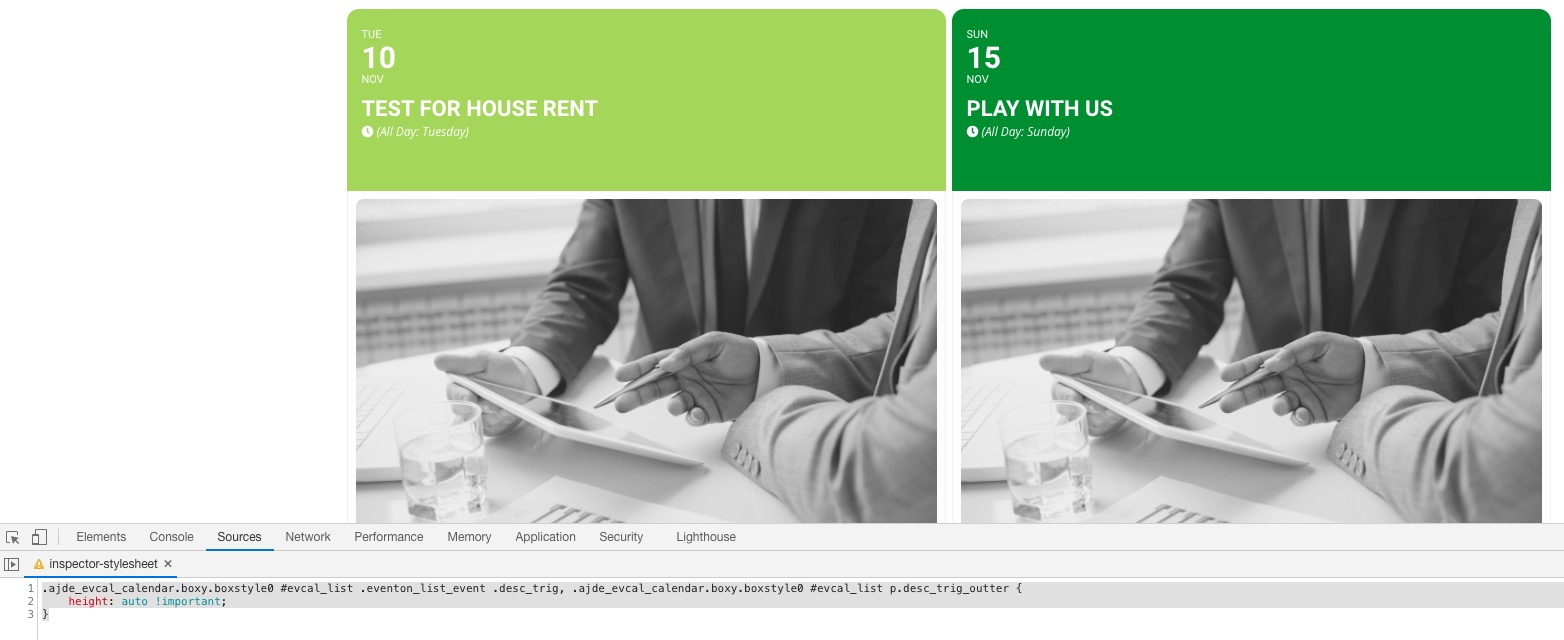
We are going to release this fix in the next version which will be available very soon.
Hello,
Please install Classic Editor plugin: https://wordpress.org/plugins/classic-editor/
Hello,
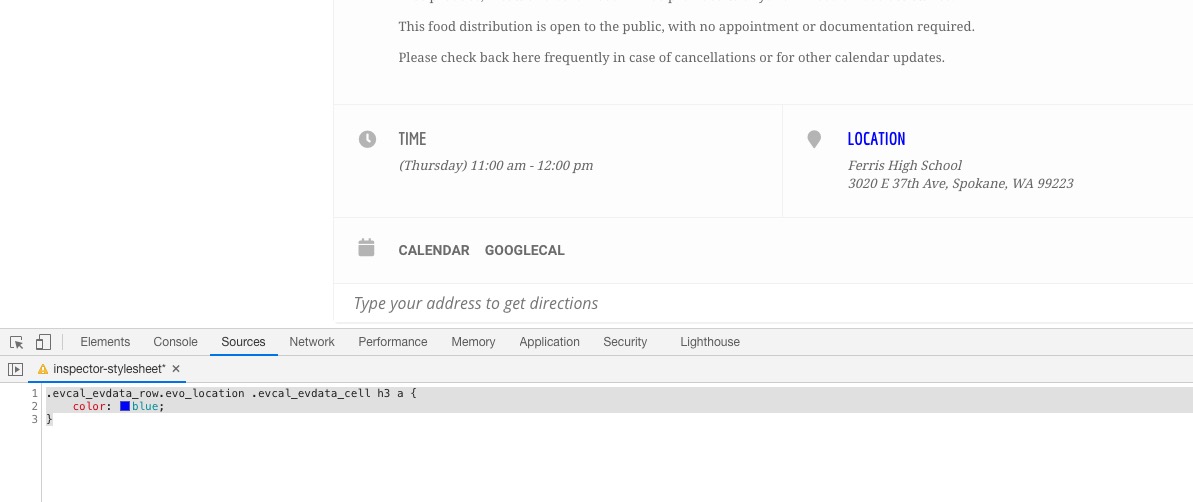
Unfortunately, when you add location link EventON assigns it to Location Section title and not to Location Name or Address.
In order to make Location Section title blue please add this CSS code to EventON > Styles (If you don’t see any change, EventON > Scripts & Styling > turn off Write styles to header > save settings > turn on Write styles to header):
.evcal_evdata_row.evo_location .evcal_evdata_cell h3 a { color: blue; }
What is your PayPal account?
It seems that the issue can be in the server memory.
Hello,
Please follow the instructions in this documentation to activate debug in your site to see any PHP errors recorded that can provide insight on to whats going on. Please reply with a link to debug.log file. If you are not able to do this please send us FTP access to your site so we can do this for you.