Hello,
We are sorry for the inconvenience. The best solution is to create a staging website (usually only for major releases 2.0, 3.0 and so on) where you can update EventON first to see if everything is working correctly and then update your live version.
In order to hide the progress bar please go to EventON > EventTop > enable Hide live event progress bar with time remaining.
Another thing that I have pointed out to you before is that each time I update the plugin my custom CSS are ignored. I have to delete them, update, paste them back and update again.
You don’t need to do this. Please go to EventON Settings > Save. If you don’t see any change, EventON > Scripts & Styling > turn off Write styles to header > save settings > turn on Write styles to header.
I am sorry for not noticing this. You are absolutely correct.
Thank you for your messages, I am going to assign this ticket to Ashan and he will be able to take it from here and find you a solution. Please allow some time for him to get back to you, we greatly appreciate your patience and thank you for being a eventon customer! Also please disable any IP blocking on your site if there are any.
Please send us wp-admin access to your site as a private message for us to further assist your situation.
Hello,
It seems to be fixed now. Have you managed to fix this yourself?
I cannot access wp-admin:
Your access to this site has been temporarily limited by the site owner
Your access to this service has been temporarily limited. Please try again in a few minutes. (HTTP response code 503)
If you think you have been blocked in error, contact the owner of this site for assistance.
This ticket is private so only you and us can see it.
Could you make sure that you are using the latest versions of EventON and add-ons? Please check for latest version of this software from here.
Hello,
Could you update WeeklyView to 1.1.2?
For the rest of the plugins please check for latest version of this software from here and also update if necessary.
To update eventon addons: You can download latest eventon addons from myeventon > my account. Then you can go to your website, deactivate old addon and install new one and activate then delete the old addon. This link will further explain the process. Also you can follow us on twitter to get real-time announcements on updates!
Hello,
Everything seems to be working correctly on our test server. Could you let us know your versions of EventON and add-ons?
Please check for latest version of this software from here Your issue might be related to an older version you are running and we might have resolved this already in the newer version update. If you are on latest version of our software and the issue still persist please let us know.
Could you also try on this demo server http://dev.myeventon.com/wp-admin/ to see if it’ll behave the same way?
Hey Mathias,
In the single event page the google map seems to be working.
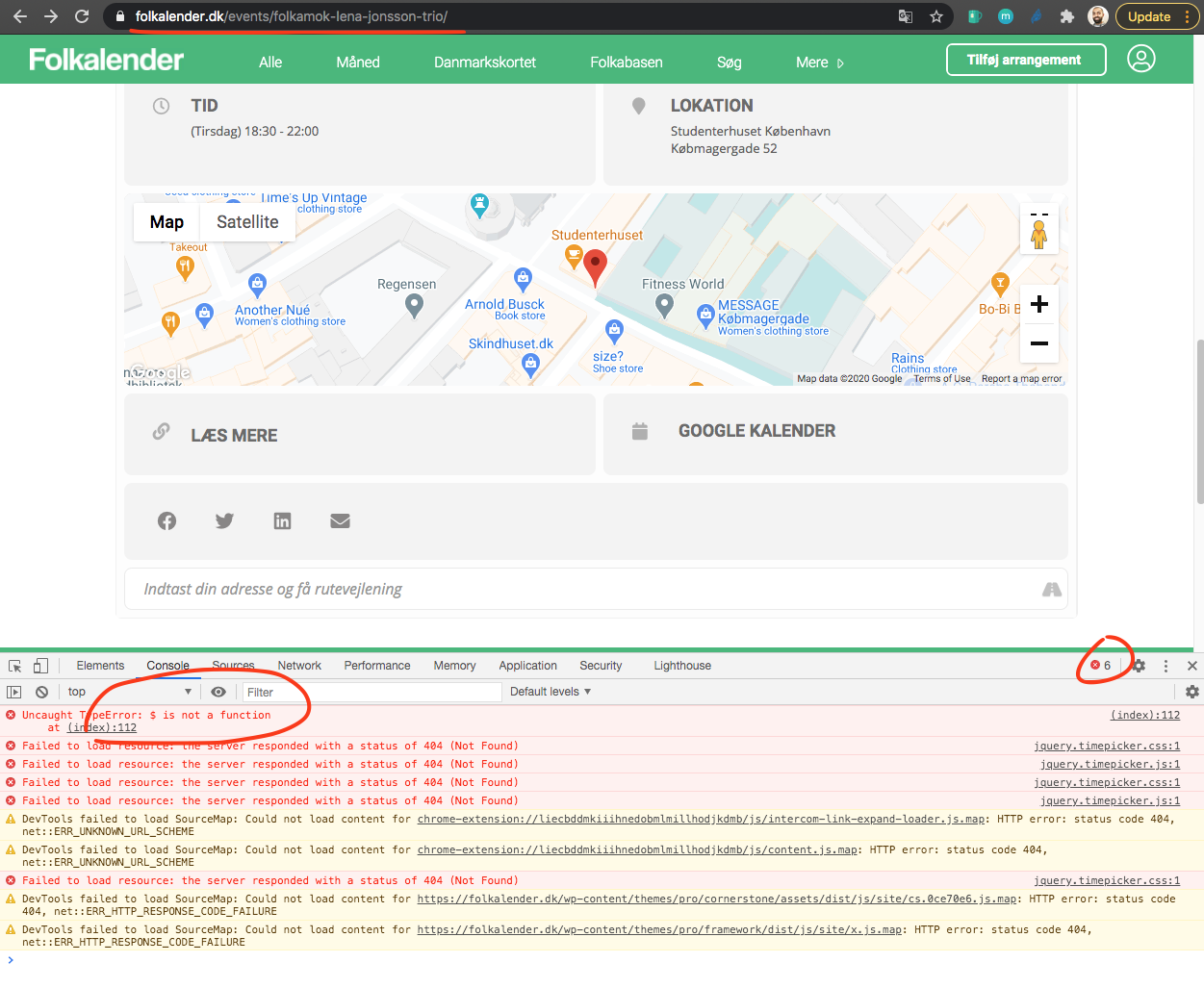
But I still see the $ error. What you can do to resolve this is. try disabling plugins and switching to default wordpress theme and see if any of those would get rid of this error. Because it is coming from another plugin or a theme.
Hi Basilis,
I have no problem with 00:00. That’s the right start/end time for all-day events. But this time shouldn’t be displayed in the event list. For example holidays for one week start on monday and end on friday. There’s no special time that should be shown in the list for the visitor of our wordpress site.