may I know how long will it take to fix the issue?
Archives: Replies
Replies for tickets on suppota
Reply to: tickets(202261)
Ashan,
Could you help with this one? Not sure where to find this.
Reply to: tickets(202261)
Thank you for your messages, I am going to assign this ticket to Ashan and he will be able to take it from here and find you a solution. Please allow some time for him to get back to you, we greatly appreciate your patience and thank you for being a eventon customer!
Reply to: tickets(202987)
Hello,
Could you update EventON to 3.0.2?
To update eventon to latest version: If you are unable to do autoupdate, you can go to codecanyon your account > download and get the latest eventon version as zip file. Then you can go to your website, deactivate old eventon, activate (Do not delete eventon settings & data when EventON is uninstalled) from eventon settings, delete old eventon, install new one and activate. This link will further explain the process it. Also you can follow us on twitter to get real-time announcements on updates!
Reply to: tickets(202814)
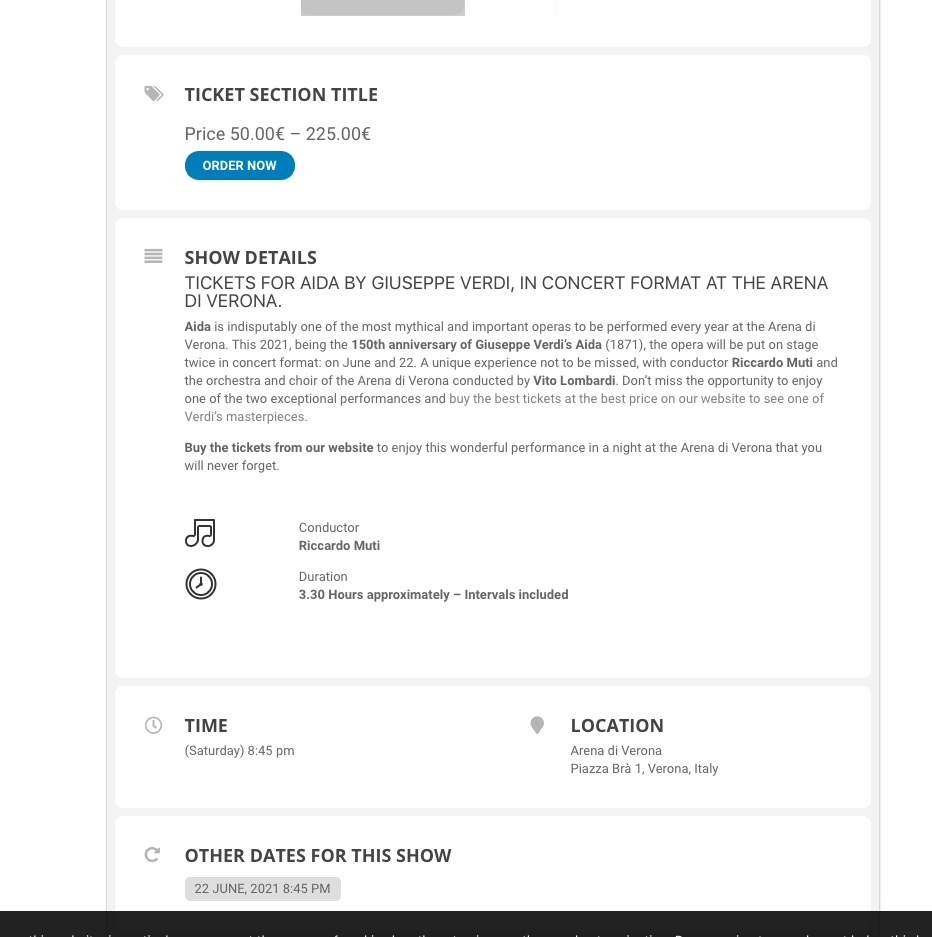
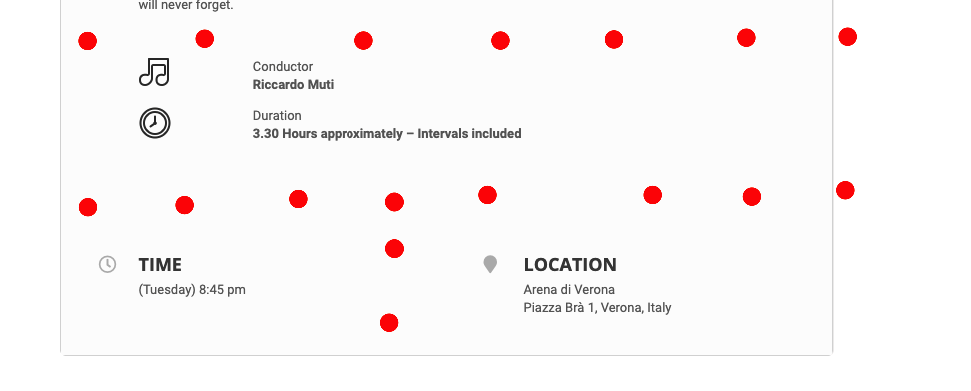
Since we’ve changed Event Card design, borders aren’t available anymore. Please go to EventON > Appearance > EventCard Styles > change Event Card Background Color to grey. Now replace the code from Reply to: 202877 with
.evcal_evdata_row, .evcal_evdata_row.evorow_2b .evorow_b { background: white !important; }
It should look like this in the end:
Reply to: tickets(202862)
Thank you for your messages, I am going to assign this ticket to Ashan and he will be able to take it from here and find you a solution. Please allow some time for him to get back to you, we greatly appreciate your patience and thank you for being a eventon customer!
Reply to: tickets(202862)
Reply to: tickets(202814)
Reply to: tickets(202814)
Reply to: tickets(202814)
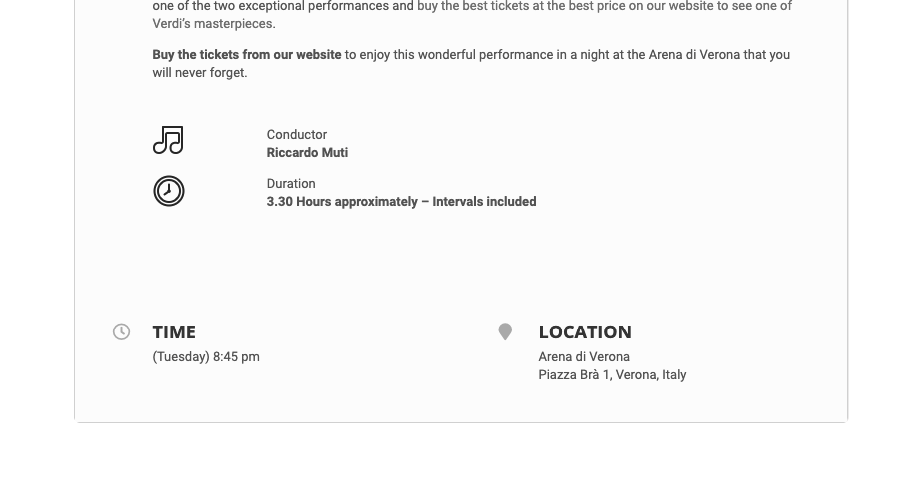
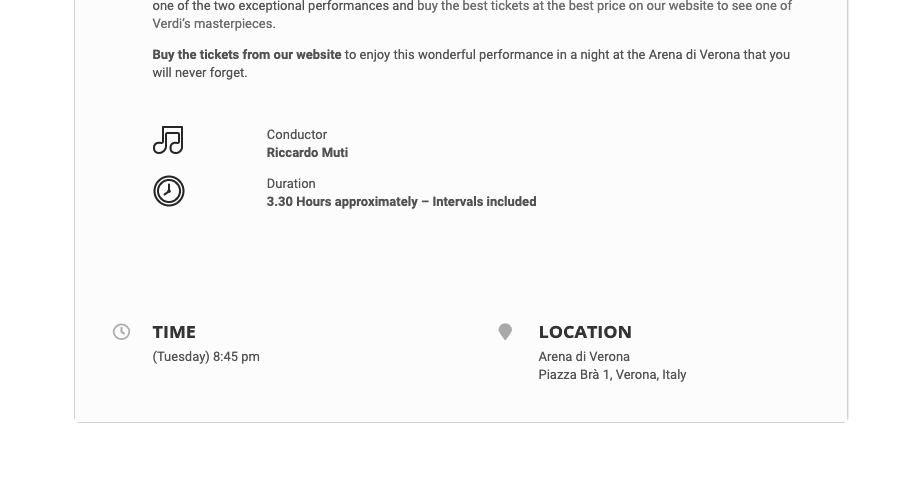
Hello, thank you. Now we can see the background in white but the gaps between quadrants are not visible in light gray. Now it looks like a word sheet. How can we solve it? Thanks 🙂