WordPress, Woocommerce, Eventon plugin and addons, all 0 day, updated.
Archives: Replies
Replies for tickets on suppota
Reply to: tickets(202029)
Hello,
We still have the following problem:
Clone the event, change the SKU, save, but after this we open again the event, the SKU didnt change. The save somehow dont work…
Reply to: tickets(202731)
ok. thanks. was that there and I just didn’t see it? or was something set up incorrectly?
Reply to: tickets(202694)
Hi Artem,
Thanks a lot this was really appreciated. I only added he “above title” in CSS. Now it looks absolutely great!
I will close the ticket.
Reply to: tickets(202731)
Please go to Event Details and find RSVP NOW section: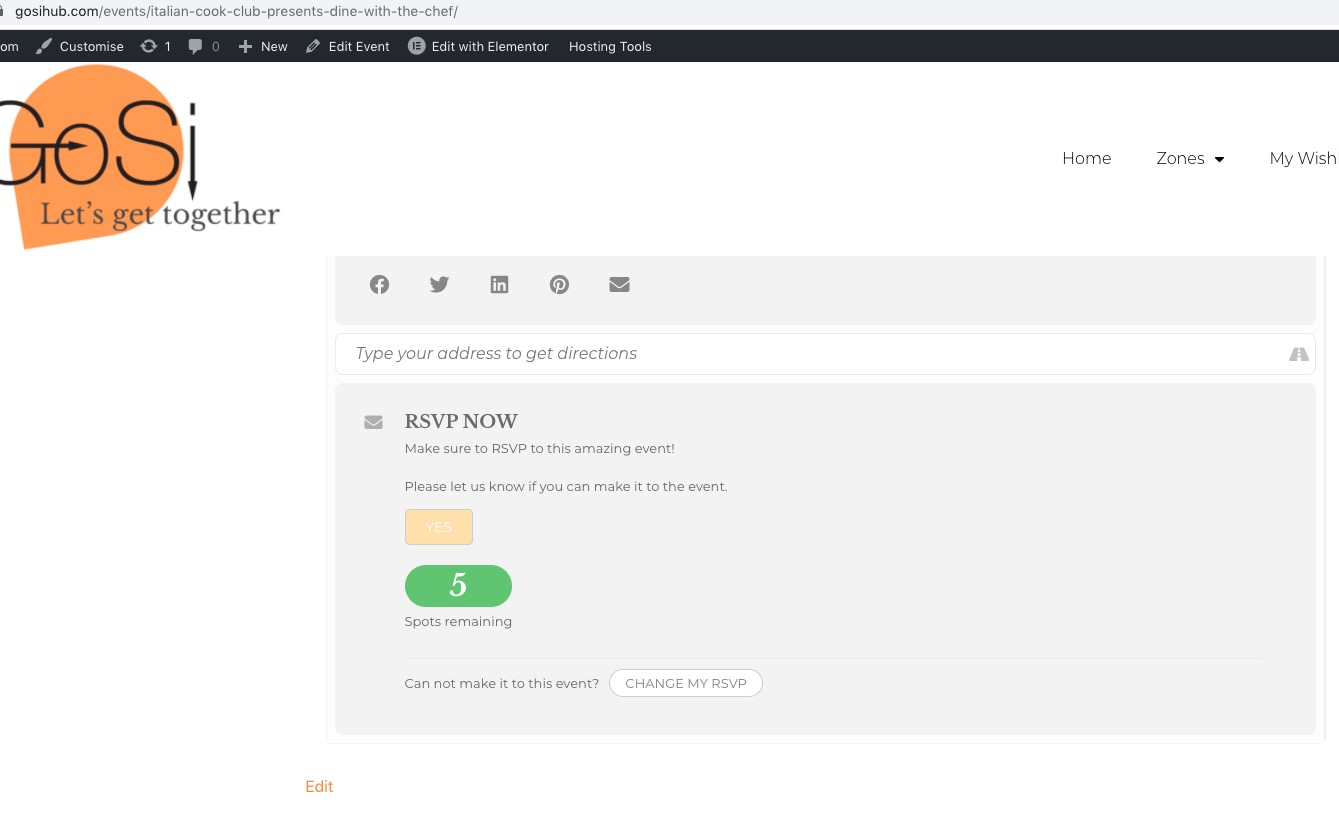
Reply to: tickets(201751)
Login info didn’t work for us:
ERROR: The username or password you entered is incorrect. Lost your password?
Could you make sure that you are using EventON 3.0.2? Please also try going to EventON > Appearance > set Current Theme to Default and save. If you don’t see any change, EventON > Scripts & Styling > turn off Write styles to header > save settings > turn on Write styles to header
Reply to: tickets(202144)
I deleted the shortcode from an event for testing, but that event also doesn’t show up when searching/filtering.
Did you remove them from other events as well? Please check how it works on our test site: http://dev2.myeventon.com/23503-2/. As you can see you can filter, search and so on with no issues.
Please contact CodeCanyon about refunds.
Reply to: tickets(202783)
Hello,
Could you update EventON to 3.0.2?
To update eventon to latest version: If you are unable to do autoupdate, you can go to codecanyon your account > download and get the latest eventon version as zip file. Then you can go to your website, deactivate old eventon, activate (Do not delete eventon settings & data when EventON is uninstalled) from eventon settings, delete old eventon, install new one and activate. This link will further explain the process it. Also you can follow us on twitter to get real-time announcements on updates!
Reply to: tickets(199793)
There was an issue with plugins breaking the website. It seems to be back in order now
Reply to: tickets(198259)
I will check with them but it does not make sense since all other time zones are displayed correctly.
Btw, please clarify the plugin name you are referring to?