Michael, unfortunately once a customer has set a subscription to cancel, resubscribing it a lot more involved. The easiest option would be for you to purchase the addons again. And you can use coupon code EVO20T and that will get you 20% off 🙂
Kind regards,
Ashan
We have coded the eventON to resave appearance settings after update. We will look more into this to make sure it is indeed doing this. In any case, if you go to eventON settings > appearance and click save changes that should resave your existing styles to correct one.
Glad to hear that Emillie 🙂 If you have more questions, kindly send us a new ticket and we would be more than happy to help you resolve your issues!
So it looks like when you use page slug “feed” it is interfering with other rss feeds, so simply changing it to something else will make the feed work again.
Interesting. As you can see in the eventON diagnose page https://holisweek.com/wp-admin/admin.php?page=eventon#evcal_013 the test emails are not going through. Are you able to send other emails from your website from other plugins?
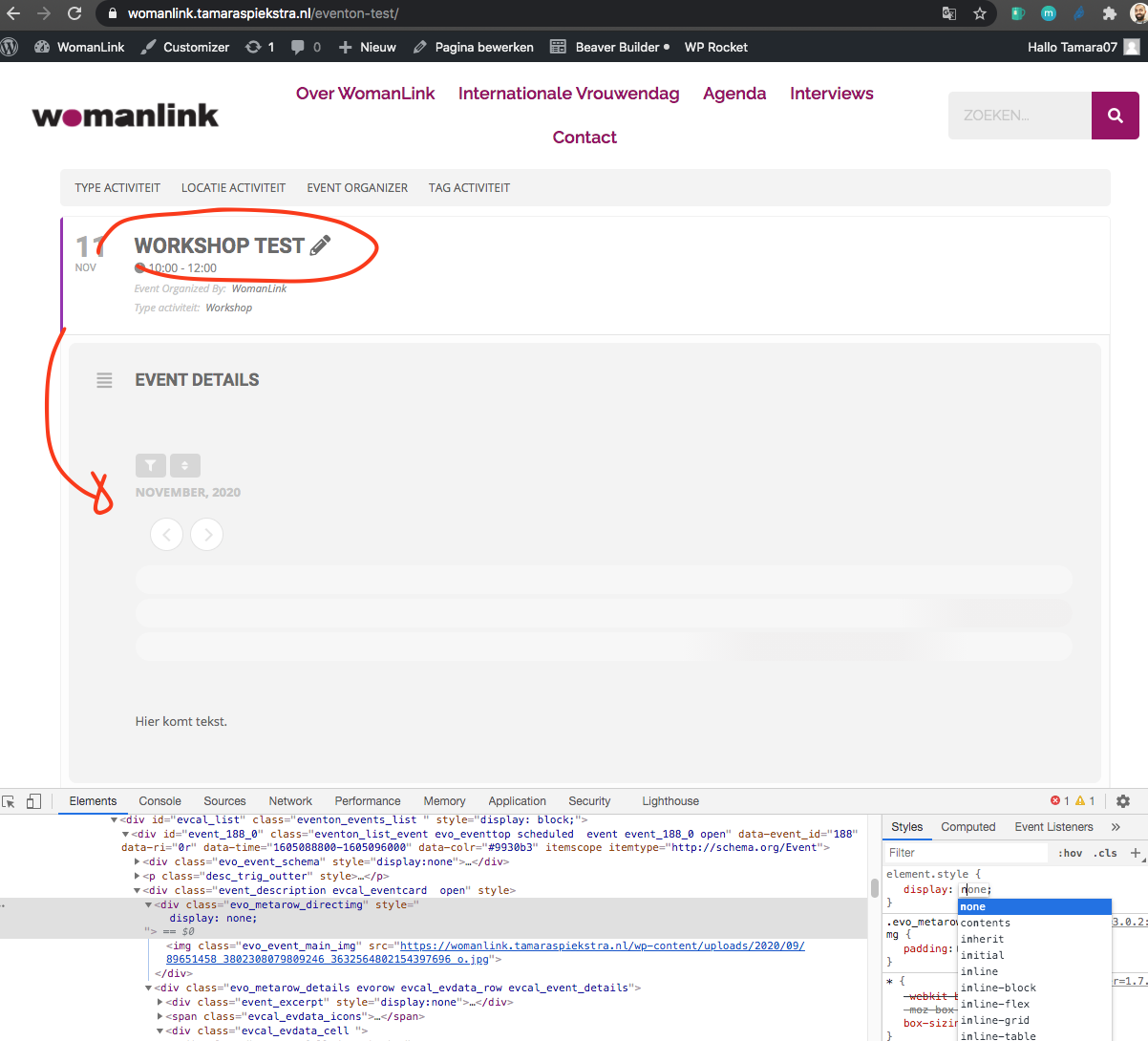
Ok I got the filtering working. But I would suggest you remove the calendar from Workshop test event. It just makes some of the jquery functions go in multiple loops.
Found the issue. You have added an eventON calendar inside one of the events, and that is why it was running the filter twice on the calendar.
Hey Tamara, yes it was night for us 🙂 I am still trying to figure out what is happening. Just to tell you whats going on.
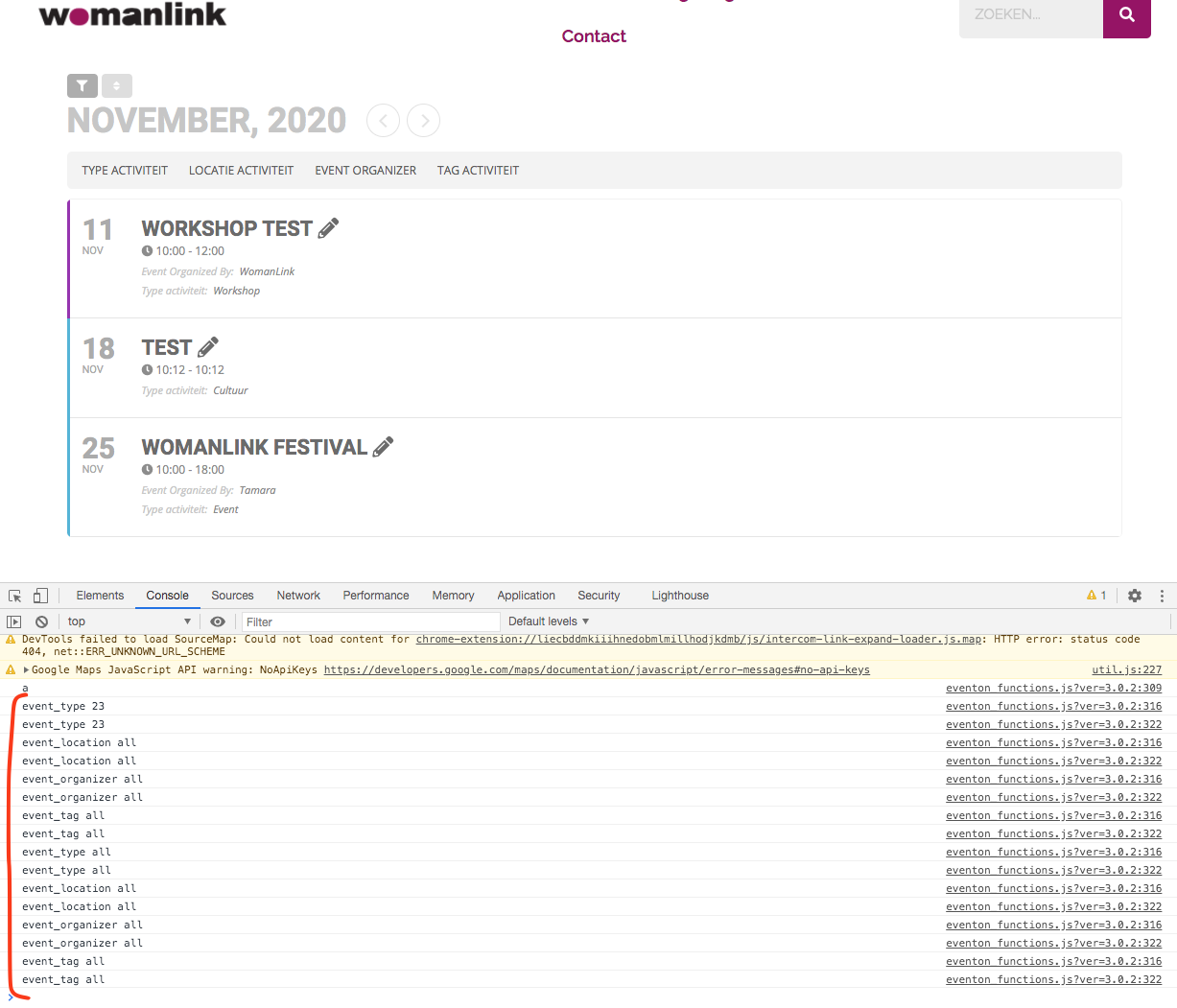
the $.each jquery seems to be running twice first time getting to correct filter value and then it is getting overridden with “all” value. This is not happening on our site, so very strange.
Hello,
Please send us wp-admin access to your site as a private message for us to further assist your situation.
Could you make sure that you are using latest versions of EventON (3.0.2), RSVP add-on and RSVP Waitlist add-on?
Please check for latest version of software from here.
About EventTop. You can hook into EventON and add the fields you like by following this guide: https://docs.myeventon.com/documentations/hook-eventtop/
About Event Card. You can either add the info you want to following https://docs.myeventon.com/documentations/show-additional-custom-data-eventcard/ or in the way suggested by infotainerdave.
And now anothe question: ¿is there any way to insert to this metadata a css class to styling before? or how can i select this element in my css?
Please follow infotainerdave’s advice but use Content Type: Multiple lines of text instead of Single line Text. This way you can add your text with HTML tags and CSS classes. More info https://docs.myeventon.com/documentations/setup-use-custom-meta-fields-events/