Thanks, then I’m waiting for your nod to view the demo with the addon 🙂
Archives: Replies
Replies for tickets on suppota
Reply to: tickets(202354)
I enabled WP_DEBUG and tried to email in this event https://holisweek.com/wp-admin/post.php?post=3934&action=edit: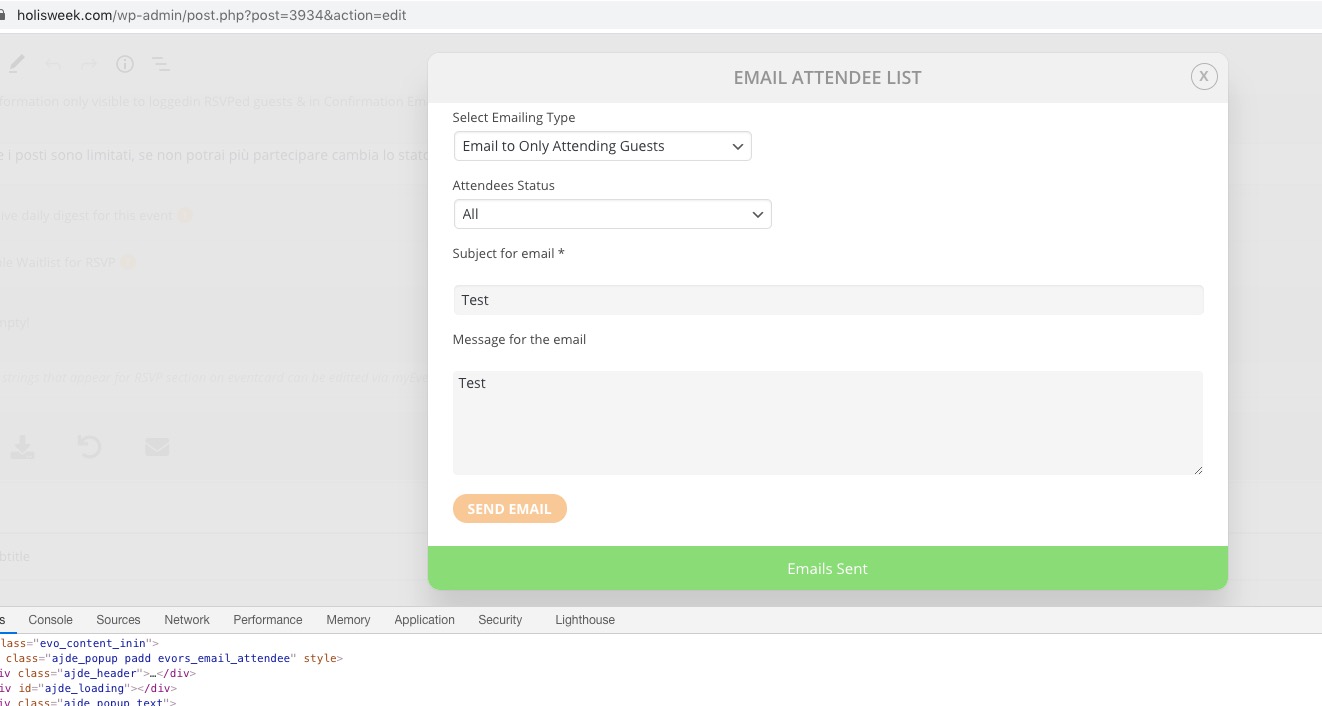
Could you try again until you can reproduce the error so we can check https://holisweek.com/wp-content/debug.log
Reply to: tickets(203801)
Reply to: tickets(203801)
Hello,
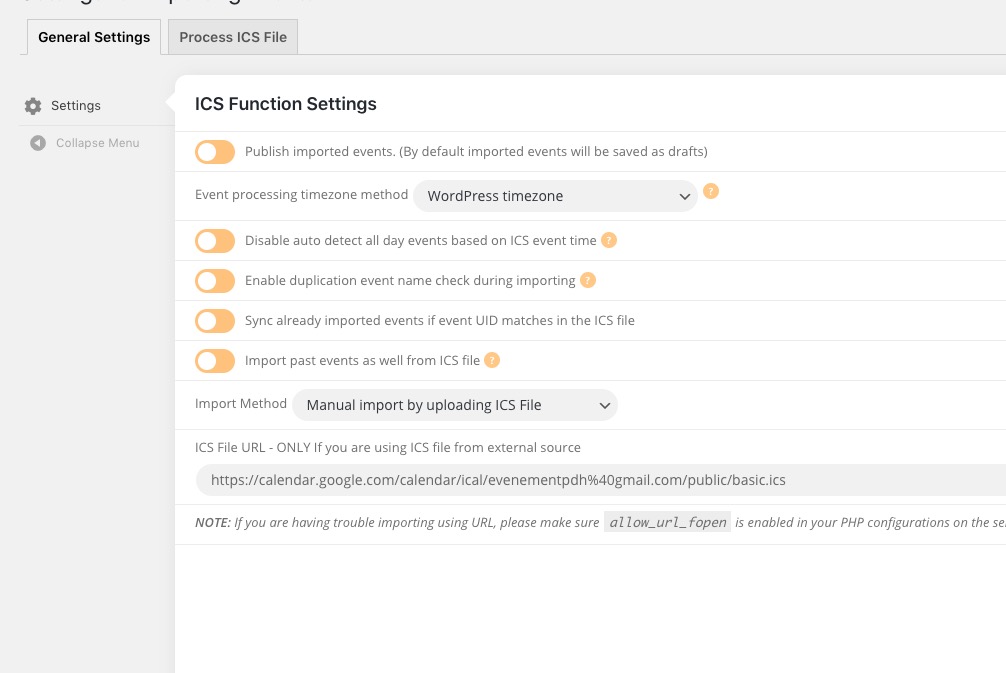
The problem is in EventON Settings > ICS Import > ICS File URL – ONLY If you are using ICS file from external source. You should put a link to the .ics file and not to the calendar itself.
Please check https://support.google.com/calendar/answer/37648 > Get your calendar (view only).
Reply to: tickets(203066)
Hi, I see… hmmmm… it’s a patch but not an actual solution yes… so this means that if you have tons of events that last for weeks or months, they would all show as dots cluttering the calendar… ok it’s fine. No big deal to show multiple dots I guess after all…
My other question I’ve just answered it myself. The “Live now” and “Time remaining” feature did not appear because the event had already passed by a few hours (Nov 2nd).
Thanks Artem. Till.. my next question 🙂
Omar
Reply to: tickets(203382)
Hi,
I removed the Login requirement to resgiter to the event so you can see now how I added manually the CSS.
You can remove it to see the efectt.
Thanks,
Guillermo
Reply to: tickets(199793)
It seems to work on my end now too! What was the workaround you guys found for the builder?
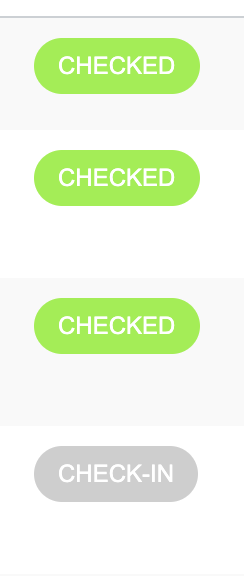
Right now the only issue I’m still facing is checking in guests in the All Events RSVP pages. It goes green, but if you exit the page and load it again or refresh, it reverts back. I know it’s nothing much since the other forms of check in work now, but I was wondering if I was supposed to be able to just click check-in on those pages.
Reply to: tickets(203800)
Hello,
I contacted our developers about this. It will be available soon on our demo site: http://dev.myeventon.com/wp-admin/
Reply to: tickets(203394)
In the RSVP section in the Event Card there is the RSVP Status Icon/box. When I try to change the colors from Eventon Apperance Menu I do not manage to do it. I checked if there is a problem with the them not taking the CSS and I copied and past the Dynamic CSS generated. Even after doing that, I did not see the color of the RSVP status changed so I added the CSS manually.
My question is: Should this RSVP Status be changed just by changing the colors in the Eventon Appearance menu?
Reply to: tickets(203799)
Hello,
The problem is in your version of EventON. Could you update EventON to 3.0.2?
To update eventon to latest version: If you are unable to do autoupdate, you can go to codecanyon your account > download and get the latest eventon version as zip file. Then you can go to your website, deactivate old eventon, activate (Do not delete eventon settings & data when EventON is uninstalled) from eventon settings, delete old eventon, install new one and activate. This link will further explain the process it. Also you can follow us on twitter to get real-time announcements on updates!