Hi Basili,
i dont know whats the issue. WordPress allow me to add events on same location/datetime.
I havent changed anything at functions.php.
I have recorded a video from staging system (the one you work on). Please watch to see if i do something wrong, its just 1minute.
https://youtu.be/vszvpPVDZzM
Best
George
Hey George,
Please check again, tell me if all good.
is there another way to hide this on specific events with shortcode? we want to hide on some but not all events.
This doesn’t seem to work correctly with Eventon List addon. When I add this shortcode it only displays one event.
And regarding your customization request thing sorry I will never ask you guys to do any customizations. I made a request almost two weeks and the task is still not done. I even paid the entire amount upfront. The developer seems to be overloaded with too much of work but then he shouldn’t have accepted the request. Can you please check my other ticket and help me out?
Hi ! Thanks for the reply!
there are no IP blocks on the site, no problem. Surely take your time but maybe you can tell me about when you can? And just to tell my client who in the meantime will view the events like this but I just wanted to notify him. Thanks again!! 🙂
HEy Vinay,
Take a first look, we have moved everything from styling etc and we have done the integration with the eventON main plugin, let me know how it looks
I told you about the issue with repeatable events. Now for me to understand exactly what is NOT working.
Have you changed something over code side?
Hey George,
Do not open new tickets, I will help here no worries 🙂
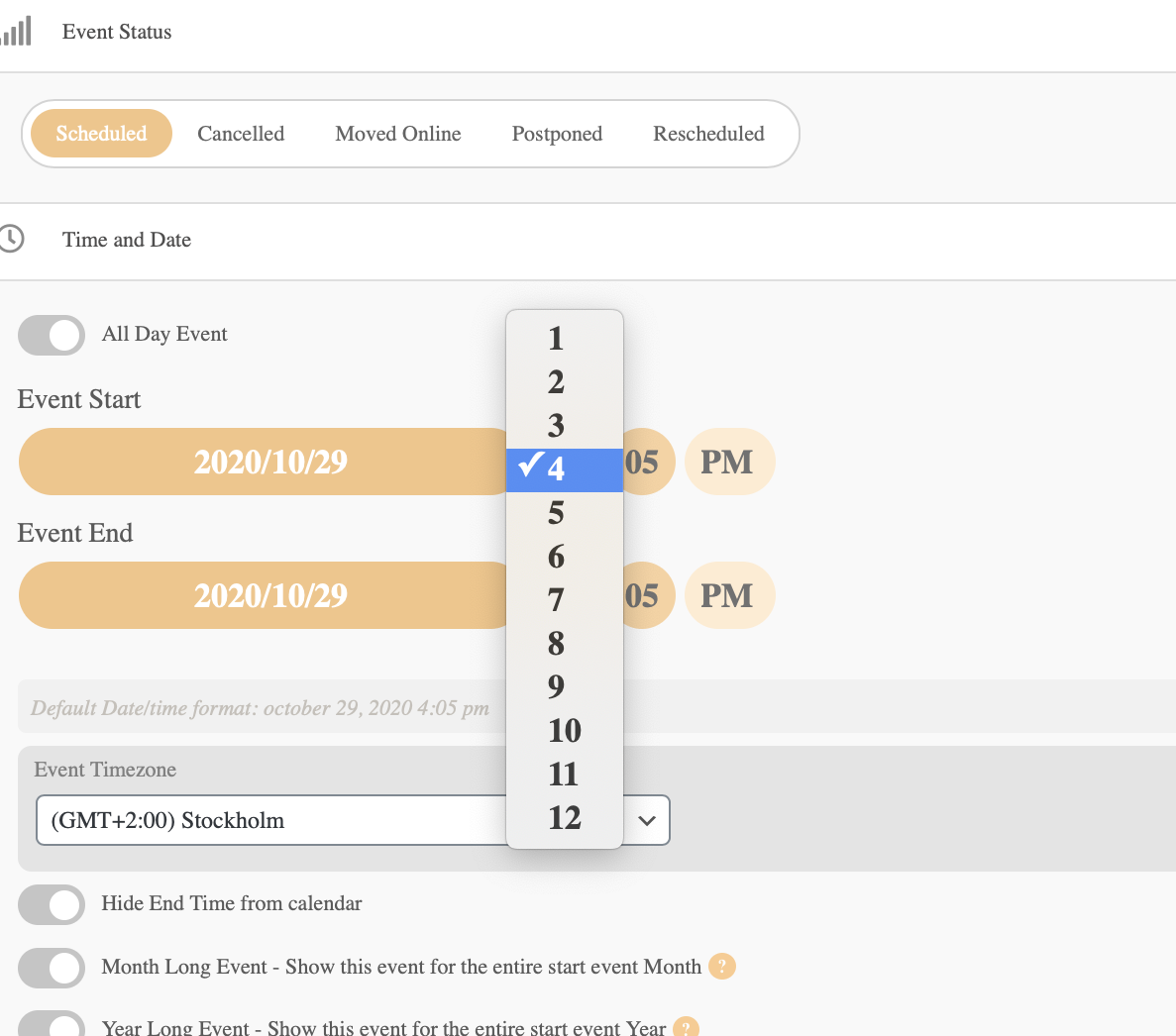
now i can change the clock but still not the date…
try setting the date to December 4 on this event https://hyttfors.com/wp-admin/post.php?post=2229&action=edit
hi there, my team is asking which js script changes the timing and date and where it’s written