You did the right thing. The only change that can increase the overall performance is to change 2050 to 2022 or 2023.
Archives: Replies
Replies for tickets on suppota
Reply to: tickets(202521)
Hey Helen,
provide me access and I will help
Reply to: tickets(202688)
We are glad your issue is resolved, if you have any further questions or concerns please create a new ticket. If you have a moment, we would greatly appreciate if you could kindly leave us a review at codecanyon! from your account > downloads. Cheers!
Reply to: tickets(201751)
Everything should be fixed now: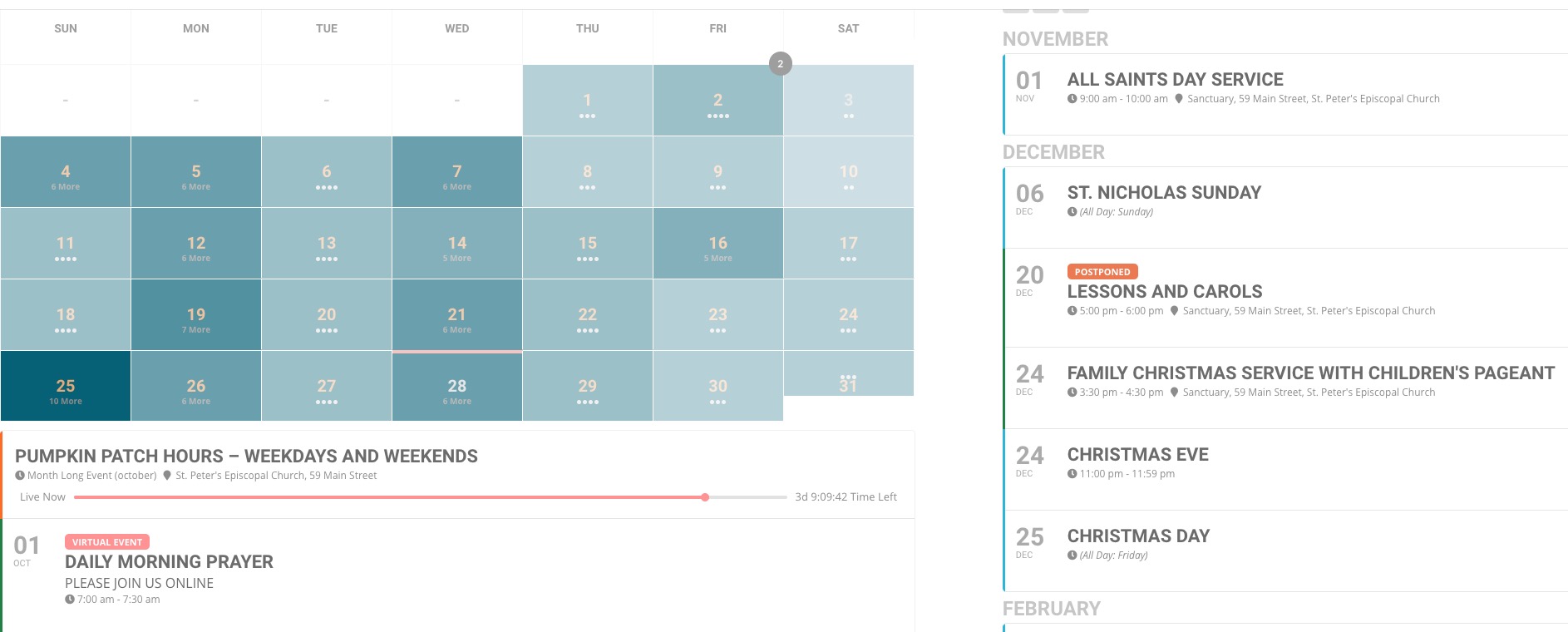
Please check and let me know.
Reply to: tickets(198168)
Basilis, this is the new password for WP dashboard:
%hcE0wbmIT$*eengOu3UkurM
Reply to: tickets(202814)
Please add this CSS code to EventON > Styles (If you don’t see any change, EventON > Scripts & Styling > turn off Write styles to header > save settings > turn on Write styles to header):
.evcal_evdata_row, .evcal_evdata_row.evorow_2b .evorow_b { background: transparent !important; }
Reply to: tickets(202731)
When you install or update the main plugin or add-on you need to go to EventON Settings and save them.
We are glad your issue is resolved, if you have any further questions or concerns please create a new ticket.
If you have a moment, we would greatly appreciate if you could kindly leave us a review at codecanyon! from your account > downloads. Cheers!
Reply to: tickets(202783)
We are glad your issue is resolved, if you have any further questions or concerns please create a new ticket. If you have a moment, we would greatly appreciate if you could kindly leave us a review at codecanyon! from your account > downloads. Cheers!
Reply to: tickets(199517)
okay i will wait for the update then. please note it should use the same font as default theme font.
Reply to: tickets(202521)
Hi, Thanks, that’s all good information. I will put a full brief together
We purchase reminders over a year ago, when I updated to the new version of eventON I had to reactivate all my add ons, I got an error message for reminders saying it had already been activated. Would be really helpful to have it reactivated so I can use it.
Thanks
Helen