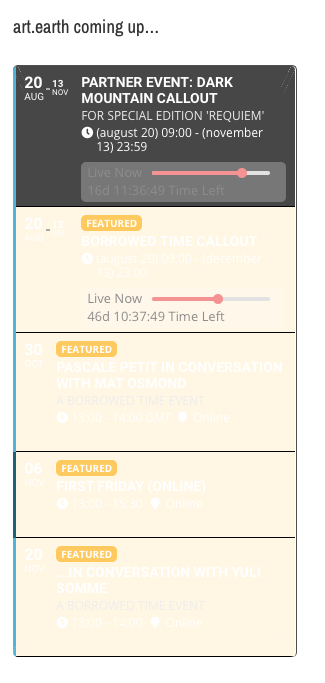
Hi. I’ve looked through the documentation and can’t find how to amend the style of the widgets, without re-writing the css files which is not my area of expertise. Everything was displaying fine until the very recent update. My main calendar is also not working – it’s not loading anything.
https://artdotearth.org/our-events/
Site admin details –
SiteURL – http://stage.theiabm.org
Username – eventon-admin
Password – P@$$W0rd
Page URL were issue persists – http://stage.theiabm.org/single-current-member/2wcom-gmbh
Hey Helen,
The email reminders might have limited functionality, on this new addon we will do w/e you have in your mind. If you want different messages, we will do different 🙂
Anything you want us possible.
I can enable a plugin only if you have purchased it, but again no need to look on what they have now, we can do w/e you actually want.
Hi Basilis
Thanks for your reply.
so
for (a) you can’t to anything. It’s ok.
for (b) I found a way to duplicate them.So don’t add anything.
To finalize the project I have 1 question and 1 request:
a) Does the new customizations/codings affect upgrading to EventOn 3.0 ?
b) Can you package everything in a WP plug-in in order to add it to live system?
Best,
George
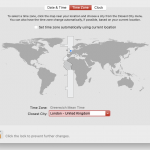
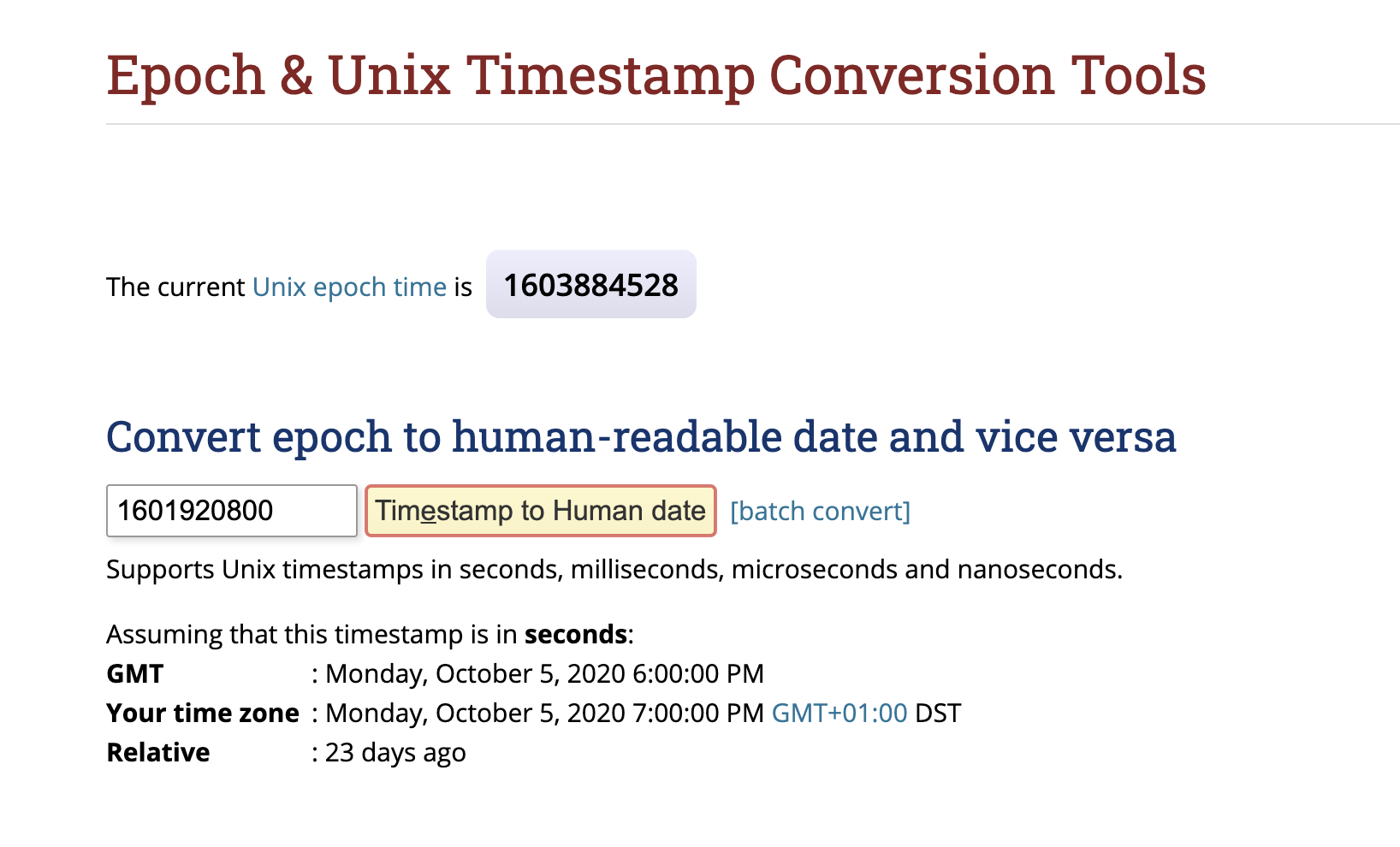
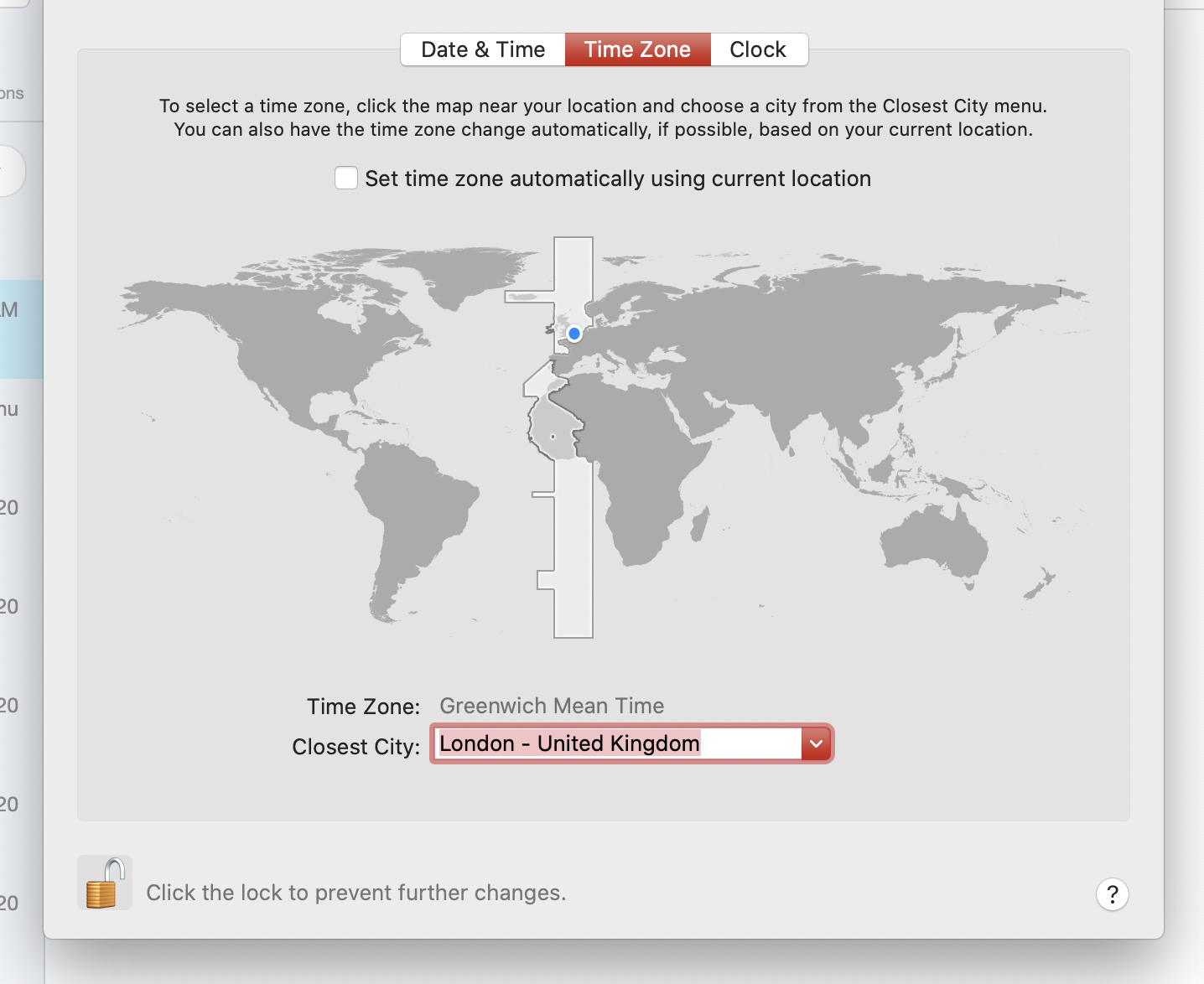
its +-0, and as per epoch also that should be correct what we are showing. its showing 7 pm , from epoch, so our conversion is correct. Whta you need to remember is that, we convert based on time the event created, so if it created when the time difference was other, then you need to update the time to this event, because wordpress time is not updated ( or check your DB and WordPress time settings ).
But what I just send you is from the creators of moment JS who checked their self and they confirmed that time is correct on our conversion ( screenshots attached let me know if you see them )
add this to Apperance>>>customize>>>>additional css
.evcal_evdata_row, .evcal_evdata_row.evorow_2b .evorow_b {
background-color: #c84040 !important;
}
change c84040 to the color you are after
I am sorry I do not understand- could you provide screenshots or a video
the event backend has the event title and event details on the edit page
try the slider on the one level larger than mini-the mini is designed to be absolute minimum info- name date/time, location
tell me about your membership users
How many user roles do you have for your members- for example do they have
Gold member
silver member
bronze member
or is it one user role for members and you are either a member or not?
if you had tickets and RSVP
You could set the rsvp (which is free access) to only the userole of the member, and therefore
if they are not a member- they need to buy a tickewt- but if they are a member they can simply 1 click RSVP