Hello,
1. Thank you for your messages, I am going to assign this ticket to Ashan and he will be able to take it from here and find you a solution. Please allow some time for him to get back to you, we greatly appreciate your patience and thank you for being a eventon customer! Also please disable any IP blocking on your site if there are any.
2. Please try this solution from our main developer: “kindly try clearing cache in your browser. It may be due to the browser not loading the new javascript files to load correct codes for toggle button animations.”
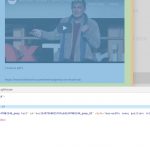
Could you send us a screenshot? On my side it shows #f3f3f3 (lightgrey):
I am very sorry. I upgraded to 3.0.2 and I have exactly the same issues !
On our test server it works correctly: http://dev2.myeventon.com/23503-2/, so the issue can be in your version of EventON.
However, I think that you can update RSVP add-on since 2.6.12 version has some issues fixed. The same with Subscriber and Event Lists: Ext add-ons.
Do you still have old versions of add-ons somewhere, just in case you’ll need to restore them?
For best results in any updating- you want a staging site
whats a staging site?
Many (not all) web hosts offer a staging site and heres how it works
you have your current webs site- then you create a staging copy of your site in a sub folder (web hosts like siteground allow you to create a duplicate of your website with 1 click)
then you can do anything you want to the staging site- update themes, addons whatever and it wont effect the live site
then after you have tested out the staging site and it works as expected- you click a button and the staging site becomes the live site- this is the best way to update at all times- there is no risk and you can test before its live.
ask your web host if you have access to a staging site- they are very handy and take the stress out of updating
Hello,
If everything works please don’t touch anything until your main event is over. EventON 3.0 is mainly a visual update. Please check https://codecanyon.net/item/eventon-wordpress-event-calendar-plugin/1211017 > Change log for more info.
I have not done any change on the Front End, what have you changed and it broke?
Hello Artem,
yes, I’ll try to update, last time it didn’t work.
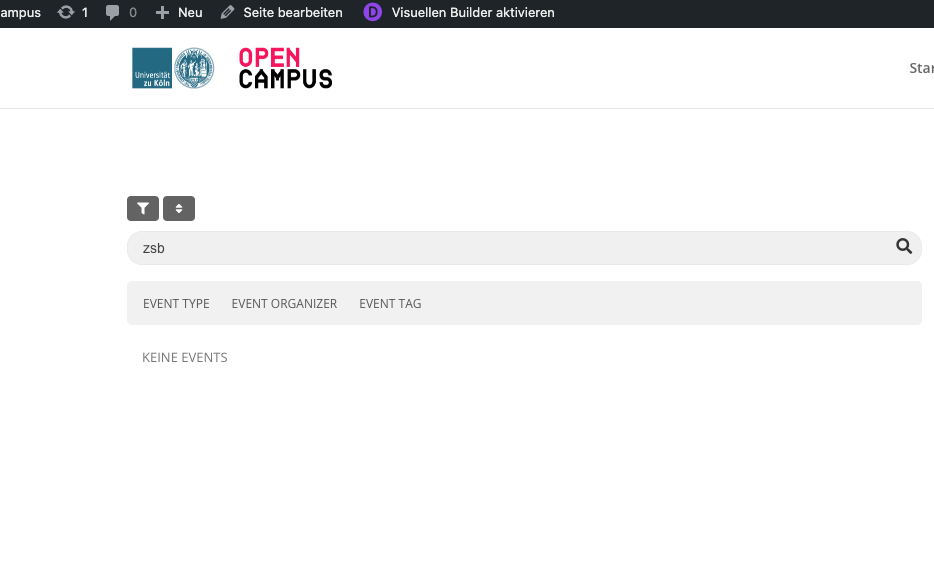
Filtering and searching for events still doesn’t work, they are still not shown when the page is published, I checked. 🙁
Bests, Yasmin
If everything is working as you like- Don’t update- simple
