Please update EventON and RSVP add-on to see more translations.
Can you go to wp-admin > Appearance > Customize > Additional CSS > add the code and save?
You can send us wp-admin access to your site from “Access Info” box on right side menu, to further assist your situation.
Sounds good, thank you.
Also, to confirm, 4.9.10 is clear of the “Broken Access Control” vulnerability, correct?
Have you tried disabling plugins and switch the theme? We need to see HTML code to see any incompatibility issues with other plugins or the theme.
You can create a simple clone of your website without content. Just make sure that plugins are enabled and your theme is in use.
Hello,
Are you referring to these emails:

debug.log file doesn’t have anything related to EventON.
Please note that I don’t have any access to wp-admin > Plugins page, so I cannot see which plugins are enabled.
Did you enable Filters Plus plugin?
Hi there Jeff,
Honestly we have been pretty caught up with this vulnerability fixes for eventON. Please continue to apply your patch. We will see if we can get this implemented in the future, quite possibly with photos plus addon, this that seems like a better fit for this feature as not everyone might care about to be specific like this.
I will book mark this ticket, and once we get this implemented I will be sure to share the code with you 🙂
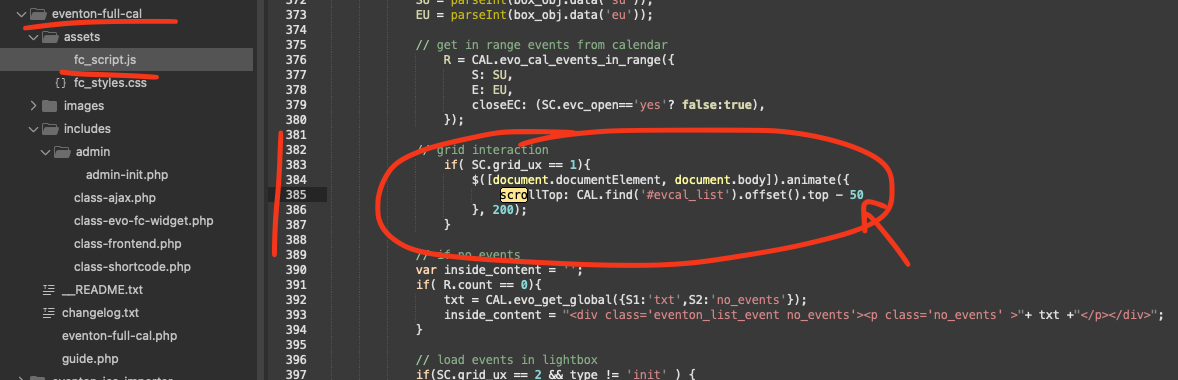
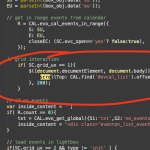
in case you are interested, this is the part in the code where page scroll to top. You can adjust the number 50 to get it properly move. However we have no plans to change this 50 into settings to allow custom value, so new updates may override the changes you made to code.
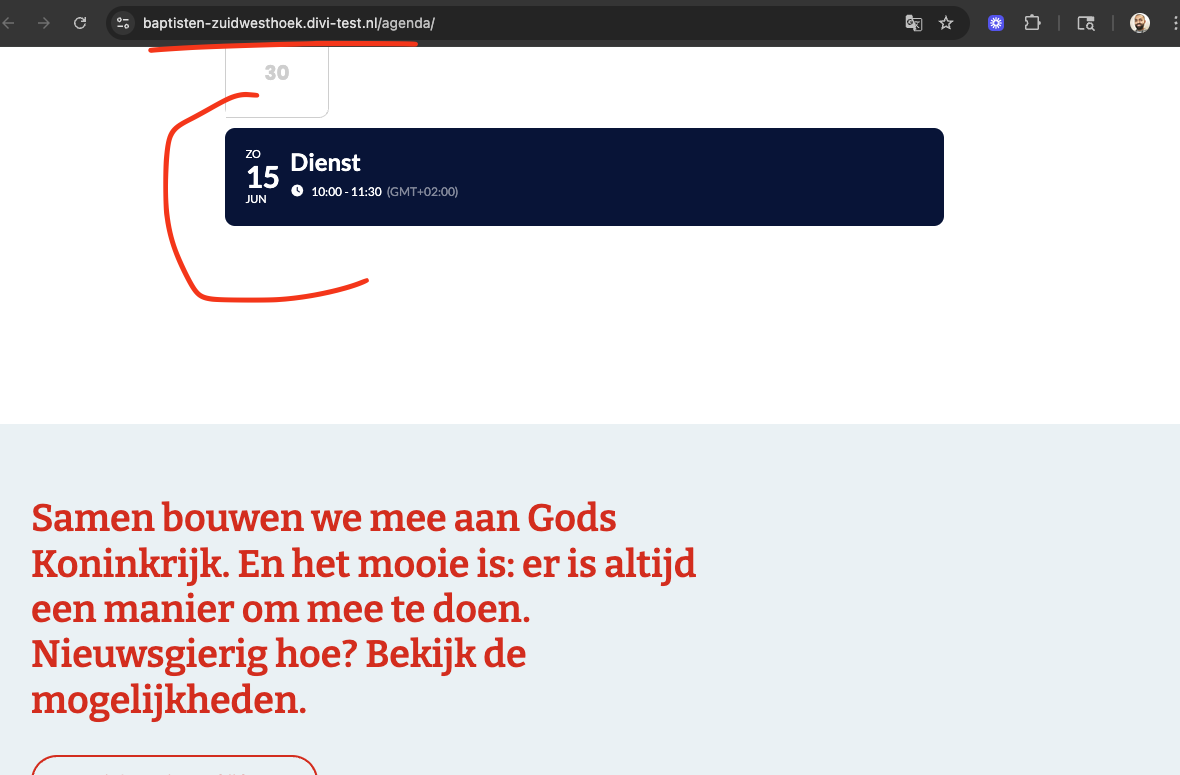
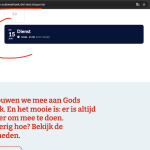
Seems like you got rid of the fixed header and that made the events appear correctly focus on the page.
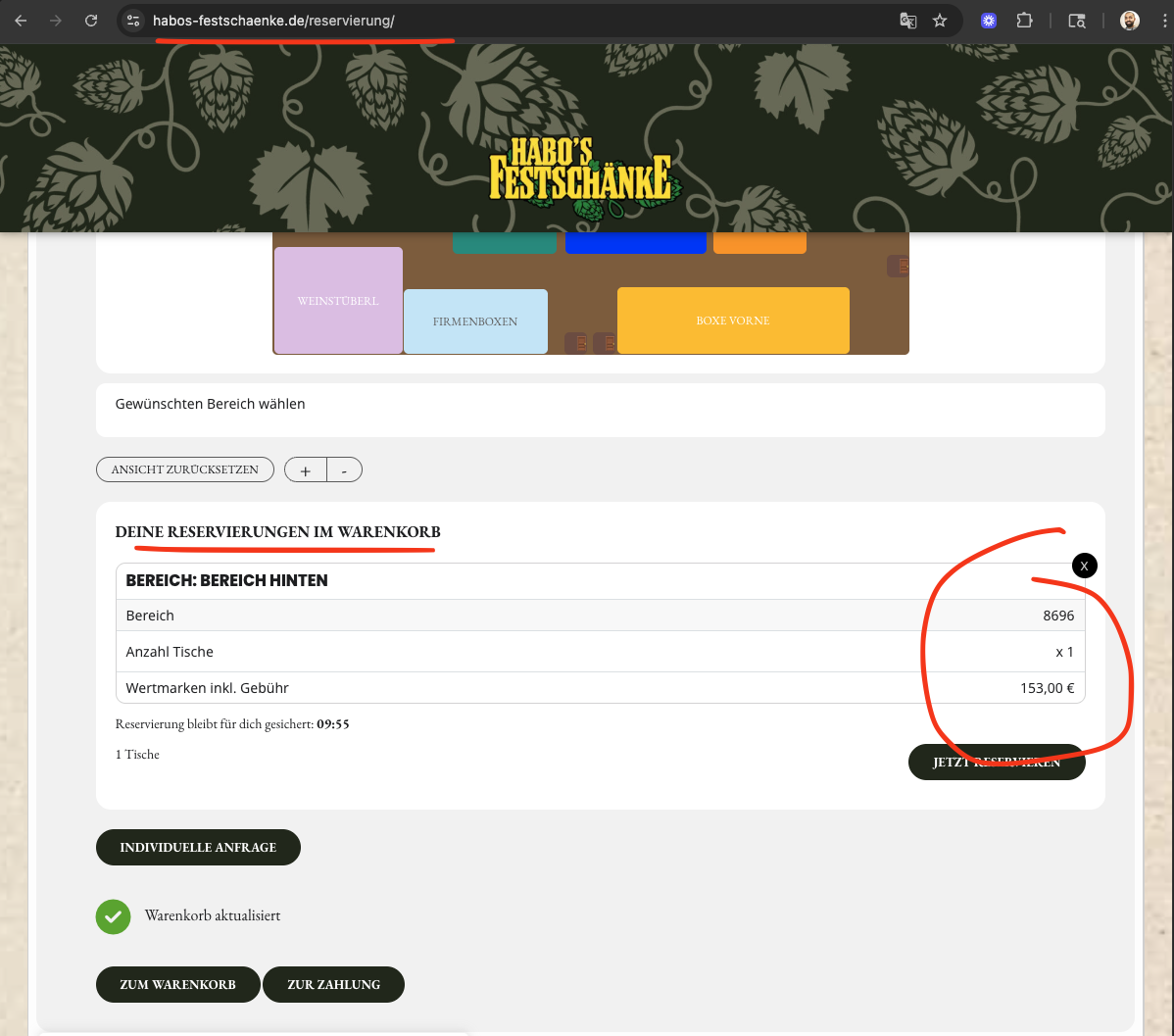
Just checked on your website, everything seems to be working correctly with seats adding to cart 🙂